Hysterical Happy Gnome Emojis
iOS Universel / Autocollants
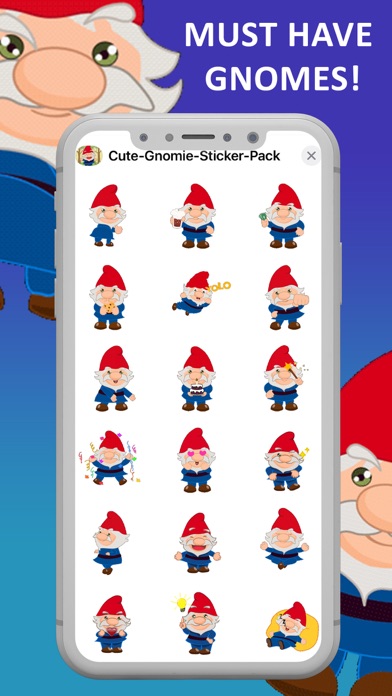
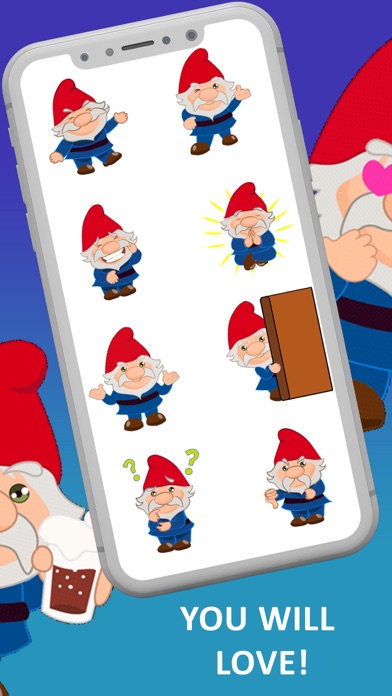
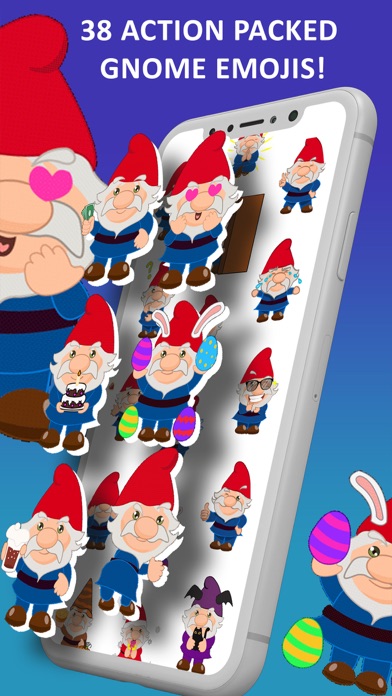
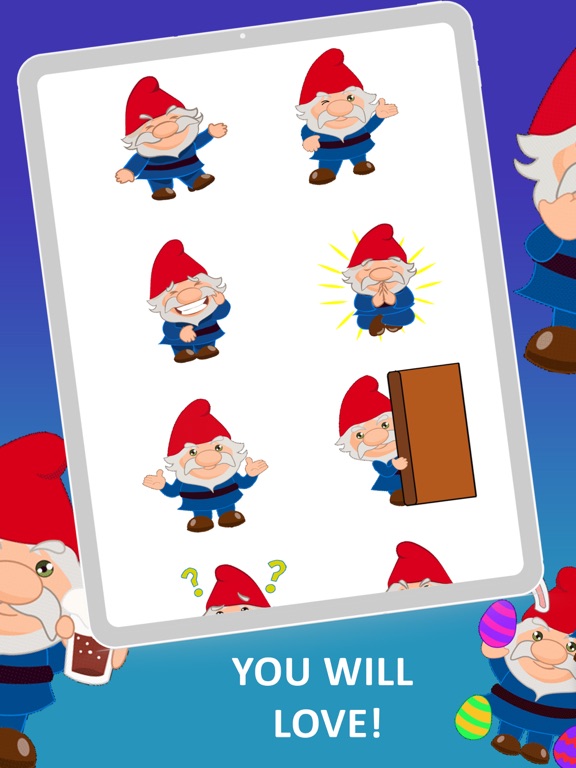
Bring much needed smiles and laughs to your day when you FUN UP your texts with Gnome Twerks, Flossing, Dancing, Laughing, Ghosting, Cheers, Waving, Kissing, Holiday and SO many more outrageous Gnome Emojis. 38 Total. Get ready to LOL with these animated stickers! You HAVE to see them in action! SO. MUCH. FUN!
At YippityDoo, we love helping people smile, heal, balance, learn and grow. That's why we give at least 10% of every app you buy to charities with a focus on young people as well as smaller animal rescues. We hope you love our apps as much as we love making them for you!
CHECK OUT ALL THE FUN EMOJIS IN THIS ANIMATED STICKER PACK:
* Floss Dancing Gnome
* Fist Bumping Gnome
* Peace Out / Ghosting Gnome
* Cheers with Mug Gnome
* Booty Shaking/Twerking Gnome
* Come Over Here Gesturing Gnome
* Hungry/Eating Gnome
* Running Man Dancing Gnome
* YOLO (You Only Live Once) Parachuting Gnome
* Waving Money - That's Money! Gnome
* Meditating/Floating Gnome
* Celebration Gnome
* Waving Magic Wand Gnome
* In Love - Popping Heart Eyes Gnome
* Sleepy on Pillow Gnome
* I Don't Know Shrug Gnome
* Big Smile Gnome
* Blowing Hearts Gnome
* Good Idea Gnome
* Waving Hello/Goodbye Gnome
* Hat Pulled Over Eyes - Can't Look Gnome
* Laughing Gnome
* Praying Gnome
* Giving Peace Sign Gnome
* Sending a Hug Gnome
* Sad/Crying Gnome
* Thinking Gnome
* Thumbs Down Gnome
* Thumbs Up Gnome
* Winking Gnome
* Cool with Sun Glasses Gnome
* Embarrassed Gnome
* Peek-a-Boo Gnome
* Happy Birthday with Cake
* Easter with Bunny Ears Gnome
* Halloween with Bat Ears Holding Black Cat Gnome
* Thanksgiving with Pumpkin and Pie Gnome
* Christmas with Santa Hat, Gift and Snow Gnome
LMAO - SO MUCH FUN!!!
---------------------------
HERE'S HOW TO USE YOUR STICKERS
1. After buying the emoji’s, don’t leave the Apple Store.
2. Tap on “Manage” in the top right of the Apple Store
3. Scroll down to the list of apps and find “Twerk Dance Gnome Text Emojis”
4. Click the “Switch” to the right to turn “on” (Green)
5. Click “Done”
Now the installed Gnome Stickers Pack will be available in your “Sticker Drawer”
HOW TO SEND YOUR GNOME EMOJI STICKERS
1. Click on any text message
2. Tap on the funny “A” button
3. Tap on the “GNOMES EMOJI’S” icon where all stickers will be available
4. Now you can use/send all the animated emoji of Hysterical GNOMES!!
5. Tap the emoji that you want to send in a message (same method as sending a standard emoji)
MAIN KEY FEATURES:
The Gnome stickers can be placed over incoming text messages, GIFS, photos, and other stickers!!
LAYERING THE EMOJI:
~ To layer an emoji, select the emoji you want to use from the Gnome Emoji pack. Now, place a finger on the sticker instead of tapping it and drag the emoji up to the messages window.
~ You can drag and drop each emoji from the Gnome Emoji pack. Place it anywhere you want to i.e., on a message, photo, or existing sticker.
~ Please note that the sticker must be placed on the content that has been already sent. Layering a sticker won’t work while composing a new message.
RESIZING THE STICKER:
~ Stickers can be resized and you can even rotate the sticker before placing them.
~ For making an emoji bigger or smaller, you will have to drag the Gnome Sticker up to the messages where you want to place it. Now, add another finger to the screen and by using both fingers (pinch gesture), you can expand or contract the sticker.
ROTATING AN EMOJI/STICKER:
~ Rotating and resizing the sticker is almost same. But in rotating the emoji, you have to hold the sticker before placing it and use two fingers to twist the Gnome Emoji around.
~ Please make sure that you don't remove your fingers until you rotate it the way you want it to look. After removing the fingers, you can no longer edit the emoji.
THANKS FOR DOWNLOADING!
Be sure to rate your Gnome Emojis 5 stars and visit us at Yippitydoo.com for other fun stickers to download!
What gnomes do you want to see next? Let us know!!
Quoi de neuf dans la dernière version ?
Metadata changes