iPhoneAddict Apps
  • Actualités
  • Accueil Apps
  • iPhone
  • iPad
  • Universelles
  • Mac
  • Apple TV
KG KultureGeek
App
iPhone / iPad Télécharger iAddict v5 Mac Télécharger iAddict Mac
  • Actualités
  • Accueil Apps
  • iPhone
  • iPad
  • Universelles
  • Mac
  • Apple TV
  • Archives keynotes
  • Firmwares & iTunes
  • Contactez-nous
  • Comparateur de prix
  • KultureGeek
Accueil » Liste des Apps » Apps Universelles » Autocollants » Happy New Year Celebrations
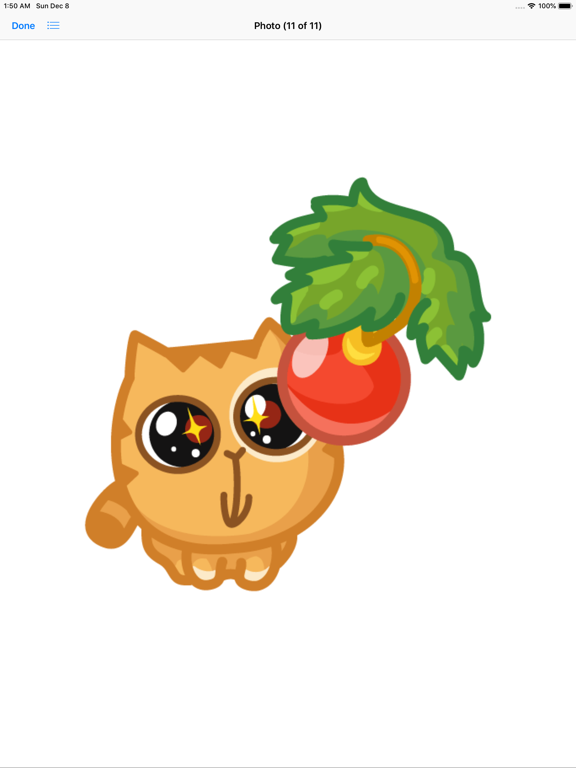
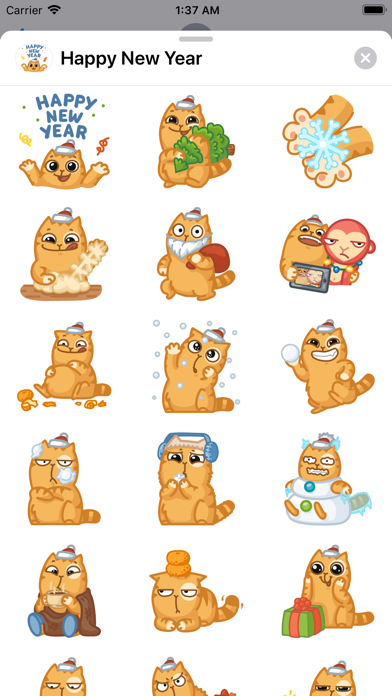
1.0 iOS €Gratuit Hira Akram 0 0 Christmas mood is in the air. Join the fluffy Persik in anticipation for festive wonders and, of course, for gifts from Santa Claus. How to use iMessage Stickers: • You can peel and place them on anything in your conversation – bubbles, images,...
Happy New Year Celebrations

Happy New Year Celebrations

iOS Universel / Autocollants

Gratuit au lieu de 0,99€
Obtenir sur l'App Store
Facebook X E-mail

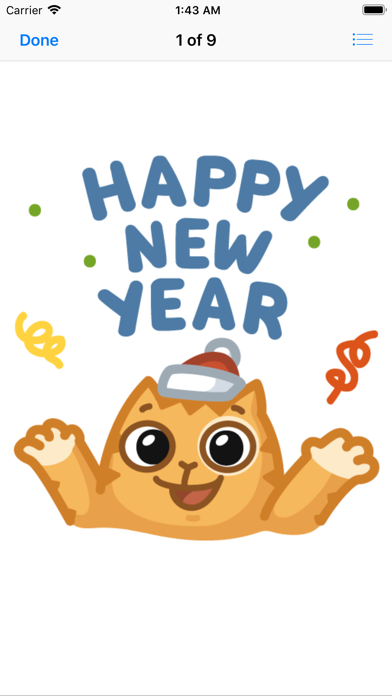
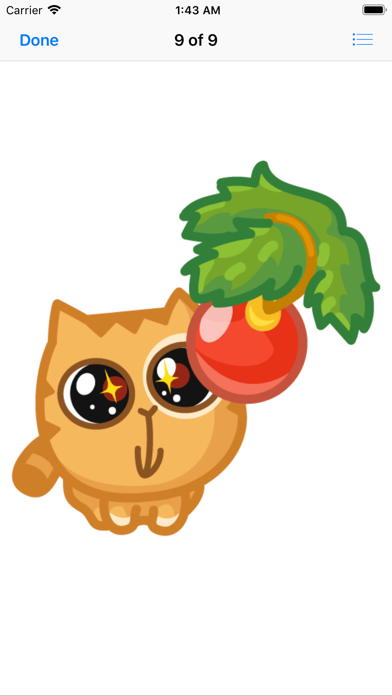
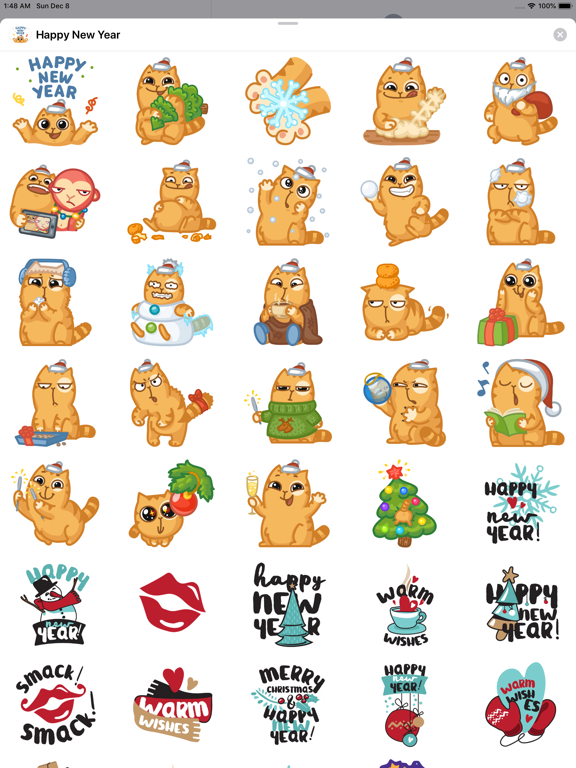
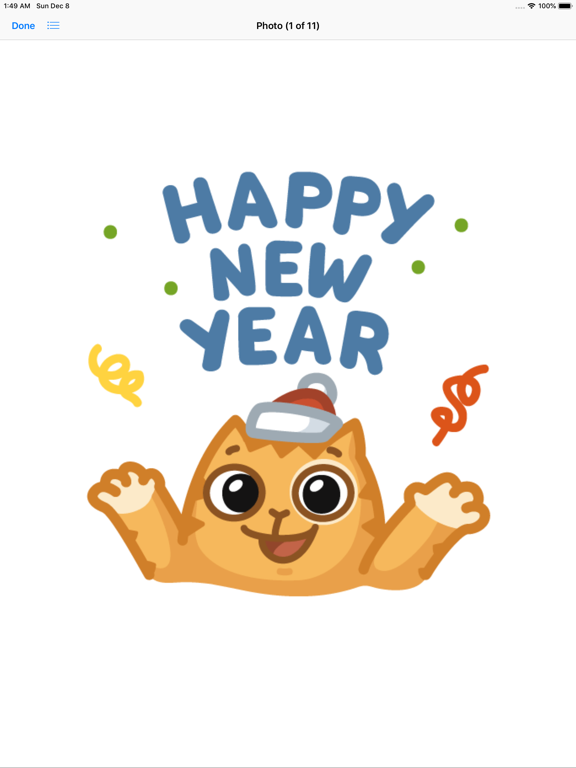
Christmas mood is in the air. Join the fluffy Persik in anticipation for festive wonders and, of course, for gifts from Santa Claus.

How to use iMessage Stickers:
• You can peel and place them on anything in your conversation – bubbles, images, or even other stickers.
• CUSTOMISE your photos with stickers in chat
• LAYER stickers over each other, in chat, and on photos
• To make stickers bigger or smaller, as you drag them up to the messages field to place them somewhere, add another finger to the screen and use pinch gesture to expand or contract them.
• Rotating stickers is done in the same way. As you hold a sticker above the screen before placing it, use two fingers to twist it around, changing its orientation.

HOW TO FIND YOUR STICKERS:
• Access iMessage apps— Enter a contact to message, then tap the App Store icon beside the chat field to see your most recently used iMessage app.
• Find new stickers—First tap the App Store icon, then tap the 4-ovals icon in the lower left to bring up the app drawer. Then, tap the + icon to access the Store.
• If you are not seeing Stickers that you have purchased, you may need to change your settings. Tap the App Store icon, then tap the 4-ovals icon in the lower left to bring up the app drawer. Then click the + symbol to open the store, and select the Manage button top right. Make sure the app you are looking for is turned on.
• Use stickers in chat—Tap to send, or touch and hold to put stickers on top of a bubble, other stickers, photos, and videos.
-More Stickers Coming Soon-

CONTACTS: emaanhafsa@yahoo.com
En voir plus...

  • Screenshot #1 pour Happy New Year Celebrations
  • Screenshot #2 pour Happy New Year Celebrations
  • Screenshot #3 pour Happy New Year Celebrations
  • Screenshot #4 pour Happy New Year Celebrations
  • Screenshot #5 pour Happy New Year Celebrations
  • Screenshot #6 pour Happy New Year Celebrations

D'autres applications du développeur

Six Kalima de l'Islam ستة كلمةSix Kalima de l'Islam ستة كلمةiOS UniverselCalculateur d'âgeCalculateur d'âgeiOS UniverselQibla Finder, BoussoleQibla Finder, BoussoleiOS UniverselCalculateur de pourcentag ProCalculateur de pourcentag ProiOS Universel% Calculateur de pourcentage% Calculateur de pourcentageiOS Universelcalendrier ramadhancalendrier ramadhaniOS UniverselVoir toutes les apps

Note

(0 note)

Détails sur l'application

Version
1.0
Taille
4.4 Mo
Version minimum d'iOS
10.0
Dernière mise à jour
07/12/2019
Publié par
Hira Akram

Newsletter App Store

Recevez chaque jour les meilleures promos

Actualité Apple

Image iPhone : Apple a capté 49 % des revenus de smartphones au 2e trimestre, un record
iPhone : Apple a capté 49 % des revenus de smartphones au 2e trimestre, un record
Image L’iPhone Air 2 aurait une Dynamic Island plus petite et d’autres nouveautés
L’iPhone Air 2 aurait une Dynamic Island plus petite et d’autres nouveautés
Image iPhone 18e : les 9 Go de RAM se confirment un peu plus
iPhone 18e : les 9 Go de RAM se confirment un peu plus
Image Apple met à jour Shazam avec des autocollants iMessage pour l’album petal d’Ariana Grande
Apple met à jour Shazam avec des autocollants iMessage pour l’album petal d’Ariana Grande
iPhoneAddict Apps

Le catalogue iPhoneAddict pour suivre les nouveautés, mises à jour et baisses de prix de l’App Store.

Apps

Toutes les apps iOS iPhone iPad Universelles Mac Apple TV

iPhoneAddict

Actualité Apple Archives keynotes Contact À propos KultureGeek

Suivez-nous

©2009-2026 i2CMedia. Tous droits réservés.