• KultureGeek
  • Comparateur de prix
       
iPhoneAddict
 iAddictv5Notre Application iPhone/iPad
  • Accueil Apps
  • Actualité Apple
  • Keynote Apple
  • Firmwares & iTunes
  • Contactez-nous
Accueil » Liste des Apps » Apps Universelles » Autocollants » Shibamoji Sticker Pack Classic
L'application n'est plus disponible sur l'App Store français
2.0 iOS €0,99€ Alice Yeung 0 0 Inspired by my own very spoiled Shibas, here's my first set of Shiba expressions. How to add a sticker to a conversation: ・ Open Messages and tap the Compose button to start a new message. Or go to an existing conversation. ・ Swipe left or right...
Shibamoji Sticker Pack Classic

Shibamoji Sticker Pack Classic

iOS Universel / Autocollants

0,99€ au lieu de 1,19€
Acheter sur l'App Store

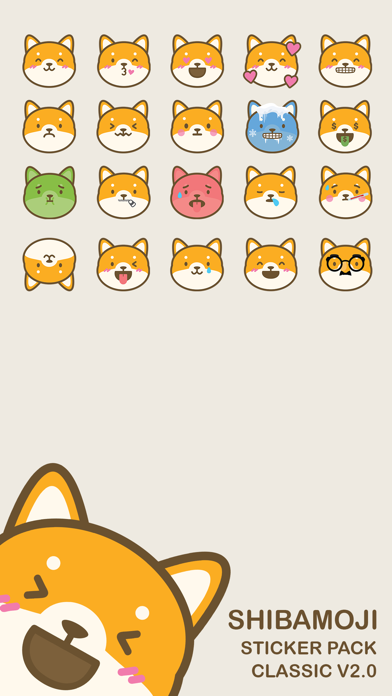
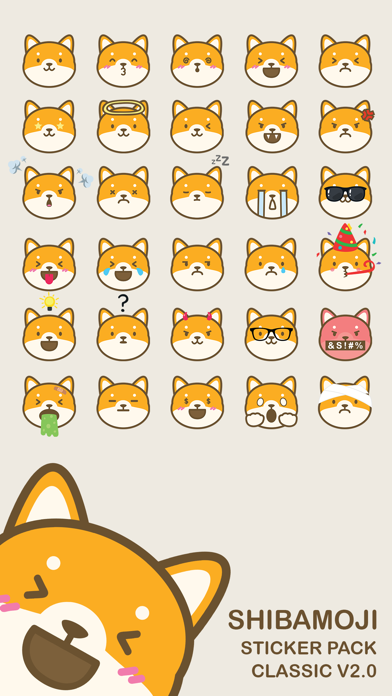
Inspired by my own very spoiled Shibas, here's my first set of Shiba expressions.

How to add a sticker to a conversation:
・ Open Messages and tap the Compose button to start a new message. Or go to an existing conversation.
・ Swipe left or right over the app drawer to the Shibamoji Sticker Pack app.
・ Then tap the app to open it.

If you want to add a sticker, touch and hold the sticker, then drag it to the message bubble. The sticker will automatically send when you add it to the message. You can also pinch or zoom to resize stickers before sending.

If you receive a message with a sticker from an iMessage app that you don’t have, touch and hold the sticker, then tap Sticker Details to view the app in the App Store.

En voir plus...

Quoi de neuf dans la dernière version ?

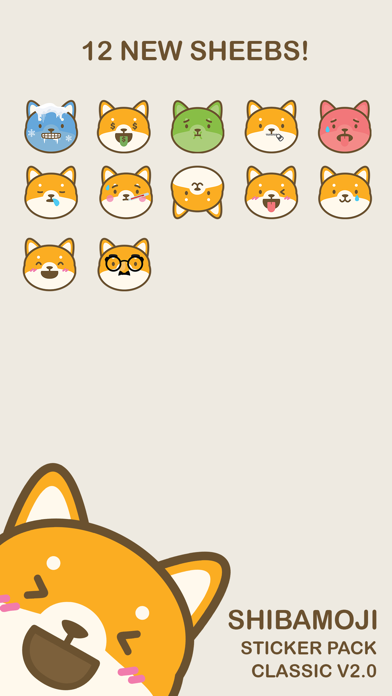
Added 12 NEW Shibamoji expressions and minor touch-ups on existing ones.
  • Screenshot #1 pour Shibamoji Sticker Pack Classic
  • Screenshot #2 pour Shibamoji Sticker Pack Classic
  • Screenshot #3 pour Shibamoji Sticker Pack Classic
  • Screenshot #4 pour Shibamoji Sticker Pack Classic
  • Screenshot #5 pour Shibamoji Sticker Pack Classic
  • Screenshot #6 pour Shibamoji Sticker Pack Classic

Note

(0 note)

Détails sur l'application

Version
2.0
Taille
6 Mo
Version minimum d'iOS
12.0
Dernière mise à jour
02/02/2021
Publié par
Alice Yeung

Newsletter App Store

Recevez chaque jour les meilleures promos

Actualité Apple

Image Les Studio Display (XDR) ne fonctionnent pas avec les Mac Intel
Les Studio Display (XDR) ne fonctionnent pas avec les Mac Intel
Image Le Studio Display XDR ne propose pas le 120 Hz avec certains Mac
Le Studio Display XDR ne propose pas le 120 Hz avec certains Mac
Image macOS 26.4 bêta 3 est disponible
macOS 26.4 bêta 3 est disponible
Image MacBook Neo : une fuite d’Apple dévoile quelques caractéristiques
MacBook Neo : une fuite d’Apple dévoile quelques caractéristiques
Partenaires : Actualité iPhone - Culture Geek
©2009-2026 i2CMedia | A propos |