iPhoneAddict Apps
  • Actualités
  • Accueil Apps
  • iPhone
  • iPad
  • Universelles
  • Mac
  • Apple TV
KG KultureGeek
App
iPhone / iPad Télécharger iAddict v5 Mac Télécharger iAddict Mac
  • Actualités
  • Accueil Apps
  • iPhone
  • iPad
  • Universelles
  • Mac
  • Apple TV
  • Archives keynotes
  • Firmwares & iTunes
  • Contactez-nous
  • Comparateur de prix
  • KultureGeek
Accueil » Liste des Apps » Apps Universelles » Autocollants » Super Dancing Boy Emojis
1.4 iOS €0,99€ Aman Kumar 0 0 Make your conversations more fun and energetic with Super Dancing Boy Emojis! Send expressive dancing stickers to friends and family directly inside iMessage. How to Download and Install: 1. Open the Messages app on your iPhone. 2. Open any...
Super Dancing Boy Emojis

Super Dancing Boy Emojis

iOS Universel / Autocollants

0,99€ au lieu de 1,99€
Acheter sur l'App Store
Facebook X E-mail

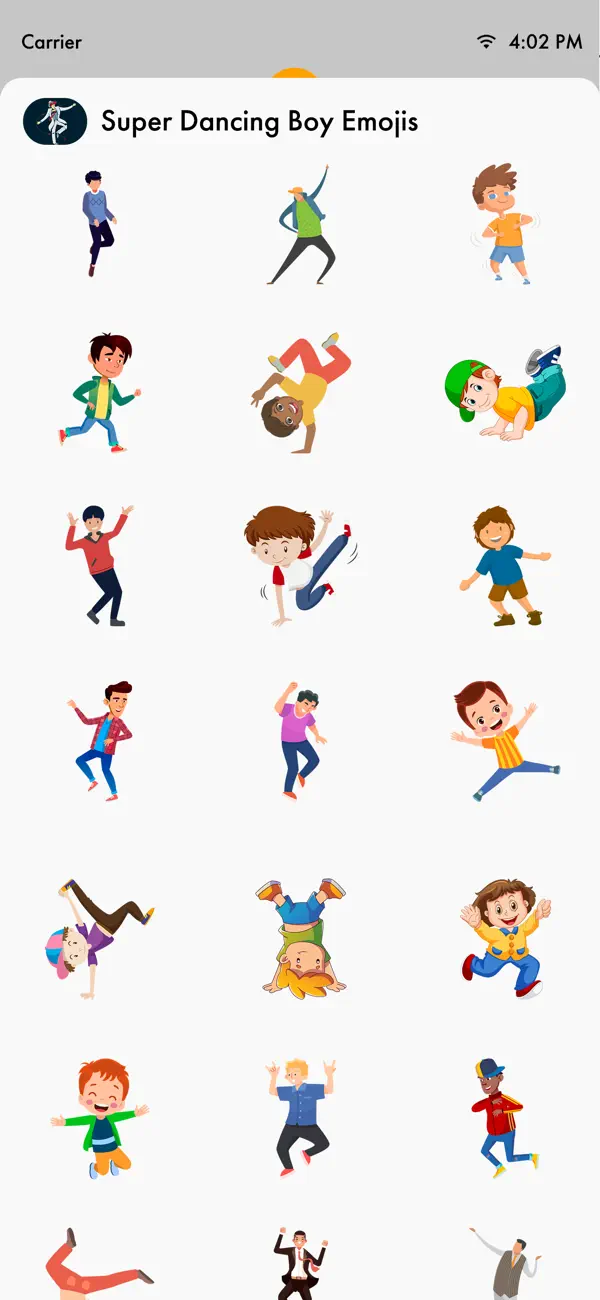
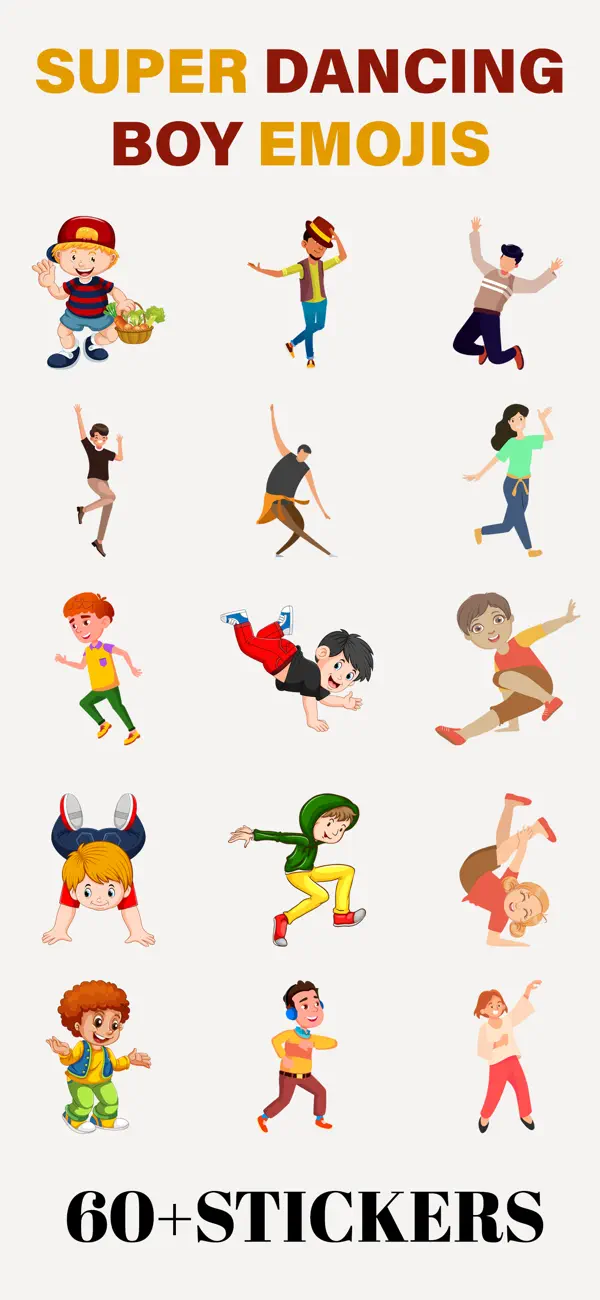
Make your conversations more fun and energetic with Super Dancing Boy Emojis! Send expressive dancing stickers to friends and family directly inside iMessage.

How to Download and Install:

1. Open the Messages app on your iPhone.
2. Open any conversation or start a new message.
3. Tap the + button next to the message field to open the iMessage app drawer.
4. Tap Store.
5. Search for Super Dancing Boy Emojis.
6. Tap Get to download.

Once installed, the sticker app will automatically appear in your iMessage app drawer and is ready to use.

In Case of Already Installed:

- If the sticker app is already installed on your device, it will automatically appear in your iMessage app drawer.
- Tap the + button and select Stickers to view it.
- If needed, tap Edit to reorder or manage its position. No additional setup is required after installation.


How to Reorder Sticker Apps:

- On the Manage Sticker Apps screen, press and hold the three-line icon next to any app.
- Drag it up or down to change its position.
- Apps at the top appear first in the iMessage sticker drawer.
- Tap Done to save.


Remove Unwanted Sticker Apps:

-While in Edit mode, remove unwanted sticker apps from the list.
-This will hide them from your iMessage sticker drawer.
-After organizing your apps, tap Done to save your changes.


How to Send Stickers:

-Tap any sticker to instantly send it in your conversation.
-Touch and hold a sticker to drag and drop it onto a message bubble or photo.
-You can send stickers alone or combine them with text and emojis.
-Stickers can be placed anywhere in the chat to create fun reactions.

En voir plus...

Quoi de neuf dans la dernière version ?

-Minor improvements and fixes.
  • Screenshot #1 pour Super Dancing Boy Emojis
  • Screenshot #2 pour Super Dancing Boy Emojis
  • Screenshot #3 pour Super Dancing Boy Emojis

D'autres applications du développeur

Slideshow Video Maker for PicsSlideshow Video Maker for PicsiPhoneFace Caricature -Cartoon PhotoFace Caricature -Cartoon PhotoiPhoneToon Cartoon Yourself in PicsToon Cartoon Yourself in PicsiPhoneSketch Video MakerSketch Video MakeriPhoneFace Changer- Cut Paste PhotosFace Changer- Cut Paste PhotosiPhonePhoto Video Maker With MusicPhoto Video Maker With MusiciPhoneVoir toutes les apps

Note

(0 note)

Détails sur l'application

Version
1.4
Taille
3.5 Mo
Version minimum d'iOS
15.6
Dernière mise à jour
02/03/2026
Publié par
Aman Kumar

Newsletter App Store

Recevez chaque jour les meilleures promos

Actualité Apple

Image Apple Music va signaler les musiques générées par IA
Apple Music va signaler les musiques générées par IA
Image iOS 27 : un nouveau firmware bêta pour les AirPods
iOS 27 : un nouveau firmware bêta pour les AirPods
Image ChatGPT sur Mac peut répondre et analyser vos iMessages
ChatGPT sur Mac peut répondre et analyser vos iMessages
Image iOS 27 : des albums photos partagés en meilleure qualité qui occupent votre stockage iCloud
iOS 27 : des albums photos partagés en meilleure qualité qui occupent votre stockage iCloud
iPhoneAddict Apps

Le catalogue iPhoneAddict pour suivre les nouveautés, mises à jour et baisses de prix de l’App Store.

Apps

Toutes les apps iOS iPhone iPad Universelles Mac Apple TV

iPhoneAddict

Actualité Apple Archives keynotes Contact À propos KultureGeek

Suivez-nous

©2009-2026 i2CMedia. Tous droits réservés.