iPhoneAddict Apps
  • Actualités
  • Accueil Apps
  • iPhone
  • iPad
  • Universelles
  • Mac
  • Apple TV
KG KultureGeek
App
iPhone / iPad Télécharger iAddict v5 Mac Télécharger iAddict Mac
  • Actualités
  • Accueil Apps
  • iPhone
  • iPad
  • Universelles
  • Mac
  • Apple TV
  • Archives keynotes
  • Firmwares & iTunes
  • Contactez-nous
  • Comparateur de prix
  • KultureGeek
Accueil » Liste des Apps » Apps Universelles » Autocollants » Yes No Reverse Sticker
L'application n'est plus disponible sur l'App Store français
1.0 iOS €0,99€ Quang Tran Vinh 0 0 Do you want to impress your friends? Now you can enhance your iMessages with these "Yes-to-No Sticker Pro version". You can change yes to no and vice versa, as well as change the time, for example from 8 am to 8:30 am. There are black, white and...
Yes No Reverse Sticker

Yes No Reverse Sticker

iOS Universel / Autocollants

0,99€ au lieu de 1,19€
Acheter sur l'App Store
Facebook X E-mail

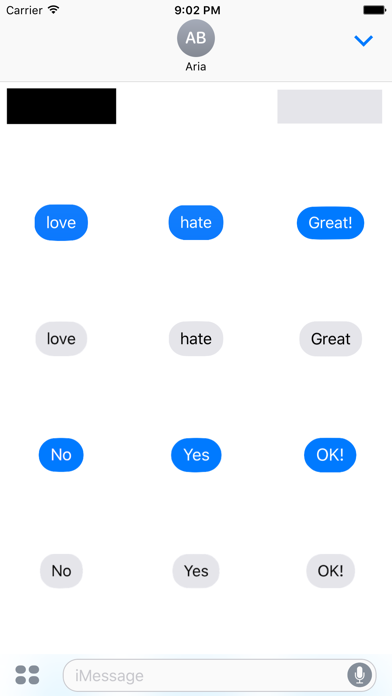
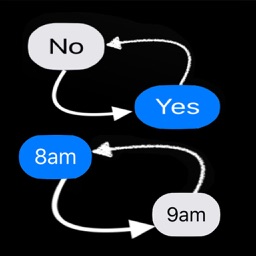
Do you want to impress your friends? Now you can enhance your iMessages with these "Yes-to-No Sticker Pro version".
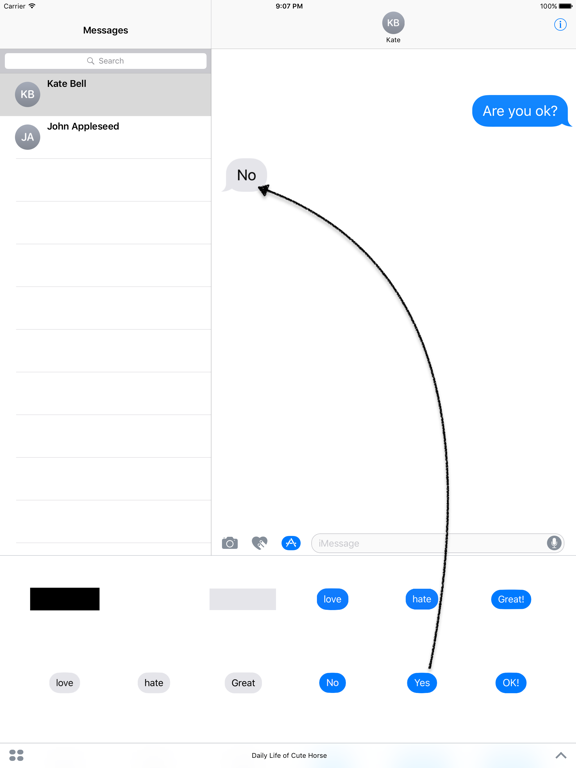
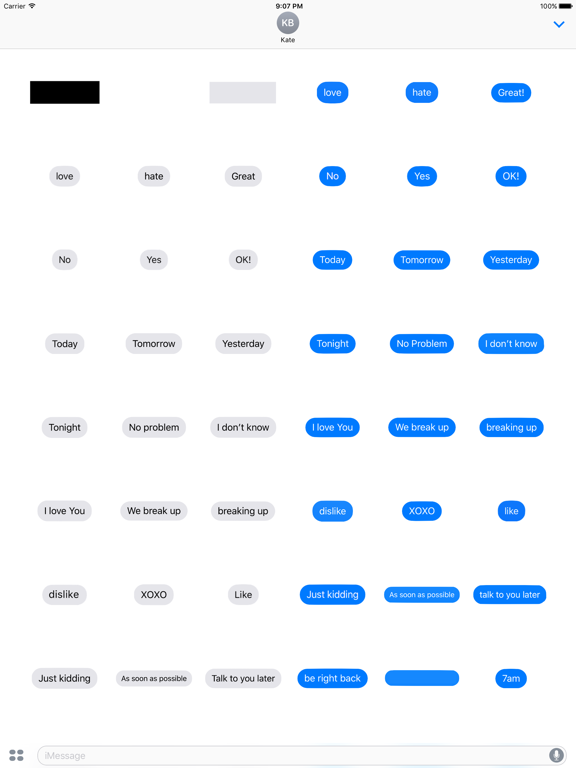
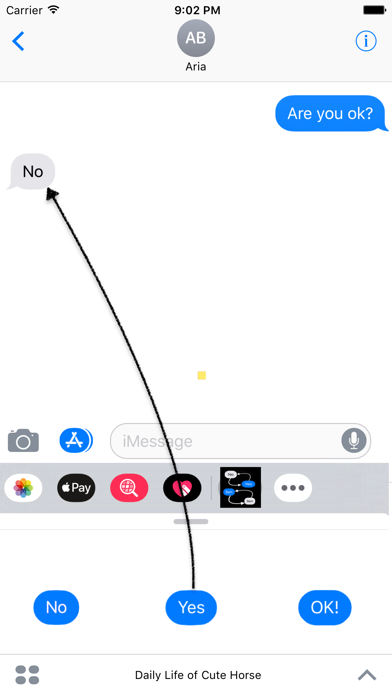
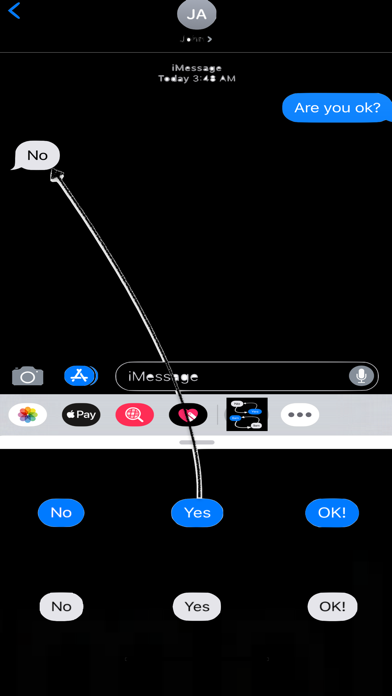
You can change yes to no and vice versa, as well as change the time, for example from 8 am to 8:30 am. There are black, white and gray bars for you to delete and change, and more are waiting for you to discover.
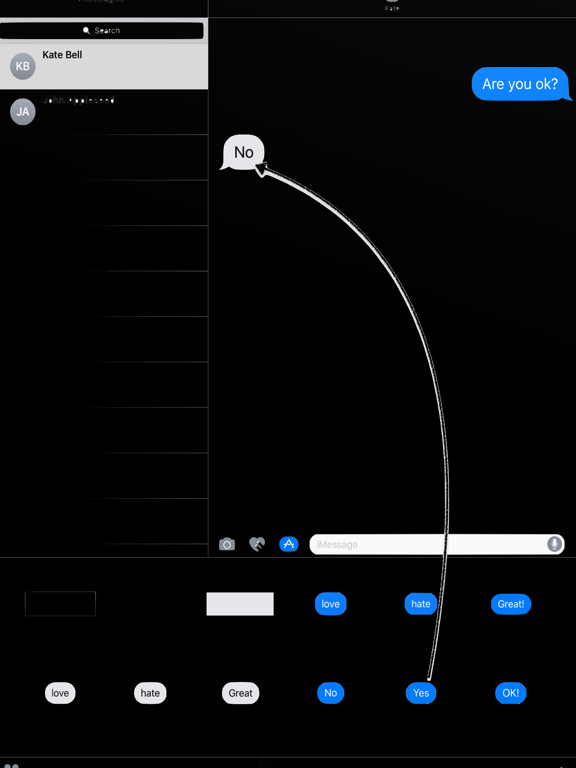
- Drag and Drop the stickers into your iMessages
- Layer stickers over each other in conversations in iMessages
- Scale and rotate the stickers by using a second finger before you place it on the bubbles
+ How to access stickers:
* To access iMessage apps, compose a new iMessage to a friend and tap the iMessage App Store icon alongside the compose field.
* If your your iPhone use iOS 10, Trap the four oval icon on the lower left corner to open the app drawer. From there, tap the plus icon labelled ‘Store’ to access the iMessage App Store.
Then In the App Store, tap the Manage tab in the top right to add your purchased apps to your app drawer.
* If you use iOS 11 or laters, tap three dots icon on the lower right corner in iOS11. From there, tap the “Edit” to manage your stickers, turn on/off stickers to your iMessage.
En voir plus...

  • Screenshot #1 pour Yes No Reverse Sticker
  • Screenshot #2 pour Yes No Reverse Sticker
  • Screenshot #3 pour Yes No Reverse Sticker
  • Screenshot #4 pour Yes No Reverse Sticker
  • Screenshot #5 pour Yes No Reverse Sticker
  • Screenshot #6 pour Yes No Reverse Sticker

Note

(0 note)

Détails sur l'application

Version
1.0
Taille
3.1 Mo
Version minimum d'iOS
10.0
Dernière mise à jour
29/02/2020
Publié par
Quang Tran Vinh

Newsletter App Store

Recevez chaque jour les meilleures promos

Actualité Apple

Image iPad Air 2027 : écran OLED, puce M5 et possible nouveau design
iPad Air 2027 : écran OLED, puce M5 et possible nouveau design
Image iPhone : Apple a capté 49 % des revenus de smartphones au 2e trimestre, un record
iPhone : Apple a capté 49 % des revenus de smartphones au 2e trimestre, un record
Image L’iPhone Air 2 aurait une Dynamic Island plus petite et d’autres nouveautés
L’iPhone Air 2 aurait une Dynamic Island plus petite et d’autres nouveautés
Image iPhone 18e : les 9 Go de RAM se confirment un peu plus
iPhone 18e : les 9 Go de RAM se confirment un peu plus
iPhoneAddict Apps

Le catalogue iPhoneAddict pour suivre les nouveautés, mises à jour et baisses de prix de l’App Store.

Apps

Toutes les apps iOS iPhone iPad Universelles Mac Apple TV

iPhoneAddict

Actualité Apple Archives keynotes Contact À propos KultureGeek

Suivez-nous

©2009-2026 i2CMedia. Tous droits réservés.