Plan to Eat
iOS Universel / Cuisine et boissons
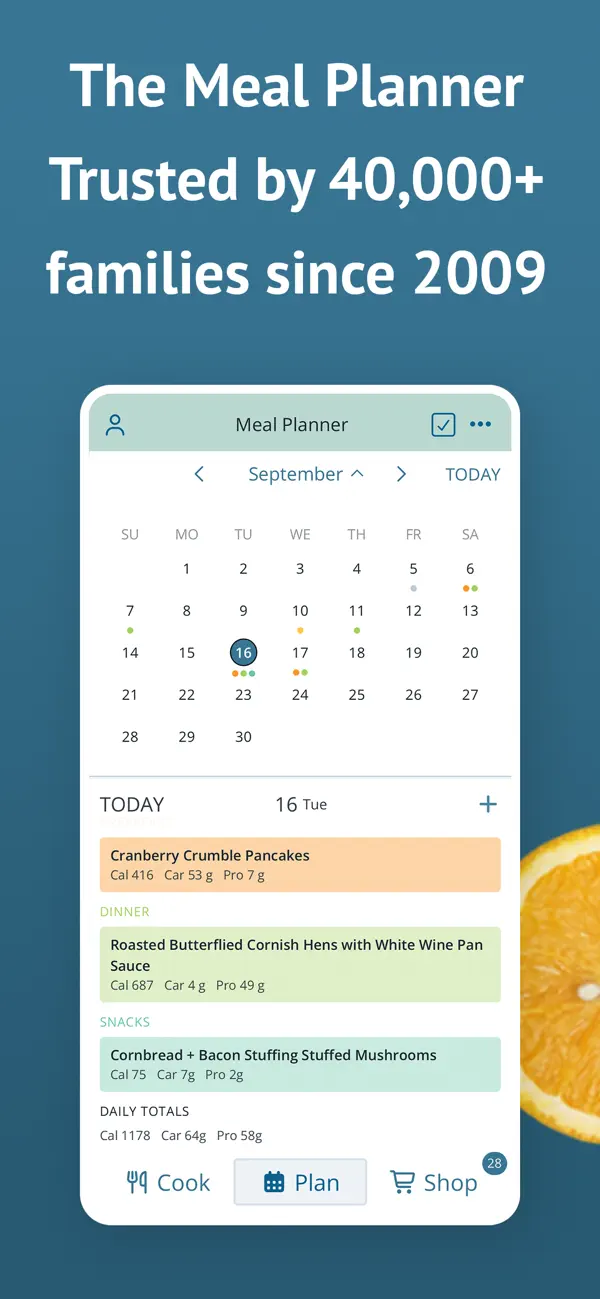
Meal planning doesn’t have to feel like an inconvenience. Store all your recipes in one place, auto-generate a shopping list for your week, and let Plan to Eat help you find joy in meal planning again. Plan to Eat is the meal planning app designed with the planner in mind.
Try Plan to Eat FREE for 14 days, no payment information required at sign-up. After that, annual subscriptions can be purchased in the app.
Key features of the app include:
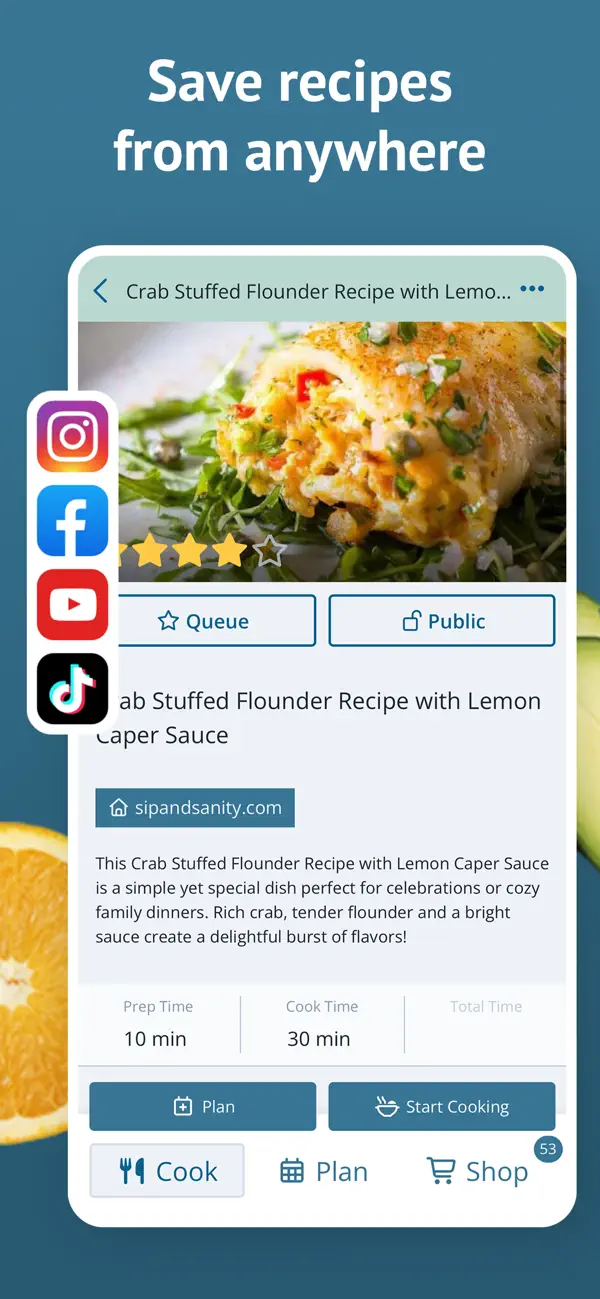
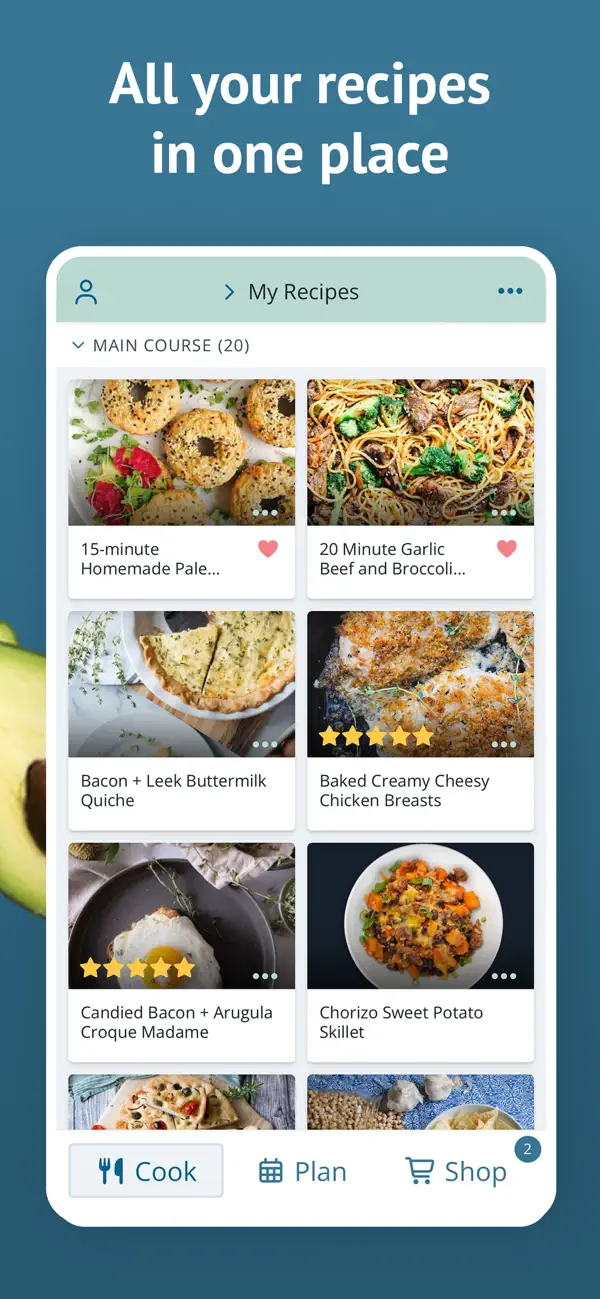
- ALL YOUR RECIPES IN ONE PLACE: Tap the share icon in your web browser to import recipes from the web, or enter your family recipes manually in the app.
- PERSONALIZED PLANNING: Create meal plans that work for you and your schedule. You can scale servings, reschedule recipes, plan leftovers, and track frozen meals.
- UPGRADE YOUR SHOPPING LIST: The shopping list auto-generates an organized grocery list based on the ingredients in your meal plan. You can also add extra items to your list, add frequently purchased items from the staples list, customize and re-order your list categories, and create lists for specific stores.
- SHARE WITH FRIENDS: Connect with friends and family to share recipes and saved menus, or send a recipe by text or email.
- STEP-BY-STEP COOKING: Tap "Start Cooking" when viewing a recipe to get step-by-step recipe instructions that make cooking easy.
- FIND THE PERFECT RECIPE: Search your recipe book based on title, ingredients, course, main ingredient, tags, recipe rating, and more!
- STAY IN SYNC: Your Plan to Eat account automatically syncs your recipes, planner, and shopping list across all of your devices, and your family's, too! Sign in on all of your mobile devices, and at plantoeat.com, to share recipes, meal plans, and shopping lists.
If you want to feel more organized, save a ton of money, and share your favorite recipes easily, sign up today!
Reach out to us at help@plantoeat.com with questions or feedback.
Thanks for using Plan to Eat!
Quoi de neuf dans la dernière version ?
- Fixed the iOS keyboard covering the bottom of forms and modals when typing (PTE-1235)