A-Cast
iOS Universel / Divertissement
Cast online videos from your iOS device to the new 2015 Apple TV! Use your TV to watch videos that are embedded in webpages.
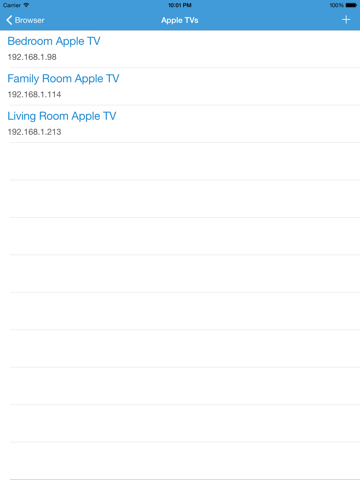
Install A-Cast Player app in your Apple TV and install this A-Cast app in your iOS device. After you connect the devices to the same Wi-Fi network, launch both apps and add the TV to your iOS device in this app.
NOTE: Please keep the A-Cast Player open in Apple TV when using this A-Cast app.
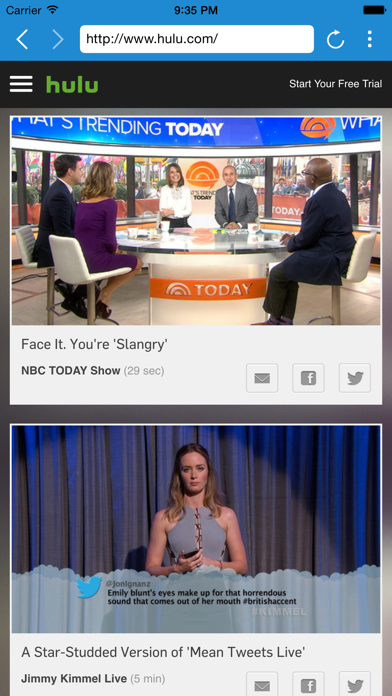
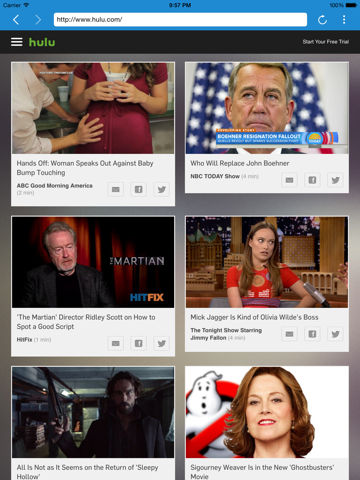
Browse the web for videos in this app and cast them to the A-Cast Player in Apple TV. It's that easy!
After casting the video to the TV app, it will play the video on the TV independent of this iOS app in the mobile device. This is not a screen-mirroring app so you don't need the phone or tablet after casting the video. The video is directly streamed to the TV from the website.
If you see A-Cast Player load the video but not play, please try casting the video again.
You will only be able to cast online videos from webpages and not the videos stored in your device.
Quick Start:
• Install A-Cast Player in your Apple TV
• Install this A-Cast app in your iOS device
• Connect your iOS device to the same Wi-Fi network as your Apple TV
• Open both apps and add the TV to your iOS device in this app
• Browse the web for your favorite entertainment in this app
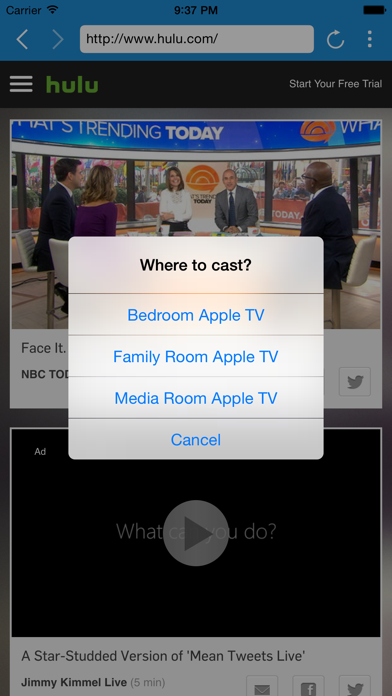
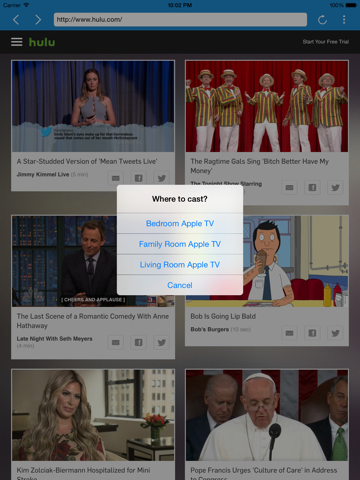
• Play the videos to launch the cast menu
• Keeping the player open, select the Apple TV to cast and voila!
• Enjoy videos on the big screen!!
Upgrade to A-Cast All-Star Edition (in-app purchase) to watch videos longer than 10 minutes. The upgrade removes the ads at the bottom of the browser. It doesn't remove the ads hosted by the websites you visit.
Please make sure the websites you frequent play in A-Cast Player before upgrading to the All-Star Edition. A-Cast Player only works with A-Cast app.
Thank you all for your feedback! Please email us if you need help. Unfortunately, there is no way for us to respond to questions in reviews.
If you have trouble adding your Apple TV or casting videos, please check the IP Address in network settings. Please keep the A-Cast Player open when using this A-Cast app at all times.
Quoi de neuf dans la dernière version ?
This app has been updated by Apple to display the Apple Watch app icon.