• KultureGeek
  • Comparateur de prix
       
iPhoneAddict
 iAddictv5Notre Application iPhone/iPad
  • Accueil Apps
  • Actualité Apple
  • Keynote Apple
  • Firmwares & iTunes
  • Contactez-nous
Accueil » Liste des Apps » Apps Universelles » Divertissement » ARium
1.3 iOS €Gratuit RichardFerrante.com 0 0 After initialization, select the location for 4 objects in the scene by tapping on the small yellow dots. When the 4th object is placed, the program will randomly place fifty small occluding objects around them. The scene is now ready for...
ARium

ARium

iOS Universel / Divertissement

Gratuit
Obtenir sur l'App Store

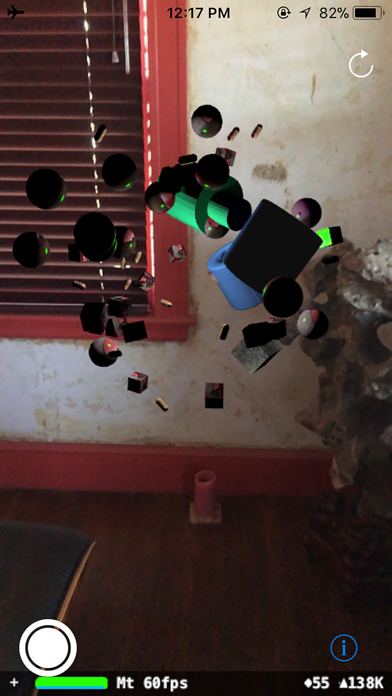
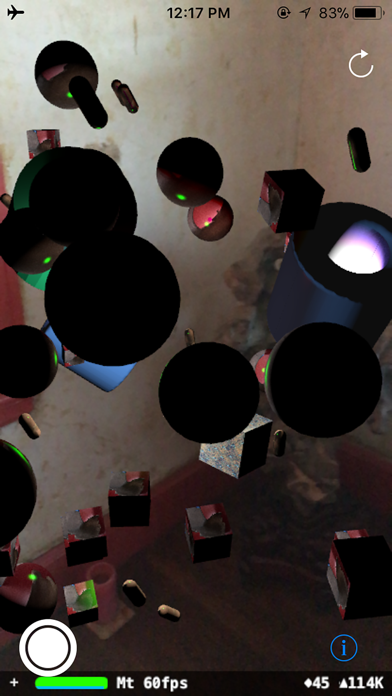
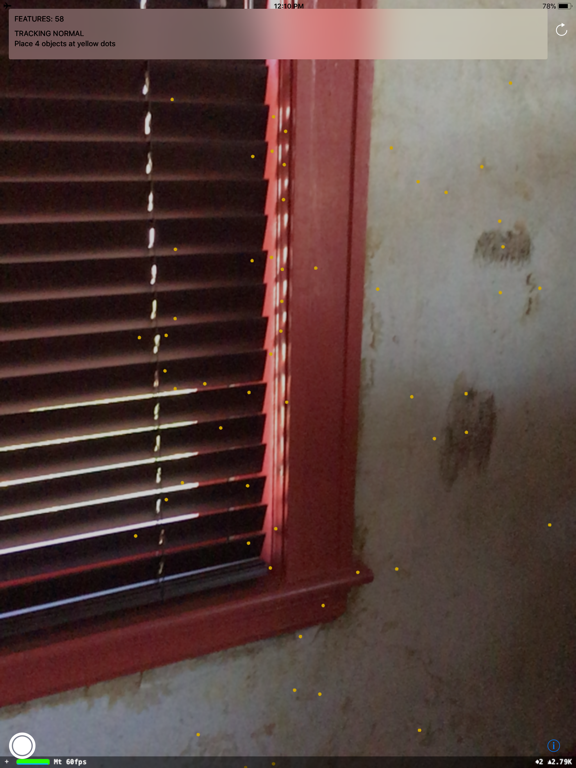
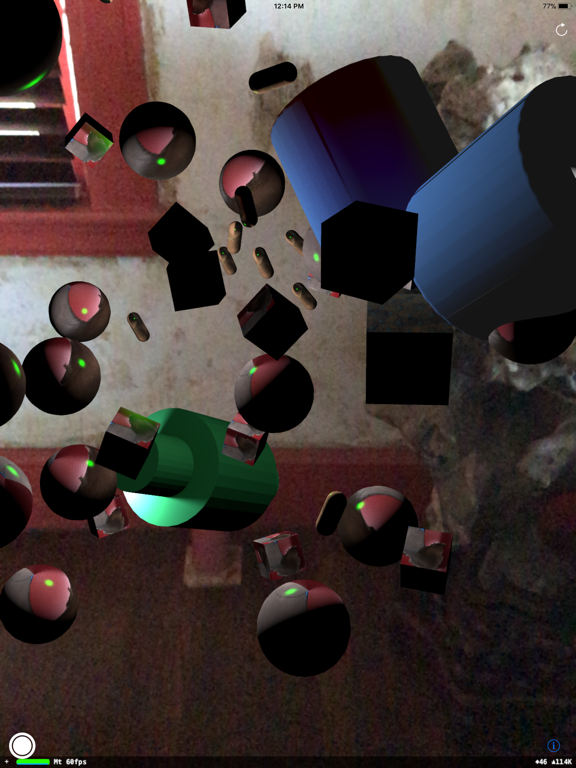
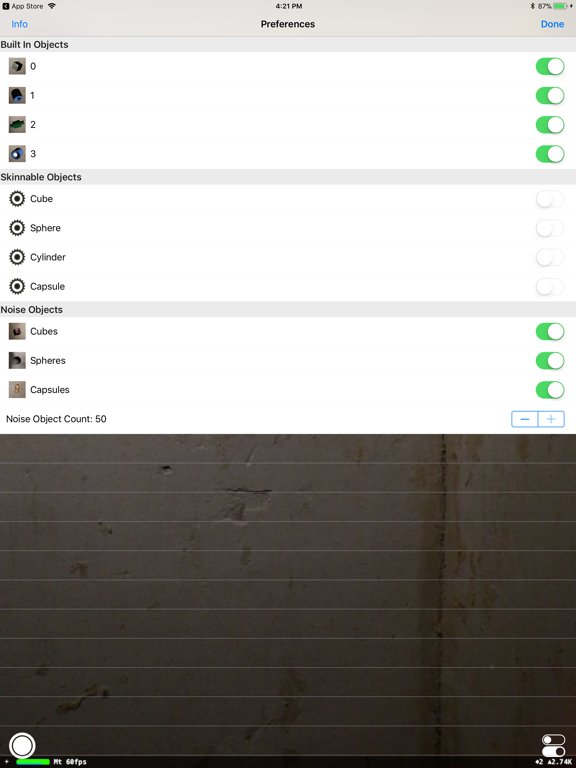
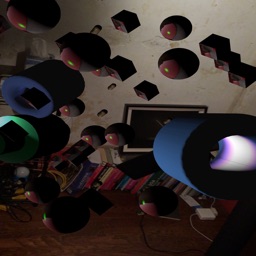
After initialization, select the location for 4 objects in the scene by tapping on the small yellow dots. When the 4th object is placed, the program will randomly place fifty small occluding objects around them.

The scene is now ready for exploration.

I find objects placed approximately 3 ft. (1m) away work from the device the best, but I encourage you to experiment.

Skinnable and Noise Objects can be "skinned" (wrapped) with photos from your Photo Library. Tap on a thumbnail in the preferences screen to open the Photo Library and select an image.

NOTE: "Skinnable Objects" will not appear in the scene until they have been assigned photos.

En voir plus...

Quoi de neuf dans la dernière version ?

Support of dark and light modes, improved instructions, bug fixes

  • Screenshot #1 pour ARium
  • Screenshot #2 pour ARium
  • Screenshot #3 pour ARium
  • Screenshot #4 pour ARium
  • Screenshot #5 pour ARium
  • Screenshot #6 pour ARium

Note

(0 note)

Détails sur l'application

Version
1.3
Taille
42.7 Mo
Version minimum d'iOS
14.0
Dernière mise à jour
22/05/2023
Publié par
RichardFerrante.com

Newsletter App Store

Recevez chaque jour les meilleures promos

Actualité Apple

Image iPad Air M4 : les premiers benchmarks dévoilent la puissance
iPad Air M4 : les premiers benchmarks dévoilent la puissance
Image Les Studio Display (XDR) ne fonctionnent pas avec les Mac Intel
Les Studio Display (XDR) ne fonctionnent pas avec les Mac Intel
Image Le Studio Display XDR ne propose pas le 120 Hz avec certains Mac
Le Studio Display XDR ne propose pas le 120 Hz avec certains Mac
Image macOS 26.4 bêta 3 est disponible
macOS 26.4 bêta 3 est disponible
Partenaires : Actualité iPhone - Culture Geek
©2009-2026 i2CMedia | A propos |