Media TV Cast
iOS Universel / Divertissement
Donne vie à tes souvenirs sur grand écran.
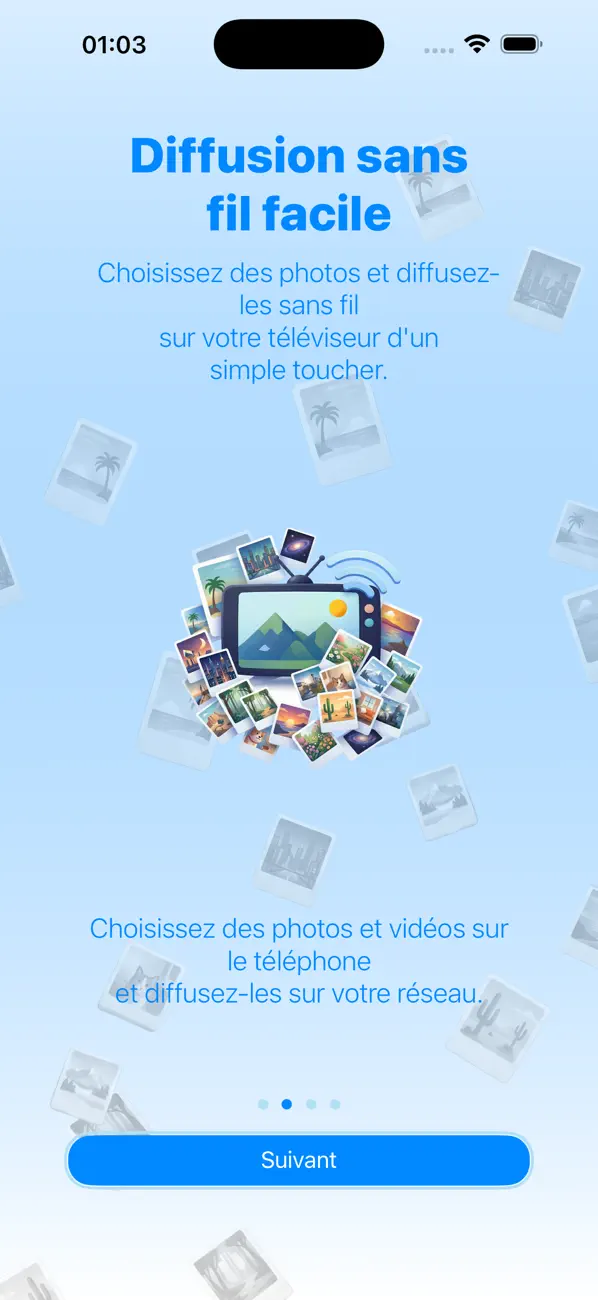
Fini de te serrer autour d’un petit écran de téléphone. Avec Media TV Cast, tu peux transformer ton salon en galerie numérique en un clin d’œil. Qu’il s’agisse de vacances en famille, d’un album de mariage ou simplement de quelques photos et vidéos mignonnes de ton animal de compagnie, partager tes moments précieux avec tout le monde dans la pièce n’a jamais été aussi simple ni aussi élégant.
Media TV Cast est une application haut de gamme et facile à utiliser, conçue pour faire le lien entre la galerie photo de ton iPhone et ta Smart TV.
Pourquoi choisir Media TV Cast ?
- Compatibilité universelle : une seule appli pour tous tes écrans. Diffuse sans souci sur Apple TV (AirPlay), les appareils Chromecast et n’importe quelle Smart TV certifiée UPnP / DLNA.
- Connexion en un clic : pas de câbles, pas d’adaptateurs, pas de configuration compliquée. Tant que ton téléphone et ta télé sont sur le même réseau Wi-Fi, c’est parti !
- Qualité haute résolution : profite de tes photos et vidéos avec une netteté parfaite, optimisées pour les écrans 4K et 1080p.
- Navigation organisée : navigue sans effort dans tes « Récentes », « Enregistrées récemment » ou tes albums personnalisés pour trouver exactement ce que tu veux montrer.
- La confidentialité est notre priorité : tes photos et vidéos ne regardent que toi. On accède uniquement à ta galerie pour les diffuser directement sur ton écran : pas de téléchargements cachés, pas de stockage dans le cloud et pas de suivi de tes données personnelles.
Comment ça marche
- Connecte-toi : assure-toi que ton iPhone et ta télé sont sur le même réseau Wi-Fi.
- Sélectionne : ouvre tes albums et choisis la photo ou la vidéo que tu veux commencer à partager.
- Diffuser : Appuie sur « Démarrer la diffusion », sélectionne l’option de diffusion et regarde tes souvenirs s’afficher instantanément sur grand écran.
- Naviguer : Utilise de simples glissements pour changer de photo à ton rythme.
Conseils techniques et dépannage
- Vérification du réseau : Ton Apple TV (ou tout autre appareil AirPlay), tes lecteurs Chromecast, ta Smart TV et ton iPhone DOIVENT être sur le même réseau pour établir une connexion.
- Performances : si une photo ou une vidéo ne se charge pas à cause d’un problème de qualité du réseau, utilise les touches de navigation pour « réinitialiser » la diffusion
Compatibilité avec les appareils UPnP / DLNA : pour une expérience optimale, assure-toi que ta Smart TV est conforme aux spécifications UPnP / DLNA Media Renderer Device (DMR) et prend en charge la lecture d’images JPEG et de vidéos MP4.
Quoi de neuf dans la dernière version ?
Bienvenue dans la plus grosse mise à jour de Media TV Cast à ce jour !
- Ajout de la prise en charge de l'allemand dans l'application et l'aide
- Ajout de la prise en charge de la diffusion vidéo dans l'application.
Aussi :
- MOTEUR DE DIFFUSION ENTIÈREMENT REPENSÉ -
On a entièrement repensé l'appli pour offrir une diffusion plus rapide et plus fiable des photos et vidéos sur :
- Apple AirPlay
- Google Chromecast
- Les téléviseurs connectés UPnP / DLNA
Profite de connexions plus fluides, d’une compatibilité améliorée et d’une expérience de visionnage plus stable sur tes écrans préférés.
Interface utilisateur rafraîchie et expérience utilisateur améliorée :
- En nous basant sur tes commentaires et suggestions, on a modernisé l’interface pour rendre la diffusion plus facile, plus épurée et plus intuitive que jamais.
Compatibilité améliorée avec les téléviseurs connectés :
- On continue à travailler pour étendre la prise en charge des téléviseurs et appareils compatibles UPnP / DLNA.
Remarque :
Tous les téléviseurs connectés ne prennent pas en charge la diffusion de photos et de vidéos depuis des appareils iPhone/iPad. Pour la diffusion via UPnP / DLNA, ton téléviseur doit prendre en charge :
- UPnP / DLNA Media Renderer (DMR)
- la lecture de flux d’images JPEG
- la lecture de flux vidéo MP4
On teste en permanence de nouveaux modèles de téléviseurs et on ajoute des profils spécifiques à chaque appareil pour optimiser la compatibilité et les performances.
Merci !
P.S. Tes retours nous aident à faire évoluer Media TV Cast. Merci de soutenir l’appli et de nous aider à l’améliorer à chaque mise à jour !
Encore merci.