Widget Remote for Roku
iOS Universel / Divertissement
Roku & NOW TV Widget Remote
Misplaced your remote? Lost it down the sofa?
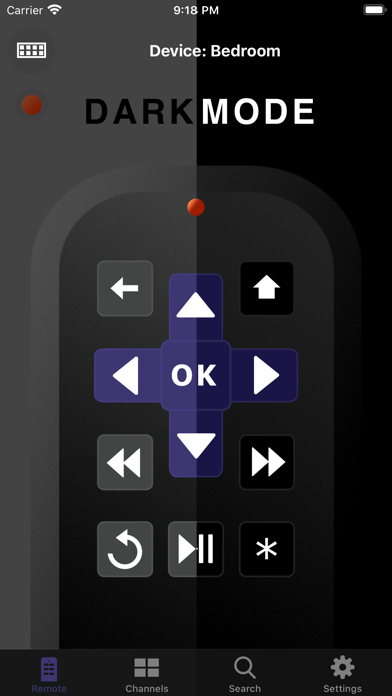
Take control of your Roku or NOW TV device instantly with a fast, simple, and powerful remote right from your iPhone or iPad.
Control your TV in seconds
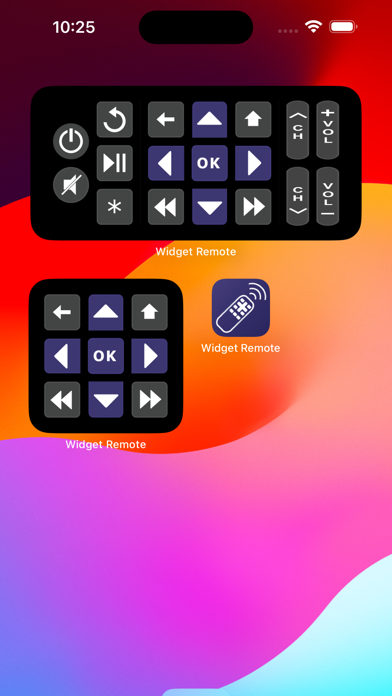
Access a fully featured remote directly from your iOS widget — no need to open the app. It’s the quickest way to play, pause, navigate, and switch channels.
Launch your favourite channels instantly
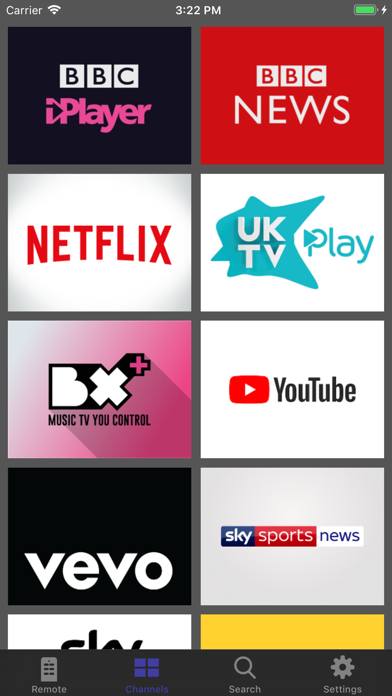
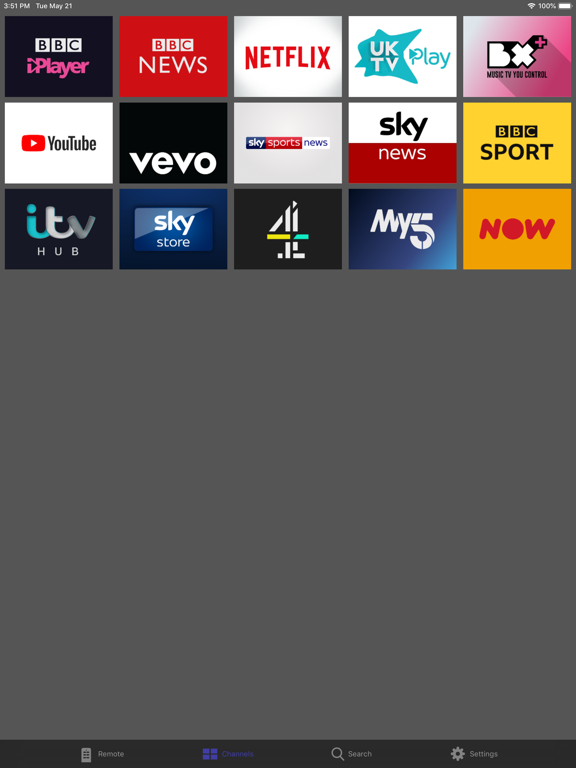
Browse and open all installed channels from one screen. Skip the endless on-screen menus and jump straight into the apps you love.
Easy text input
Use your device’s keyboard to enter text quickly and comfortably — perfect for searches, logins, and passwords.
Manage multiple devices
Have more than one Roku or NOW TV device?
Switch between them effortlessly, rename them for easy recognition, and remove old devices anytime.
Custom channel shortcuts
Automate common actions by recording remote commands and saving them as custom channels. Launch your favourite tasks with a single tap.
Enhanced TV controls
On supported Roku TVs, unlock additional buttons for:
Power
Volume
Input selection
And more
Gesture-based control
Use swipe gestures to navigate your TV smoothly — control playback without constantly looking at your phone.
Quick and simple setup
Just connect your iPhone or iPad to the same Wi-Fi network as your Roku or NOW TV device and it will appear automatically.
Disclaimer: This app is not affiliated with or endorsed by Roku or NOW TV. It is designed solely to control compatible devices.
Quoi de neuf dans la dernière version ?
Update for Liquid Glass and the addition of a swipe gesture remote