Swear words coloring book 2
iOS Universel / Divertissement
Coloring has been shown to reduce stress and anxiety. Just 5-10 minutes of coloring can provide the same benefits as meditation, and help you practice mindfulness, live in the moment, enhance concentration, and encourage your creative side.
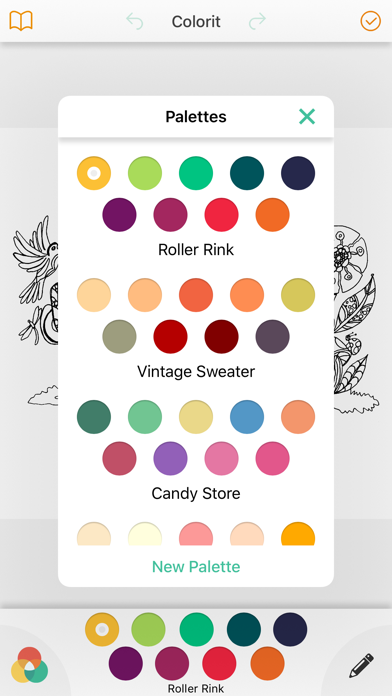
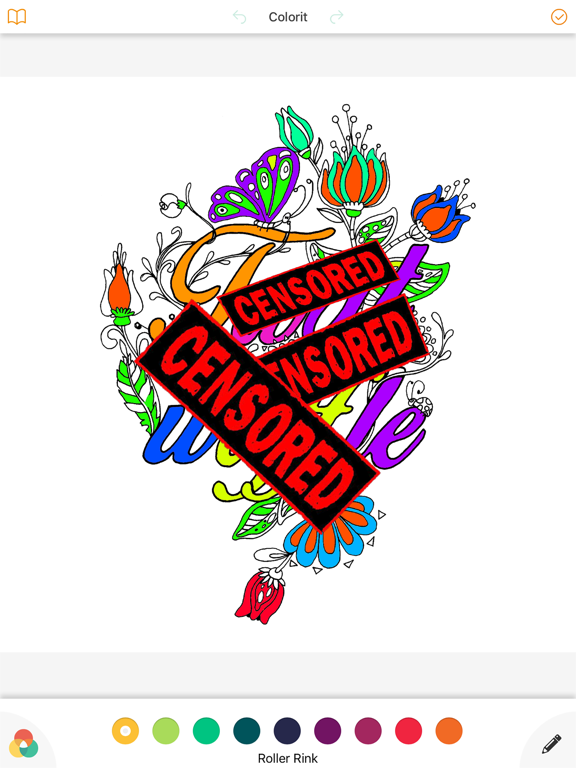
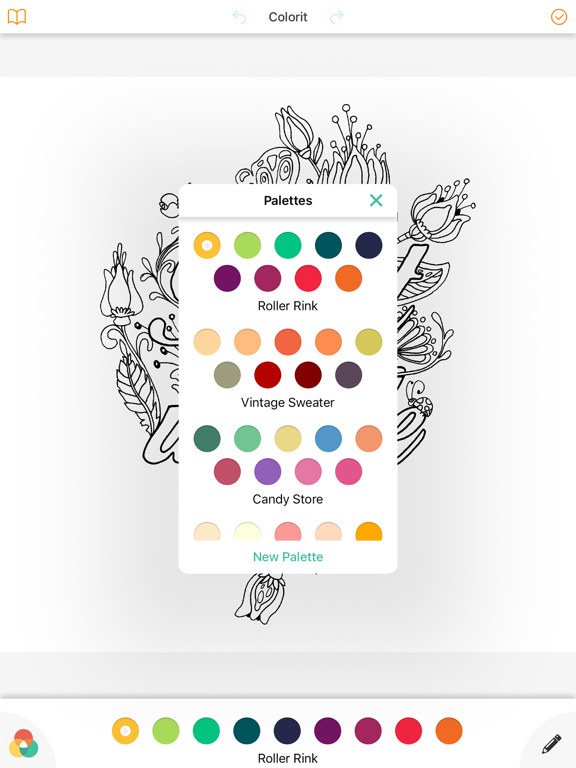
So take a break, and relax with Swear Words Coloring Book 2, the ultimate coloring book app. You can choose to "tap and fill" or immerse yourself in swear words coloring book's unique coloring experience that lets you color like you would on paper, with hundrends of diffrent colors
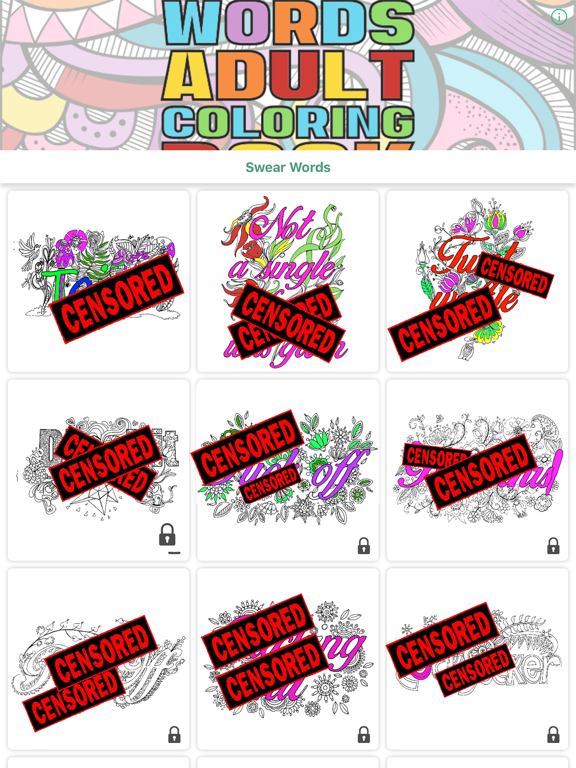
Swear Words Coloring Book 2 has the largest collection of professionally-drawn illustrations including flowers, mermaids, animals, landscapes, mandalas and so much more!
Once you're done coloring you can easily share your creations with friends and family, and even print them out.
=========================
Privacy Policy
http://pixiteapps.com/privacy-policy/
Terms of Use
http://pixiteapps.com/terms-of-use/
=========================
Swar words Coloring book Premium Access FAQ
Q: How do I restore Premium Access on new devices?
A: Tap on the big “Premium Access” button at the top of the Books section. From the Premium Access popup, tap the “Restore Premium Access” link at the bottom.
Q: How do I switch subscription plans?
A: Open your device settings and tap iTunes & App Store > Apple ID > View Apple ID > enter password > Subscriptions > Swar words coloring book > select the subscription plan you prefer
Q: How do I cancel my free trial or subscription?
A: Open your device settings and tap iTunes & App Store > Apple ID > View Apple ID > enter password > Subscriptions > Assembly > Cancel Subscription button at the bottom.
Q: Do I lose my work if my subscription runs out?
A: Definitely not! Pages that you’ve downloaded from the any of the books will remain in the My Work section. However, after the subscription runs out, you’ll lose your Premium Access privileges listed above.
=========================
You can get Premium Access The paid subscription costs $1.99 USD per week for the weekly plan, $4.99 USD per month for the monthly plan, and $39.99 USD per year (33% discount off the monthly plan) for the yearly plan. Prices are subject to change.
Payment will be charged to your iTunes account at confirmation of purchase. You may manage Premium Access subscriptions and turn off auto-renewal by going to your Account Settings after purchase. Any unused portion of a free trial period will be forfeited when you purchase a Premium Access subscription.
Quoi de neuf dans la dernière version ?
This app has been updated by Apple to display the Apple Watch app icon.