Smart TV Remote Control LED
iOS Universel / Divertissement
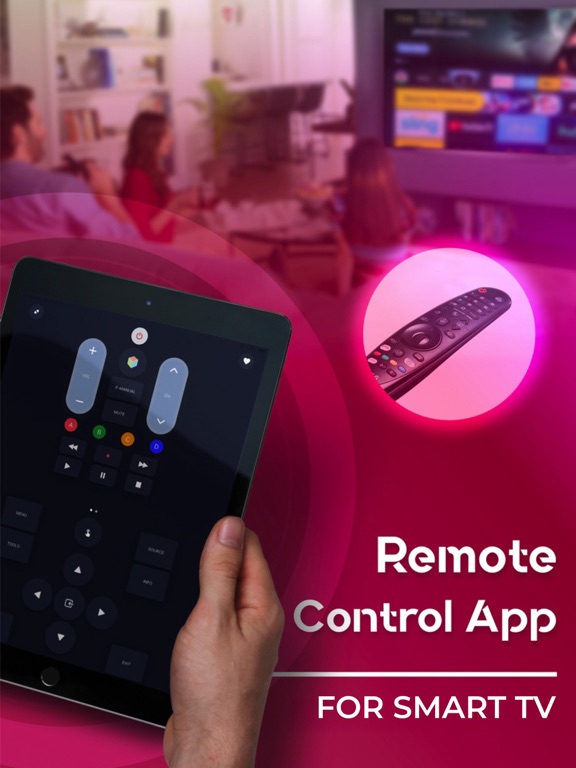
Turn your iPhone into a powerful smart TV remote and control compatible TVs over Wi-Fi. Manage multiple TVs from a single app and stop searching for physical remotes.
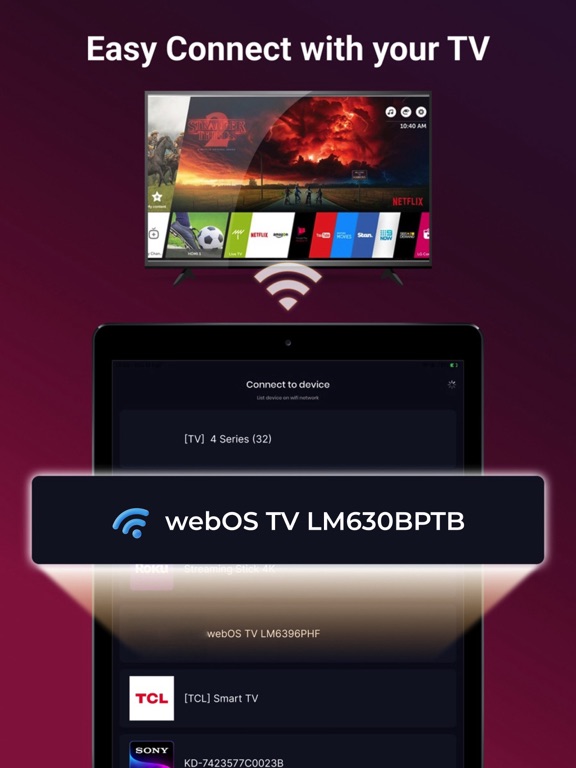
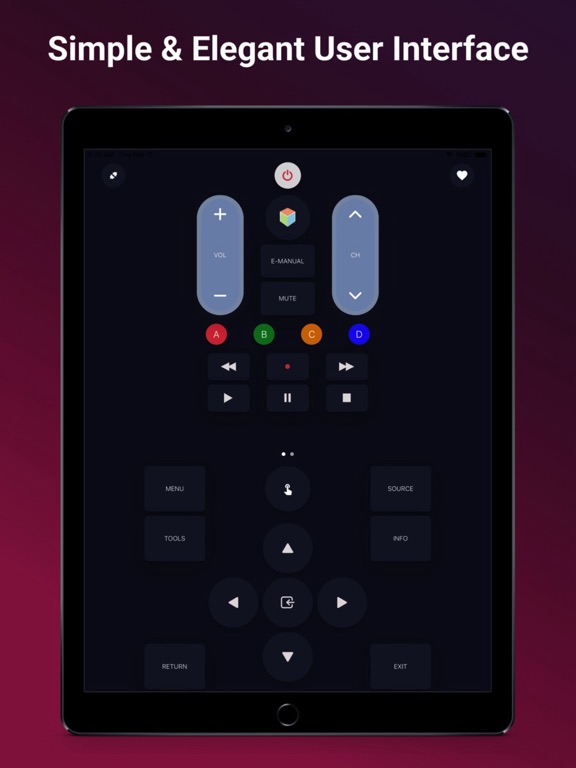
Connect your iPhone and TV to the same Wi-Fi network, complete a simple pairing process, and start controlling your TV directly from your phone. The app provides convenient navigation tools such as keyboard input, touchpad controls, and quick access shortcuts to make everyday TV interaction easier.
Compatibility
The app supports smart TVs running compatible WebOS-based and Netcast-based systems (2012 models and later).
Key Features
Control multiple TVs from one app
Instant channel access without scrolling through channel lists on the TV
Quick launch TV apps directly from your phone
Create channel shortcuts on your home screen for fast access
Create app shortcuts to launch TV apps with a single tap
Mute on call automatically lowers or mutes TV volume during phone calls
Easy text input using your phone’s keyboard (available in TV apps that support on-screen keyboard input)
Disclaimer:
The Developer is not an affiliated entity of LG Electronics, and this application is not an official product of LG.
Privacy Policy: https://sites.google.com/view/nnprivacypolicy
Terms of Use: https://sites.google.com/view/nntermsofuse
License: https://github.com/ConnectSDK/Connect-SDK-iOS/blob/master/LICENSE
Quoi de neuf dans la dernière version ?
- Fix inapp