AVLView GPS Vehicle Tracking
iOS Universel / Economie et entreprise
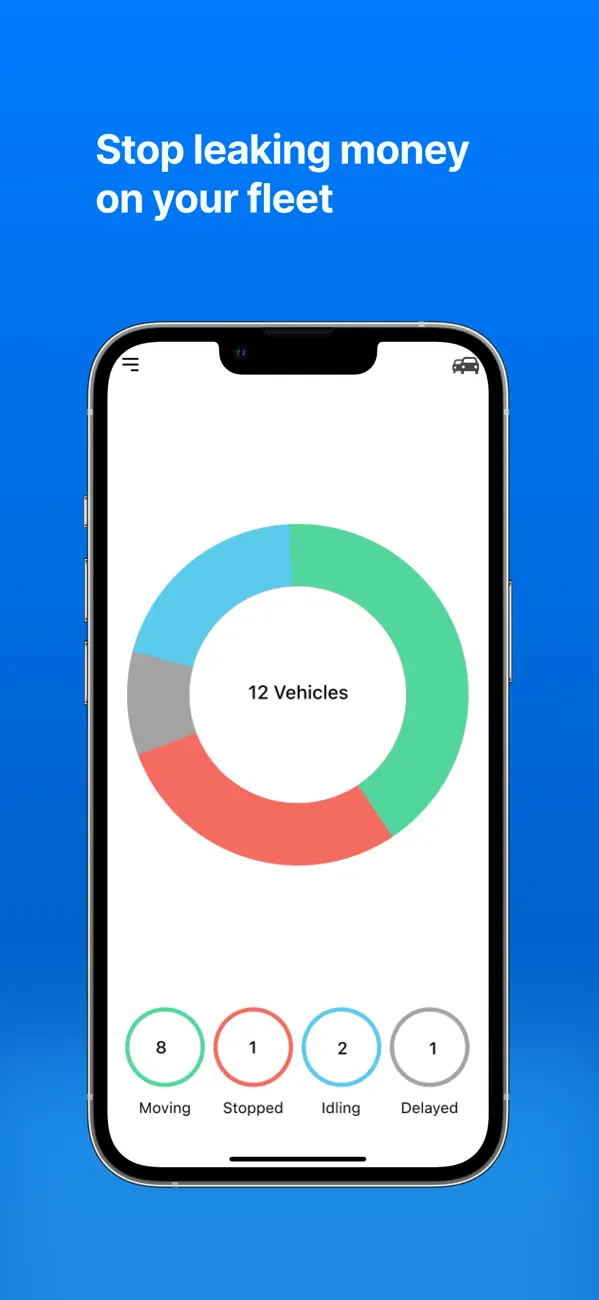
Automating fleet puts you in control, saves time and the hassle of managing the fleet yourself and lets you focus on what matters to you the most; growing your business.
Do any of these issues bother you?...
1. Unscheduled stoppages leading to late delivery of goods?
2. Personal (unauthorized) use of company vehicles outside office hours?
3. Lazy work style of skipping delivery points by deviating from pre-planned
routes and stating that “I went there, but no one @ client site to accept delivery”?
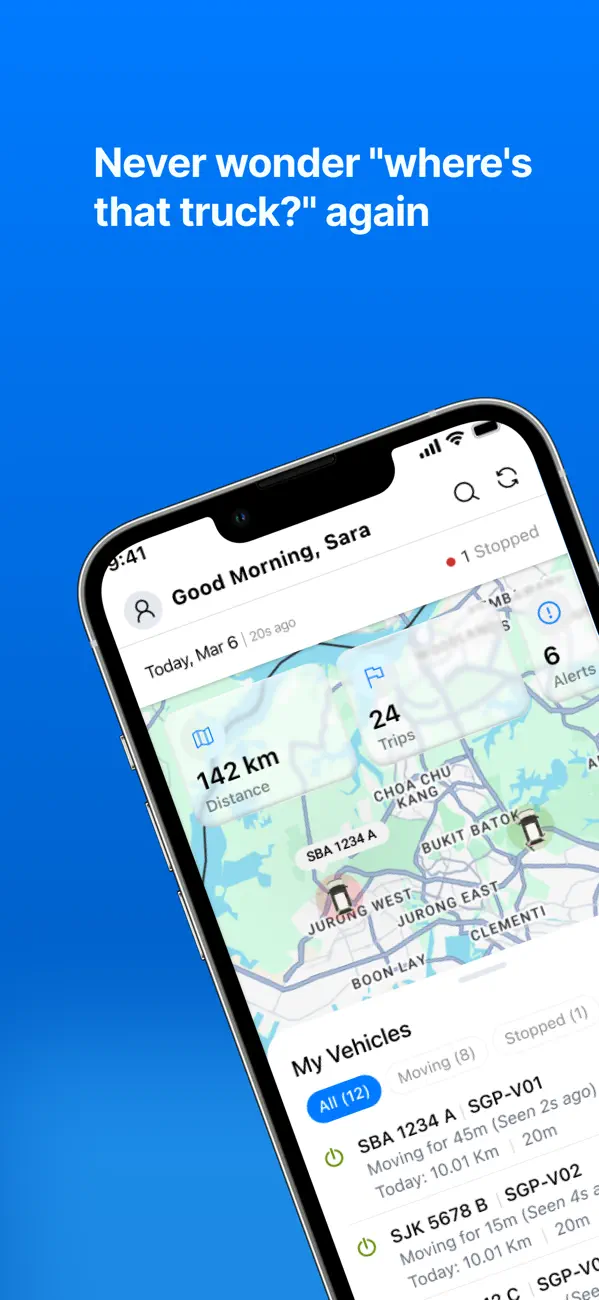
4. Repeated calls from clients asking whereabouts of vehicles carrying their packages?
In order to address these and other similar challenges, we developed AVLView that helps vehicle owners like you, regain control of vehicles/drivers and helps cut operational losses in half just over 3 months of its use.
What makes AVLView different - and better?
- Excellent user interface, easy to use, powerful and SSL certified (256 bit).
- Software as a Service (SaaS) on amazon cloud & premier map API.
- Allows branding (logo, theme) & can be integrated with ERP/CRM tools.
AVLView is not just GPS tracking, but an all-in-one fleet automation tool. 65% of our clients have had GPS vehicle tracking done by other service providers and failed. Our team helped them all to move from chaos to control.
Quoi de neuf dans la dernière version ?
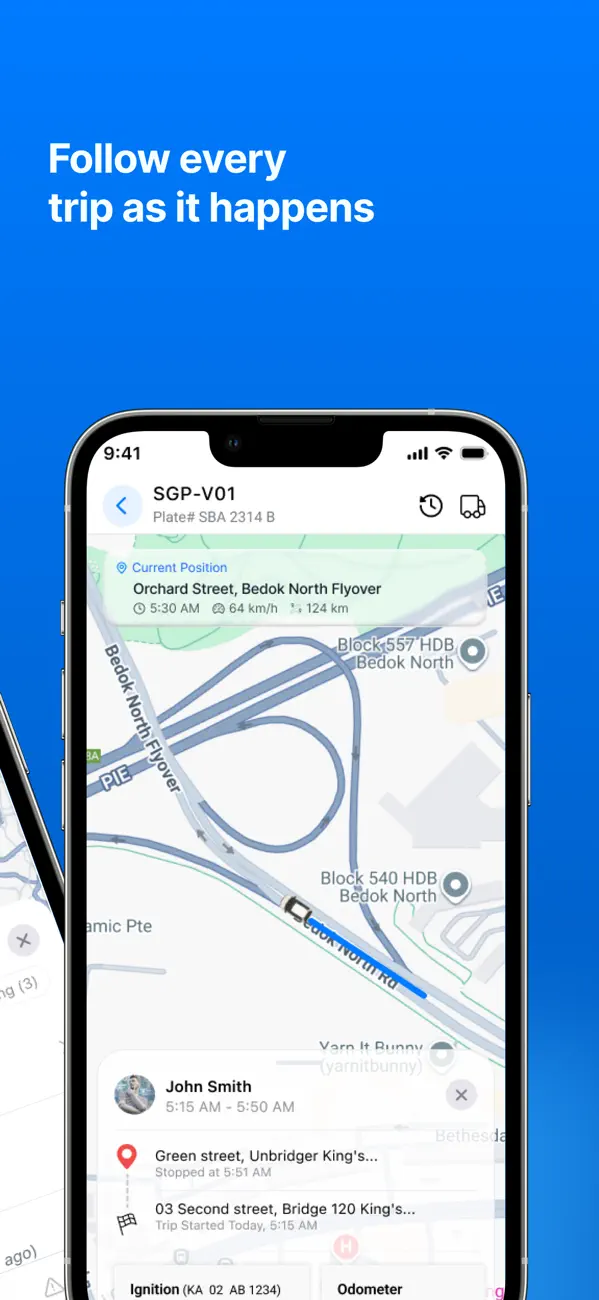
Past Tracks, redesigned
- See every trip from the day at once — each route in its own colour, so you can spot patterns at a glance.
- Playback is smoother and more reliable: accurate markers, better camera movement, and seamless switching between trips.
- Routes now fit the screen correctly, with clear start and end flags.
Maps
- New traffic overlay to see live road conditions alongside your fleet.
- Redesigned traffic and satellite controls with clearer icons.
- Improved vehicle label placement and better readability in satellite view.
Quick View
- Refreshed glass-style design.
- Simplified bottom sheet with a cleaner two-state layout.
- Fixes to driver name formatting and time frame selection.
Also in this release
- Updated navigation menu icon and refined shadows throughout the app.
- Performance improvements and bug fixes.