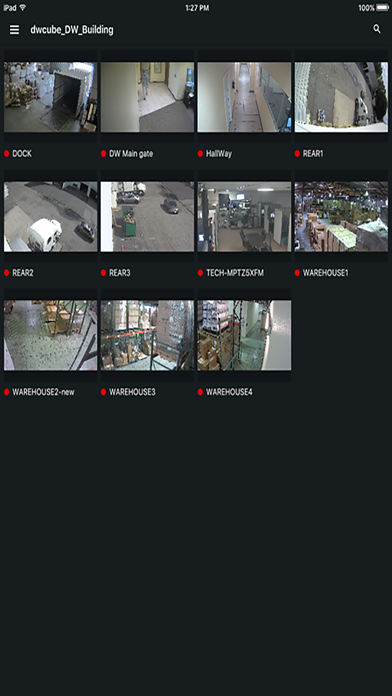
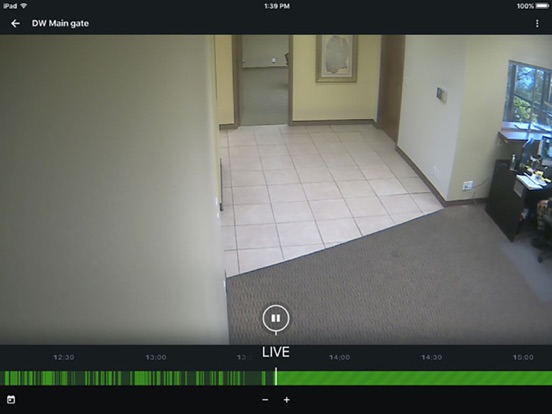
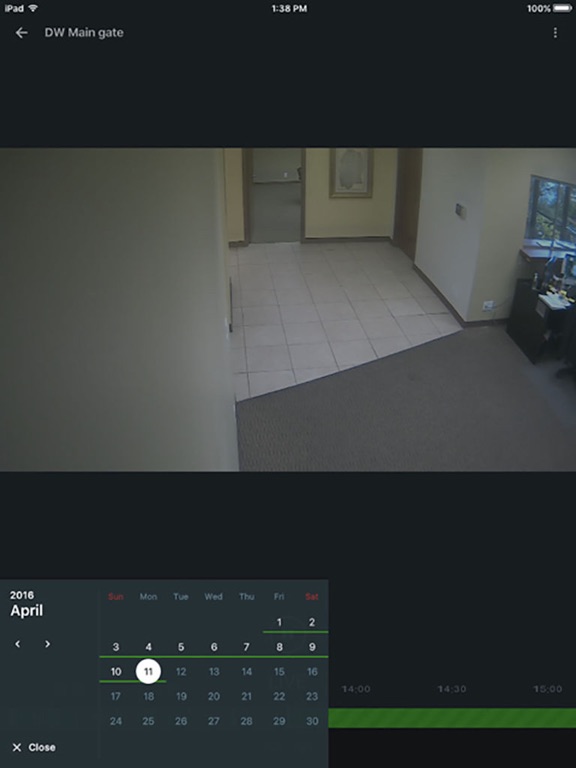
DW Spectrum Mobile
iOS Universel / Economie et entreprise
PLEASE NOTE THIS APPLICATION WORKS WITH DW SPECTRUM™ IPVMS SERVERS RUNNING v4.0 OR HIGHER.
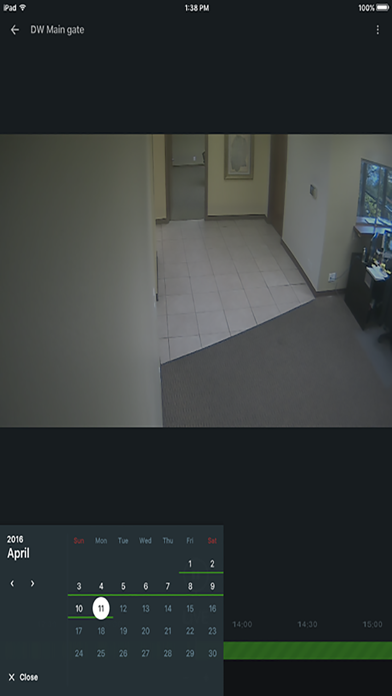
DW Spectrum™ IPVMS Mobile is an elegantly easy cutting-edge approach to HD surveillance, addressing the primary obstacles and limitations of managing enterprise-level HD video while offering the lowest total cost of deployment and ownership of any solution on the market. The software offers advanced search features to find the exact time you need in an instant. The software is cross-platform, and combined with quick installation and instant network mapping and discovery, you can start viewing your entire security system in minutes. The DW Spectrum™ is a perfect solution for any application that requires ease, speed, efficiency, and unprecedented image quality.
Models Supported:
• Blackjack Mini
• Blackjack Bolt
• Blackjack Cube
• Blackjack P-Rack
• Blackjack E-Rack
• Blackjack X-Rack
• MEGApix IP Cameras
Features:
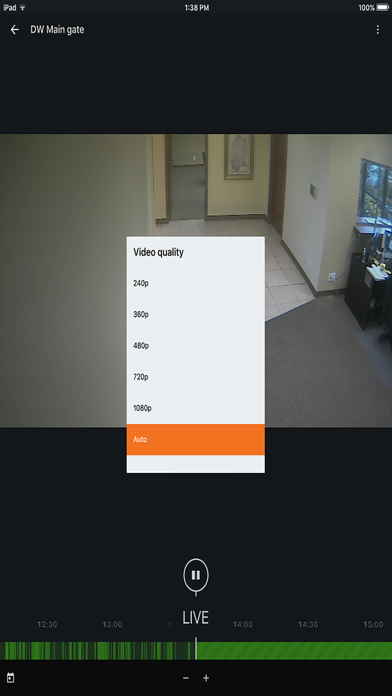
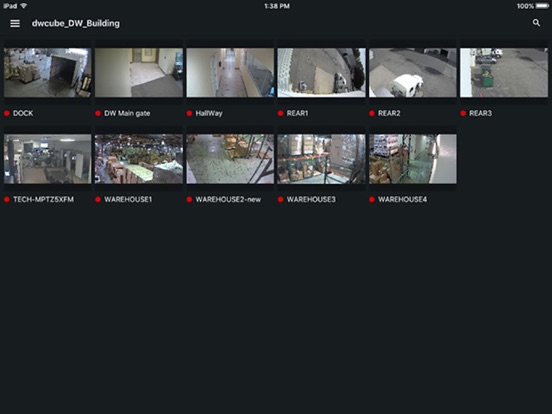
1. View Live and Playback video
2. Connect with DW Cloud account
3. Easy Calendar Search
4. Fast, User-Friendly, and Intuitive GUI for Setup and Operation
5. SoftTrigger
6. Dewarp fisheye camera
7. Instantaneous access to Digital Watchdog’s newest Blackjack NVR Series from anywhere in the world using either Wi-Fi or 4G/LTE connections
Digital Watchdog’s Remote Surveillance App supports smart phones and tablets running the following iOS:
• iOS 11.4 or higher
• iPadOS 13
Quoi de neuf dans la dernière version ?
BREAKING CHANGES:
• iOS / iPadOS 17 and earlier are no longer supported.
• Support of 5.1 Servers will be dropped in the next major release (26.2).
NEW FEATURES:
• Simplified Layout Management. A new grid system that maximizes tile size while ensuring all cameras fit within the viewport. Users can now zoom in to increase tile size or zoom out to see more cameras at once.
• Mobile Push Notifications Feed. Added a centralized history feed for push notifications. It aggregates notifications from all accessible Sites within an Organization or those specifically linked to the currently connected Site, allowing users to review alerts they may have missed.
• Camera Groups (Folders) Support: The mobile client now supports Camera Groups (Folders) configured in the Desktop client, making it easier to navigate large systems using the same Resources tree structure.
IMPROVEMENTS:
• Improved the font size and color on items in the Bookmarks and Objects search lists to enhance readability.
• URLs included in bookmark descriptions are now clickable, allowing users to open links directly in a browser.
• Unified the naming and structure of options within the Mobile Client Settings for a more intuitive user experience.
• Network traffic is optimized.
BUG FIXES:
• The Welcome Screen displayed "Loading" for some time after disconnecting from a Site. Fixed.
• Transcoded streams were incorrectly displayed if opened from the devices list with enabled “Live Previews”. Fixed.
• The app could hang after remaining idle on the devices list screen for several hours on iPads. Fixed.
• The application sometimes incorrectly displayed a "No Sites" message immediately after launch. Fixed.
• Search results on the Welcome Screen could experience "shaking" or bouncing while scrolling through long lists. Fixed.
• Sites with restricted access (e.g., "Site Health Viewer" permissions) were incorrectly appearing in the "Sites" tab instead of under their respective Organization/Partner. Fixed.
• A broken link was removed from the error message shown when attempting to connect to a local Site using a Cloud account while not logged into the Cloud. Fixed.
• The error message when entering an incorrect IP address or port in the "Connect to Server" form was misleadingly labeled as an "Internal error." Fixed.
• Cameras from offline Sites in a Cross-Site layout would show an infinite loading animation instead of an "Offline" placeholder. Fixed.
• Opening a camera in a Cross-Site layout when 2FA was required but disabled for the user account resulted in infinite loading. Fixed.
• The archive calendar did not correctly respect the "Use Server Time" setting, preventing the selection of the current date in different time zones. Fixed.
• A short tap on the 2-way audio button could cause the app to remain muted until a restart when using servers version 6.0.6 or older. Fixed.
• The top item on the "Looking for" screen was slightly cropped by the top bar. Fixed.
• Previews in the bookmarks and objects lists would fail to load if the bookmark started with an empty video segment. Fixed.
• Text in the breadcrumbs navigation panel was not properly centered on iOS devices. Fixed.
• The application could crash on iOS after a user logged out from their Cloud account. Fixed.
TESTED OS:
• iOS / iPadOS 18, 26