Fleetio Go - Fleet Management
iOS Universel / Economie et entreprise
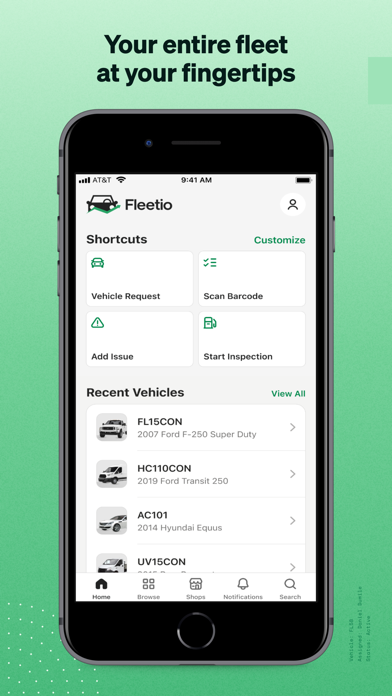
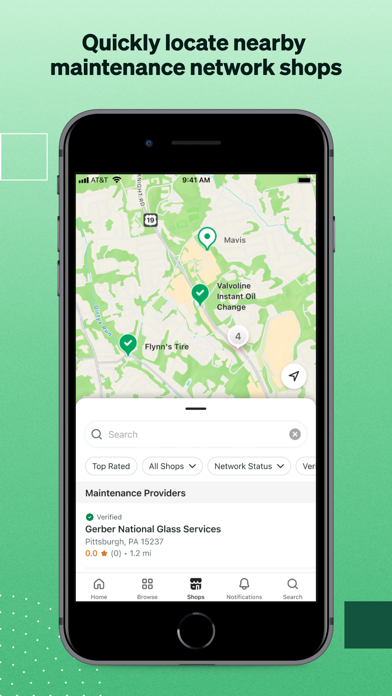
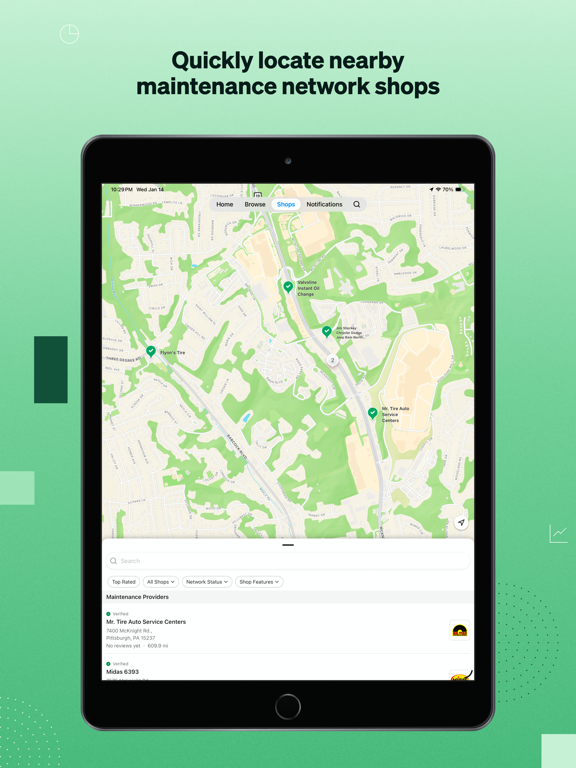
Put the power of fleet management software in your pocket with Fleetio Go. Fleet managers, drivers, technicians and other fleet personnel can collaborate on critical fleet maintenance tasks and manage everything from DVIRs to work orders in a single app. Built for speed and optimized for productivity, Fleetio Go helps teams stay ahead of the daily needs of their fleet vehicles and equipment.
*A subscription to Fleetio Manage is required to use this app.
Features:
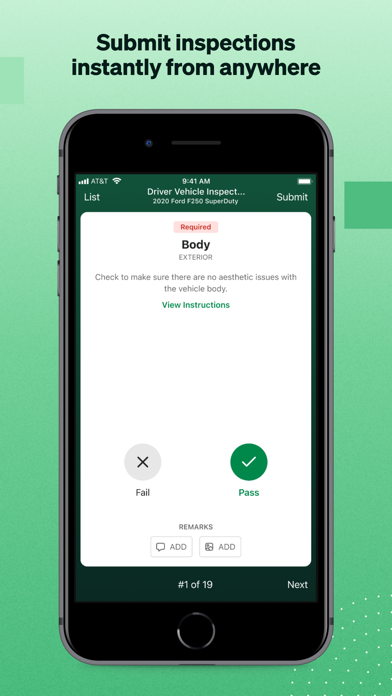
- Submit inspections (DVIR) and report issues directly from your phone
- Scan barcodes to lookup vehicles and equipment instantly
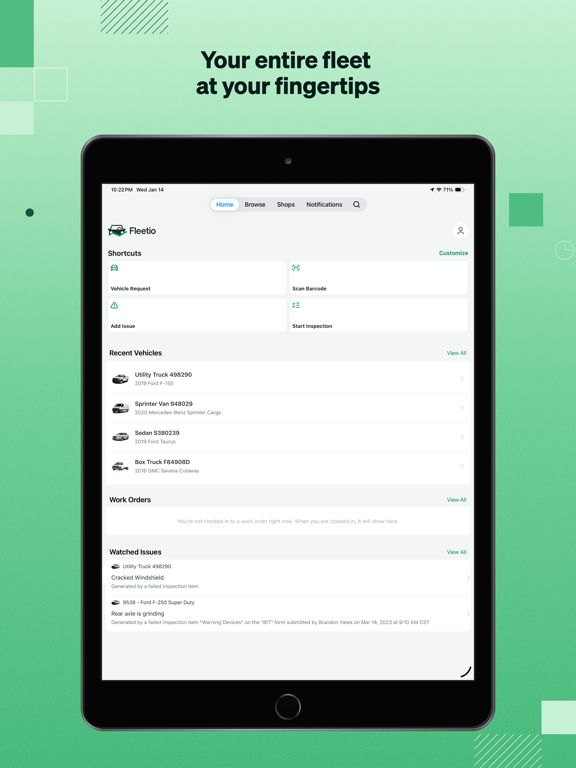
- See the most relevant information to you on a personalized Home screen
- Access contacts associated with your fleet remotely
- View asset profiles
- Receive service and renewal reminders
- Receive push notifications for important issues and reminders
- Manage mobile Work Orders
- Review maintenance history
- Log fuel-ups and see fuel history
- Add and view photos, documents & comments
- View and change security & permissions
- Manage multiple fleets
Fleetio Go empowers drivers to be more productive by providing an easy way to inspect vehicles, report issues and log fuel from a smartphone or tablet. Users can stay on top of vehicle maintenance with helpful reminders and maintenance history as well as provide details via photos and documents. Technicians can view vehicle issues and manage work orders from anywhere, minimizing downtime.
Using comments and flexible user permissions, teams can customize access, facilitate meaningful conversations and successfully collaborate on fleet management tasks. Users can also manage multiple fleets within Fleetio Go.
About Fleetio:
Fleetio helps fleets run like well-oiled machines and proactively collaborate on and manage daily fleet tasks. Rather than using spreadsheets or outdated software, Fleetio enables fleets of all sizes to manage everything in a modern, intuitive system. Fleetio offers simple and comprehensive management of all day-to-day fleet operations and total cost of ownership data while also providing fuel card and GPS integration, all-inclusive support, unlimited account users and online and mobile accessibility.
Quoi de neuf dans la dernière version ?
What's improved
* More reliable work order completion, with fixes to meter validation, parts and labor totals, and tax calculations.
* Issue and document screens now display attachments, activity, and custom fields correctly.
* Smoother inspections, with improved meter entries, form lists, and item visibility.
* More reliable service reminders and service entries, with smoother navigation and saving.
* Screens now better reflect your account settings, plus general stability and performance improvements.