FormInk: PDF Scanner Sign App
iOS Universel / Economie et entreprise
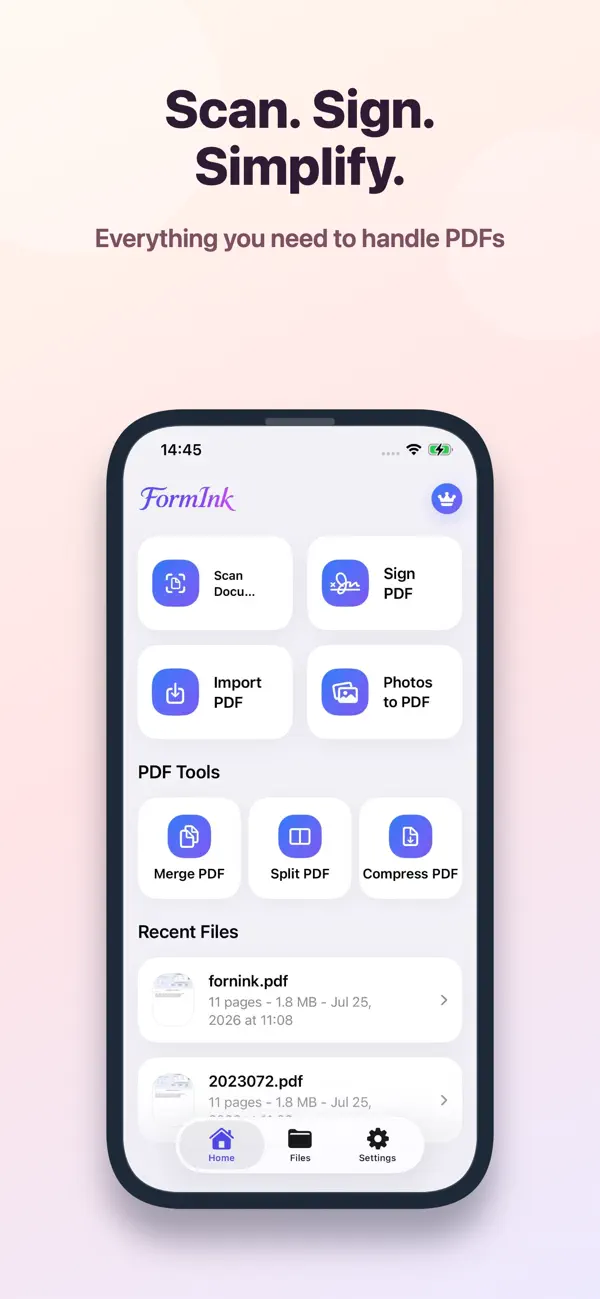
FormInk helps you scan documents, fill PDF forms, and sign PDFs on your device. Capture paper documents, import files, add text and signatures, merge or compress PDFs, and keep your workflow private.
New: scan a handwritten signature from paper, remove the background, and save it as a transparent signature.
Key features:
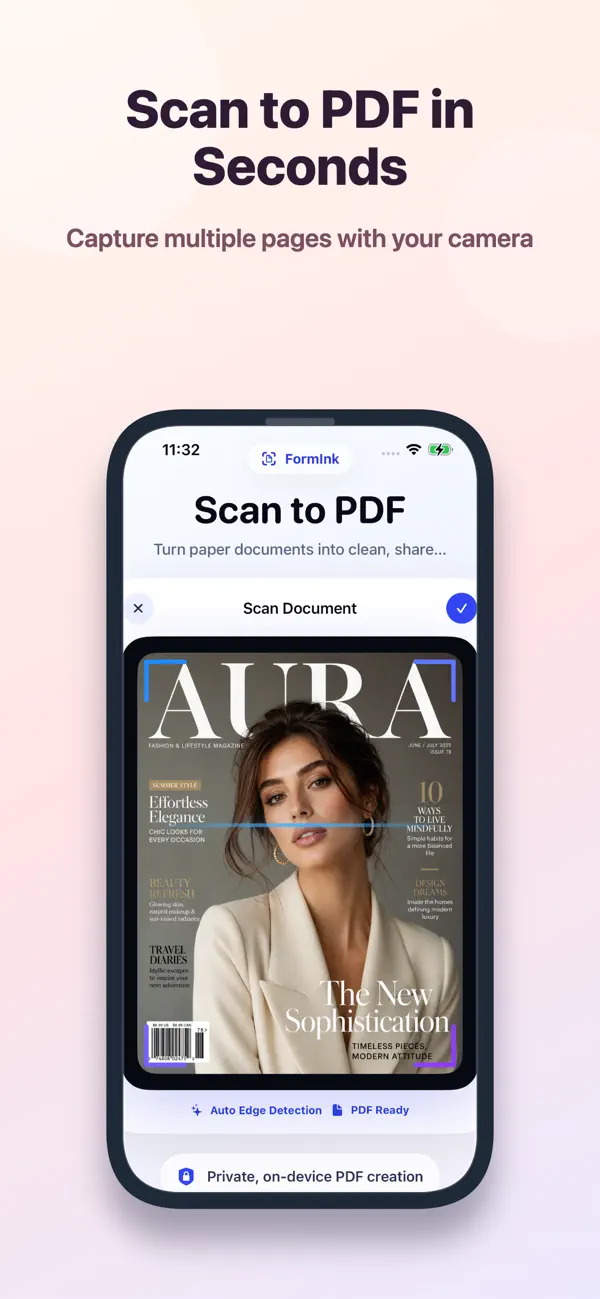
• Scan documents to PDF
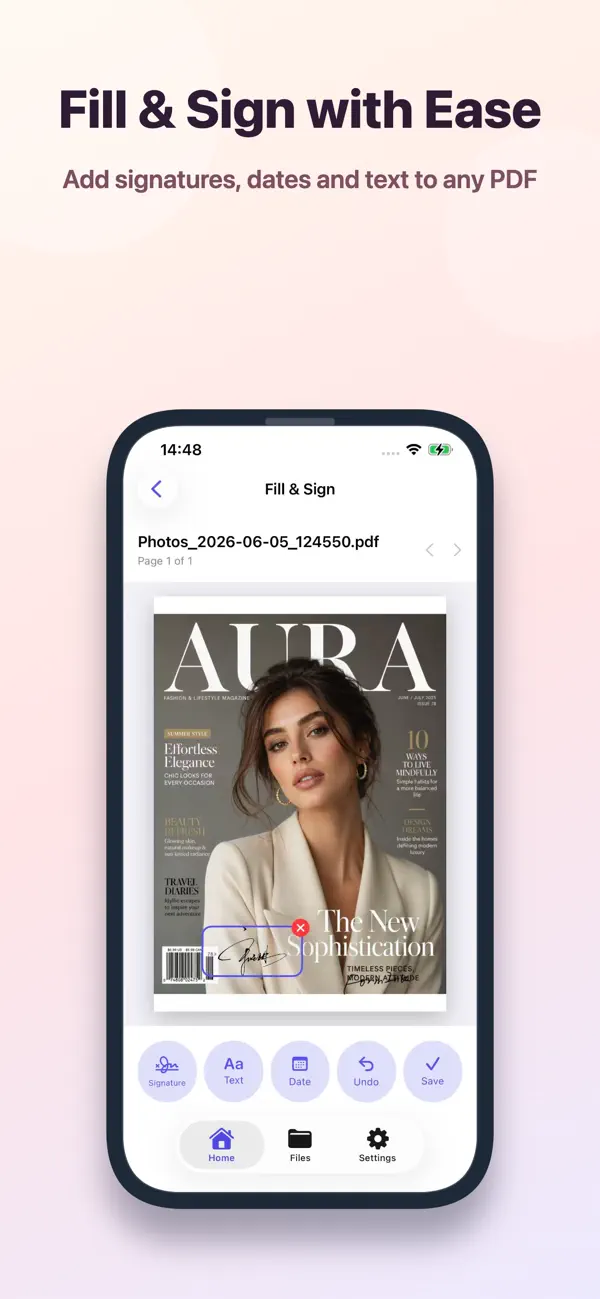
• Fill and sign PDF forms
• Extract handwritten signatures from photos
• Save reusable signatures
• Merge and compress PDFs
• Convert photos to PDF
• On-device processing for privacy
SCAN DOCUMENTS
• Capture multi-page paper documents and turn them into clean PDFs.
• Create PDFs from selected photos.
• Import existing PDF files from Files.
SIGN AND EDIT
• Draw and save handwritten signatures.
• Place signatures, dates and text on PDFs.
• Move, resize and delete placed items.
• Rotate, reorder and remove PDF pages.
ORGANIZE AND SHARE
• Rename and favorite important documents.
• Merge, split and compress PDFs with FormInk Pro.
• Export to Files or share through the iOS share sheet.
PRIVATE BY DESIGN
Your documents and signatures are processed and stored on your device. FormInk does not upload your PDFs or signatures to a server.
FORMINK PRO
Upgrade for expanded usage and PDF tools. Subscriptions automatically renew unless canceled at least 24 hours before the end of the current period. Manage or cancel subscriptions in your Apple Account settings.
Privacy Policy: https://www.nicolaigame.top/common/privacy-en.html
Terms of Use: https://www.nicolaigame.top/common/terms-en.html
Quoi de neuf dans la dernière version ?
FormInk just got a fresh new look
• A cleaner, simpler home screen
• Choose a file before signing
• Easier file filtering and sorting
• Refreshed launch screen and branding
• A few small fixes and improvements
Less searching, more getting things done. Scan, sign, simplify.