Kanban Live
iOS Universel / Economie et entreprise
Kanban Live puts your warehouse's bin inventory in your pocket. Walk the floor, scan a bin, and its stock status updates instantly for everyone — on the floor, in the office, and on the web.
Built for two-bin kanban and bin-based stock control, Kanban Live replaces clipboard walk-arounds with a scan-as-you-go workflow that takes seconds per bin.
HOW IT WORKS
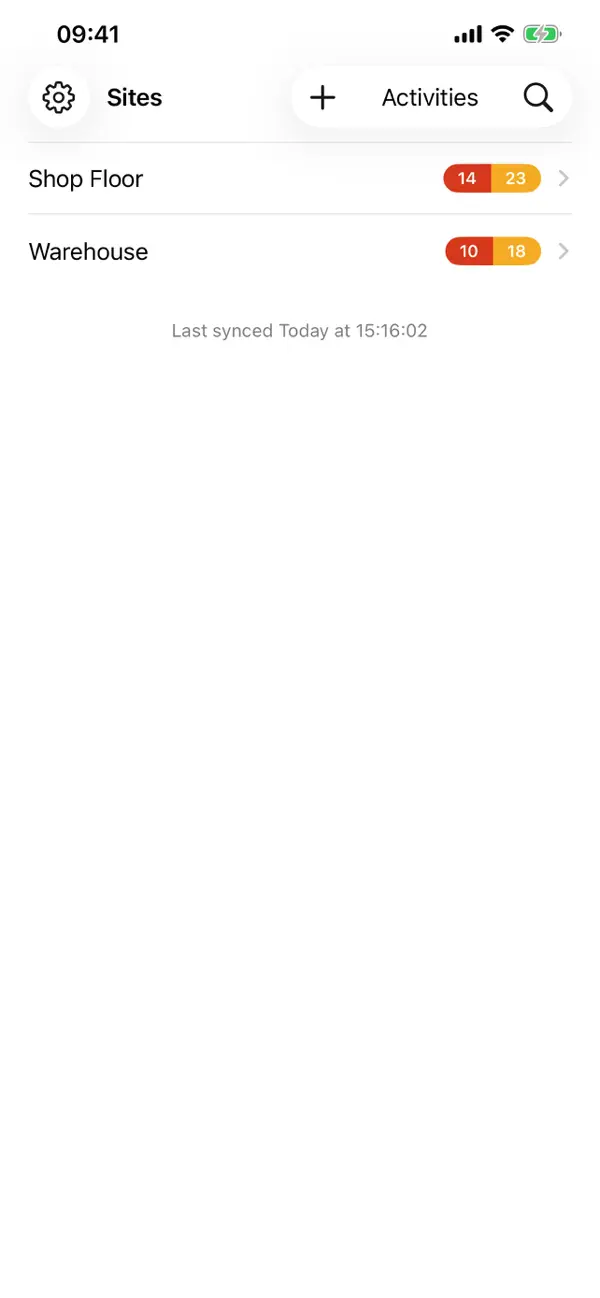
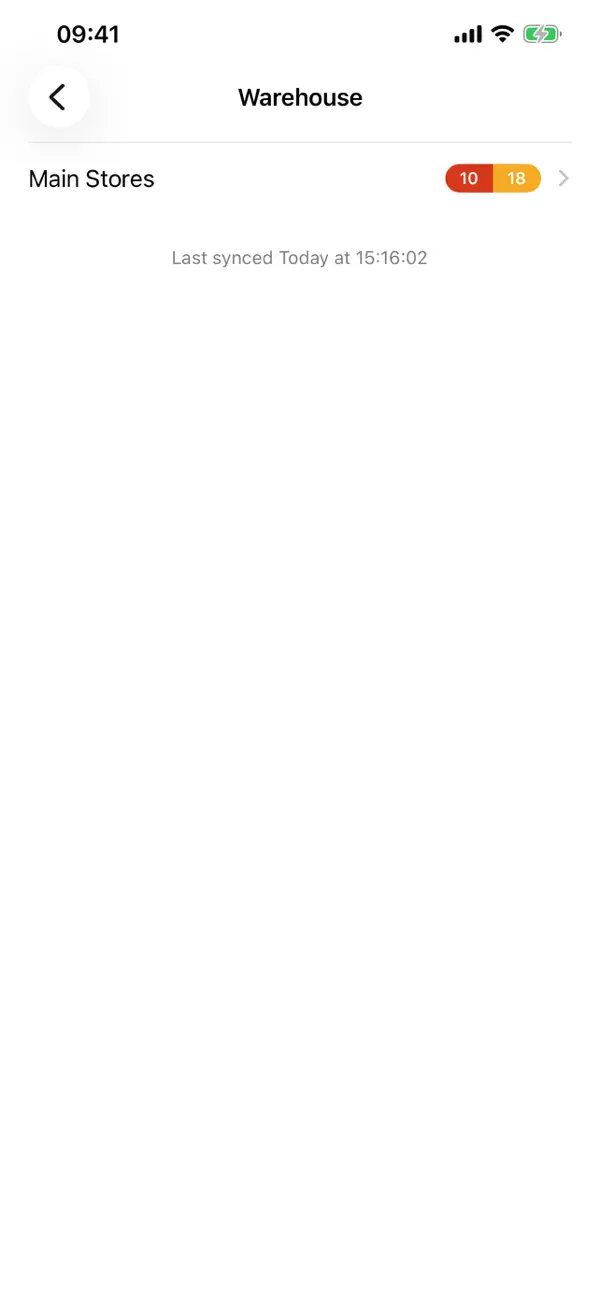
Organise your operation as sites, areas, panels and bins, mirroring the physical layout of your warehouse. Each bin tracks its part, quantity and status — Has Stock, Requires Stock or Empty. Scan a bin's barcode (or just tap it) to update its status, and Kanban Live keeps a full record of what changed and when.
SCAN YOUR WAY
• Works with Socket Mobile and Linea Pro barcode scanners
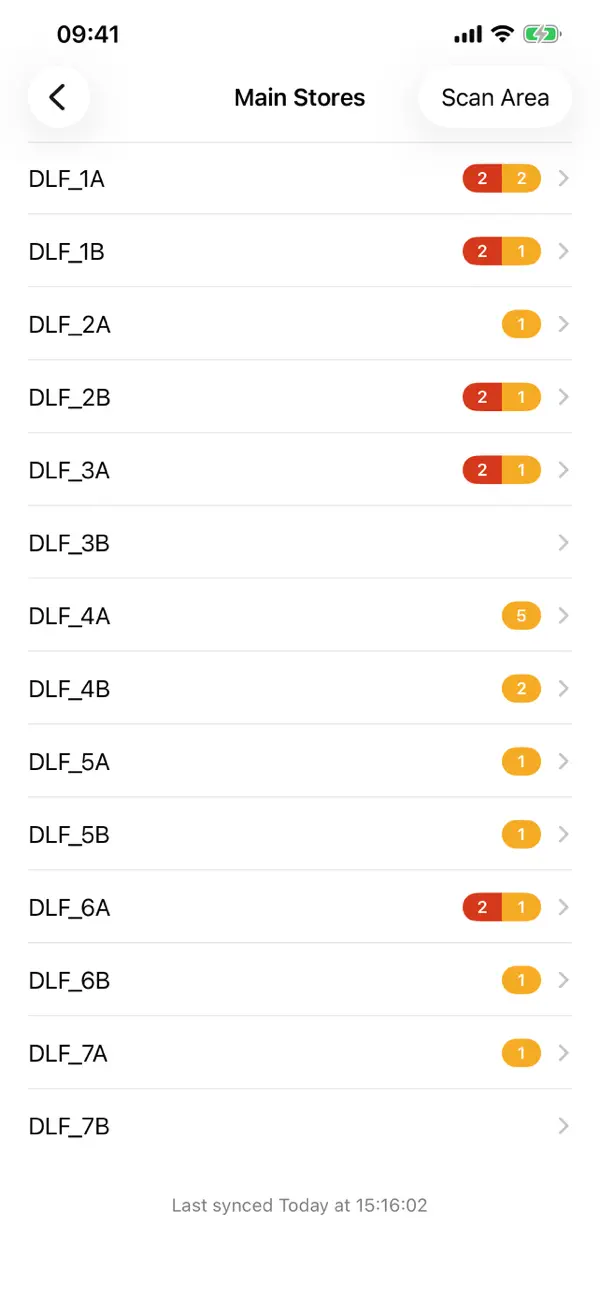
• Scan a single panel or sweep an entire area in one pass
• Smart barcode matching — bin identifiers, locations and part numbers all resolve to the right bin
• Swipe a bin to step its status, with a clear preview of the change
BUILT FOR THE WAREHOUSE FLOOR
• Full offline support — keep scanning with no signal; changes queue up and sync automatically when you're back online
• On iPad, panels appear as a live grid that mirrors the physical wall; on iPhone, a fast list for walking the rows
• Rearrange panels with drag and drop, or cut and paste bins between locations
• A complete activity history of every scan and status change, with sync status at a glance
STAY ON TOP OF STOCK
• Empty and requires-stock counts roll up from bin to panel to area to site, so problem spots surface immediately
• Track quantities, reorder points and demand status per bin
• Search bins and parts to find anything fast
Kanban Live requires a Kanban Live account. Learn more at kanbanlive.com.
Quoi de neuf dans la dernière version ?
Kanban Live 2.0 is a complete rebuild of the app — faster, more dependable, and right at home on the latest iPhone and iPad.
• A refreshed, modern design across every screen
• New app icon, with light, dark and tinted Home Screen styles
• Redesigned sign-in with clearer progress and error messages
• Panel scanning: swipe a bin to see exactly which status it will change to before you commit
• Smarter offline support — changes made without a connection queue up and sync automatically when you're back on the network
• More resilient syncing with automatic retries, built for patchy warehouse Wi-Fi
• Fixed: deleting and reinstalling the app now correctly returns you to the sign-in screen
• Many smaller fixes and performance improvements throughout