Maximizer
iOS Universel / Economie et entreprise
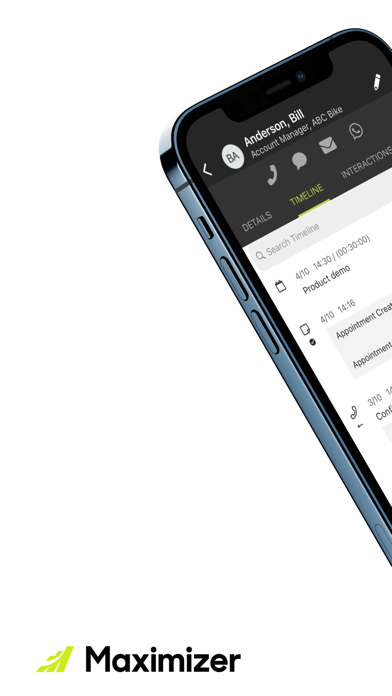
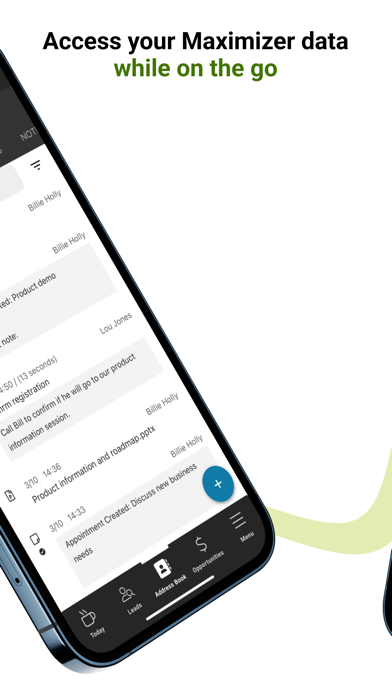
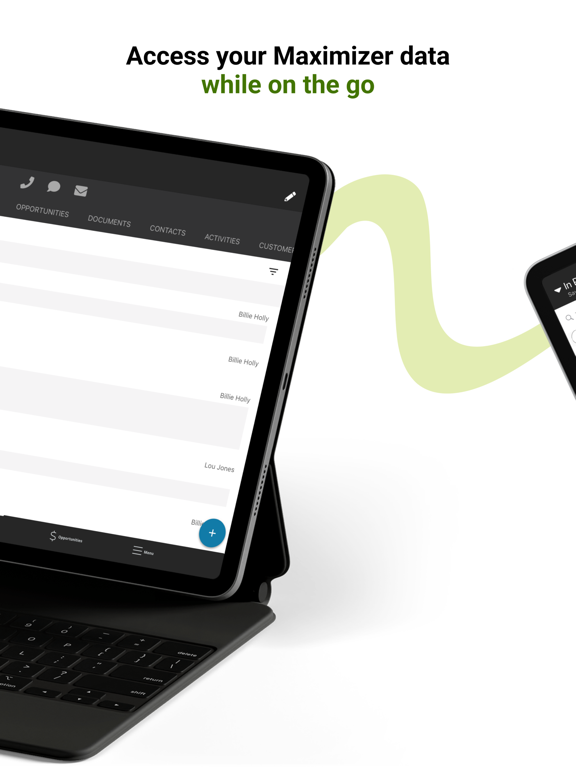
Access your customer data from anywhere using your phone or tablet with the Maximizer mobile app. Manage your schedule, update your pipeline, and connect with customers while on the go!
Stay Engaged – Call, text, email, or WhatsApp your clients and log those interactions to keep your most recent activities at your fingertips.
Close More Business – Manage your leads, customers, contacts, and opportunities so your pipeline is always up to date.
Keep Track of Your Schedule – Use the calendar to stay punctual and organized with your appointments and meetings.
Your Favorite Lists – Access to your saved search catalogs from the desktop app are available in all modules to find what you need quickly.
Install the Maximizer app on your phone or tablet today!
Note:
- On-premise customers must be using Maximizer 2020 or above to use this app.
Quoi de neuf dans la dernière version ?
- Refreshed the app with a new look across the main landing and menu pages.
- Redesigned the login experience with a cleaner login selector, help dialog, and smoother sign-in for both Maximizer CRM Live and On-Premise accounts.
- Introduced IQ Boost, a new AI assistant that summarizes records and lets you ask questions, with the ability to create tasks and appointments directly from AI responses.
- Bug fixes and enhancements.