Mobile eSign
iOS Universel / Economie et entreprise
eBS eSign brings rental inspections, equipment check-ins, checkouts, signatures, photos, and documentation together in one streamlined mobile experience.
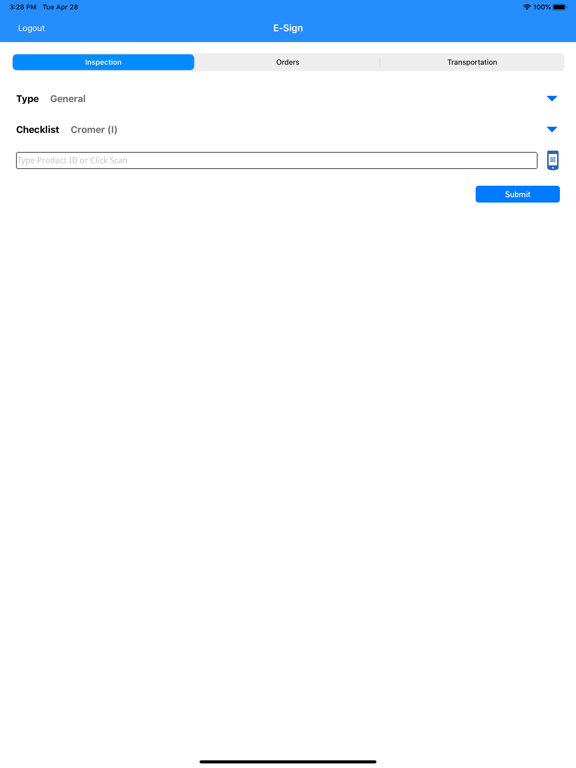
Designed to work directly with Next for Windows ERP, eSign helps equipment dealerships complete rental and general inspections faster, more accurately, and with better documentation from the field. Users can capture customer signatures, complete detailed checklist inspections, attach photos, record notes, and automatically generate organized PDF records for rental agreements, rental check-in/check-out, equipment inspections, and other business workflows.
With customizable checklist support, equipment-specific inspection requirements, photo documentation, digital signature capture, and automatic filing, eSign helps teams reduce paperwork, improve accountability, and keep inspection records accessible when they are needed most.
Whether your team is checking equipment out, receiving it back, documenting its condition, or completing general inspections, eSign helps ensure every step is captured, stored, and connected to your existing EBS workflow.
Key Features:
- Digital signature capture for rental and equipment documents
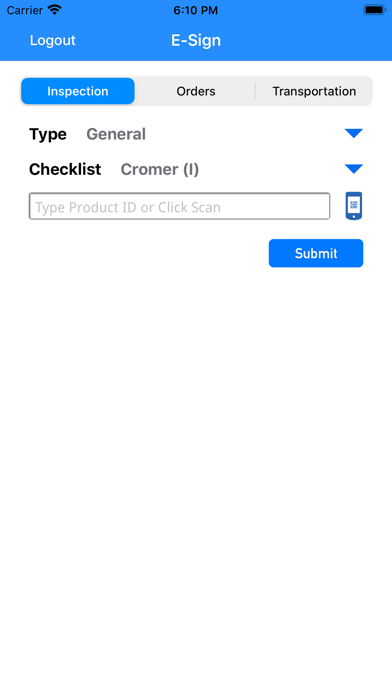
- Rental check-in and check-out inspection workflows
- General equipment inspection support
- Custom checklist and category-based inspection options
- Photo capture and attachment support
- Automatically generated PDF documentation
- Integration with Next for Windows ERP
- Organized document storage based on customer setup
- Designed for equipment dealerships, rental teams, and service operations
eBS eSign helps your team move faster, reduce manual paperwork, and keep every inspection professionally documented.
Visit https://www.ebs-next.com to learn more.
Quoi de neuf dans la dernière version ?
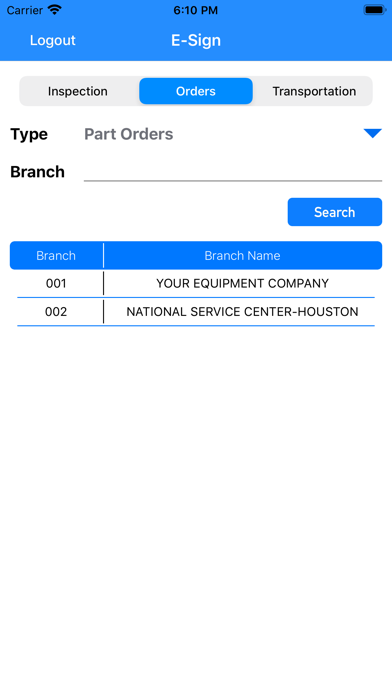
- Redesigned Parts Orders section for a cleaner, more user-friendly order review experience.
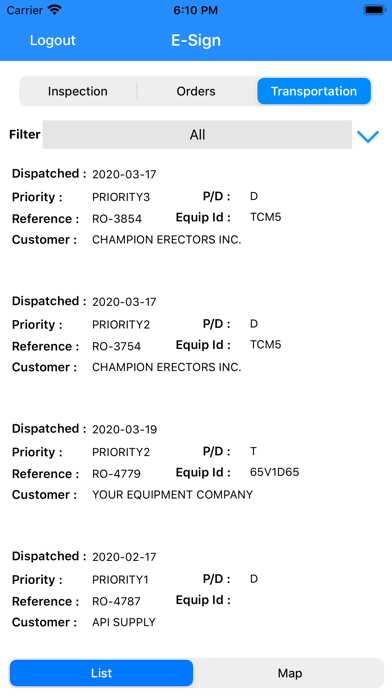
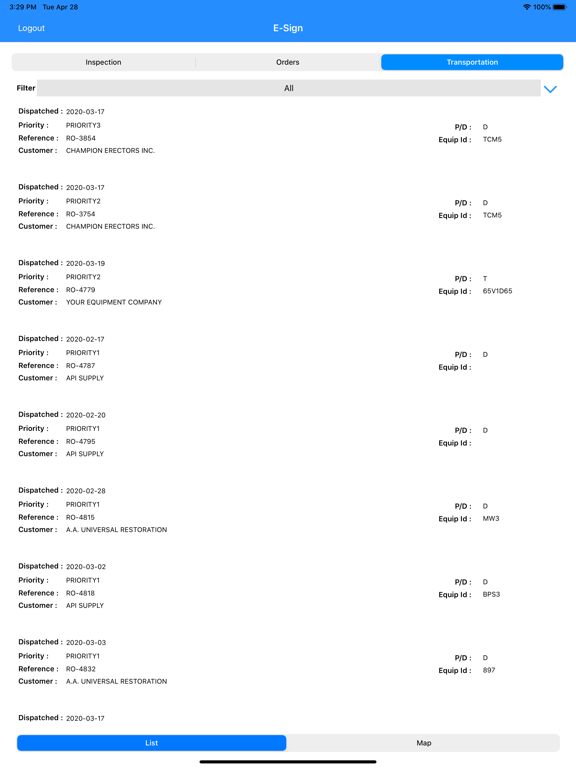
- Added new Transportation workflow enhancements, including Bill of Lading (BOL) support.
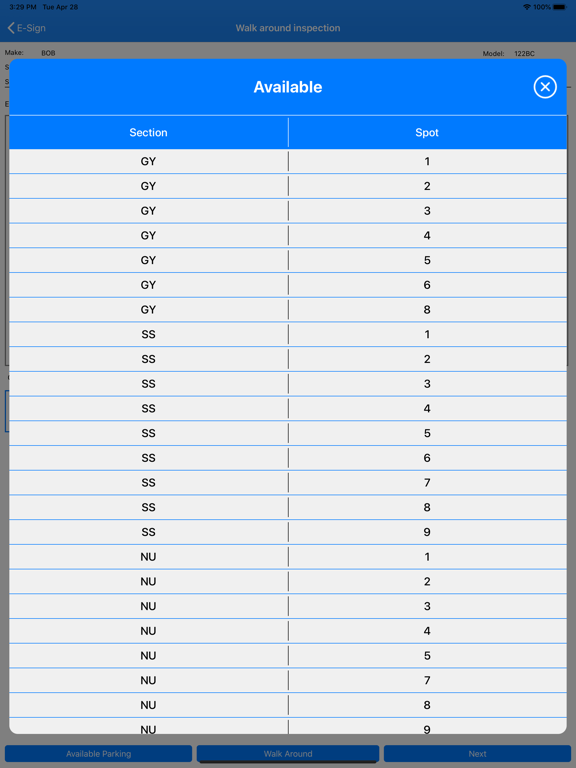
- Improved Rental Check-In / Check-Out workflows with updated equipment status notifications.
- Added clearer General Equipment / Rental status alerts to help users identify equipment conditions before continuing inspections.
- Enhanced inspection workflow screens for better spacing, readability, and consistency.
- Improved checklist and inspection PDF handling for cleaner, more professional documentation.
- Updated photo, checklist, and signature documentation flow for better reliability.
- Refined UI behavior across multiple eSign workflows for a smoother mobile experience.
- Bug fixes and performance improvements.