Mobile Reach
iOS Universel / Economie et entreprise
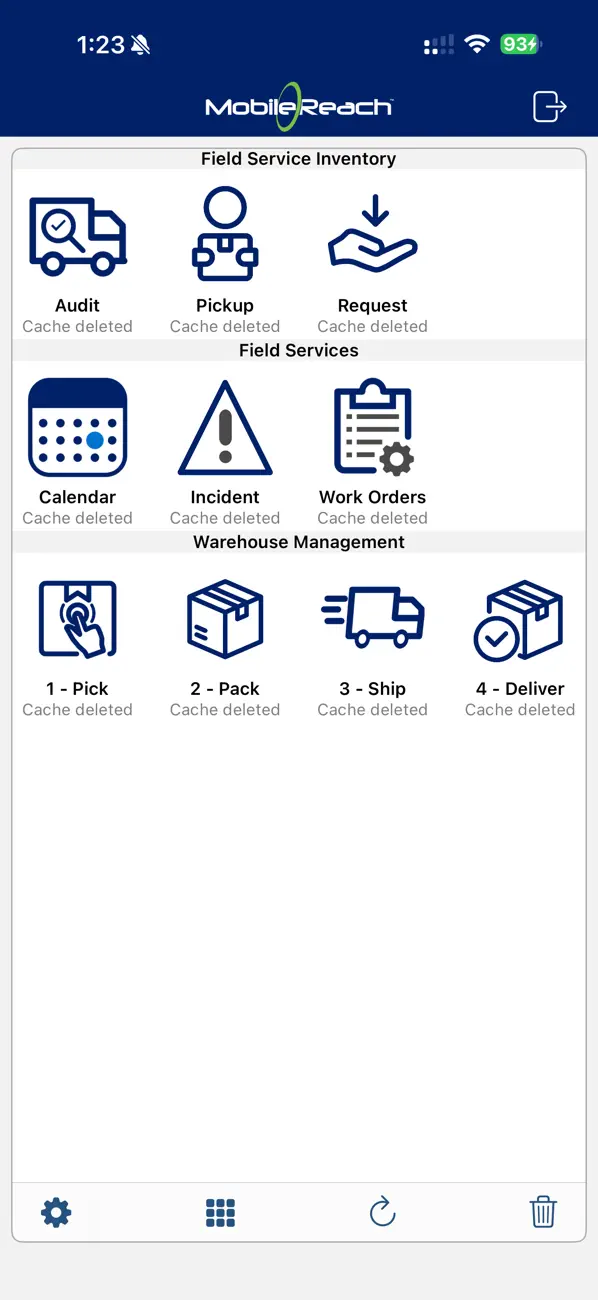
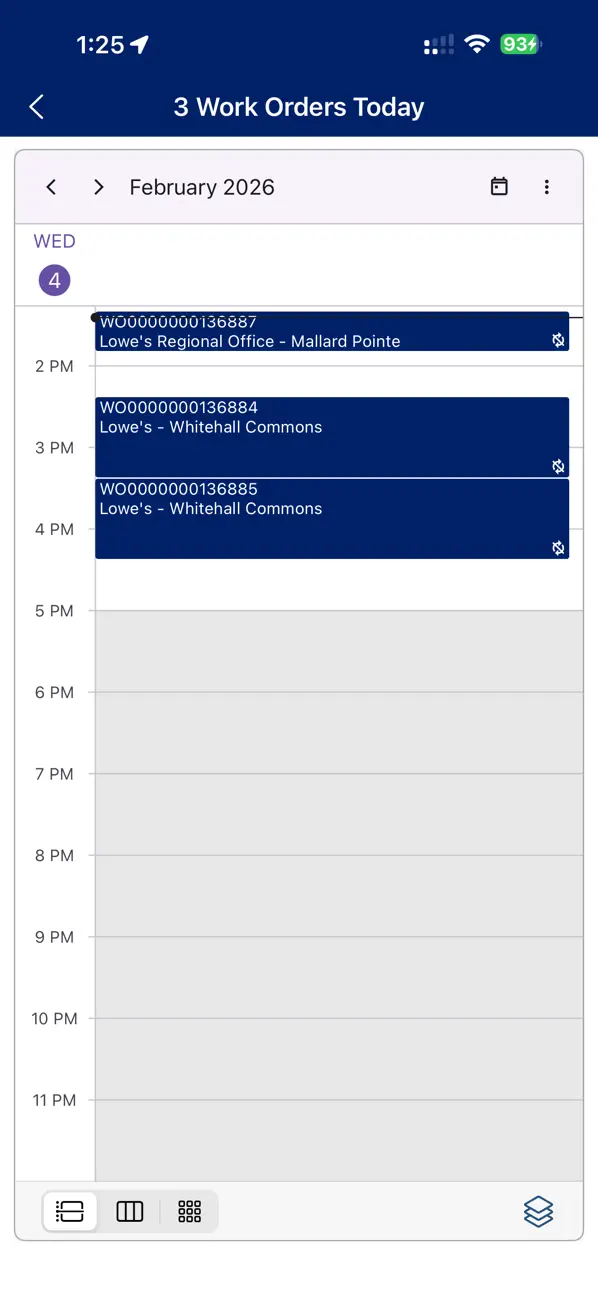
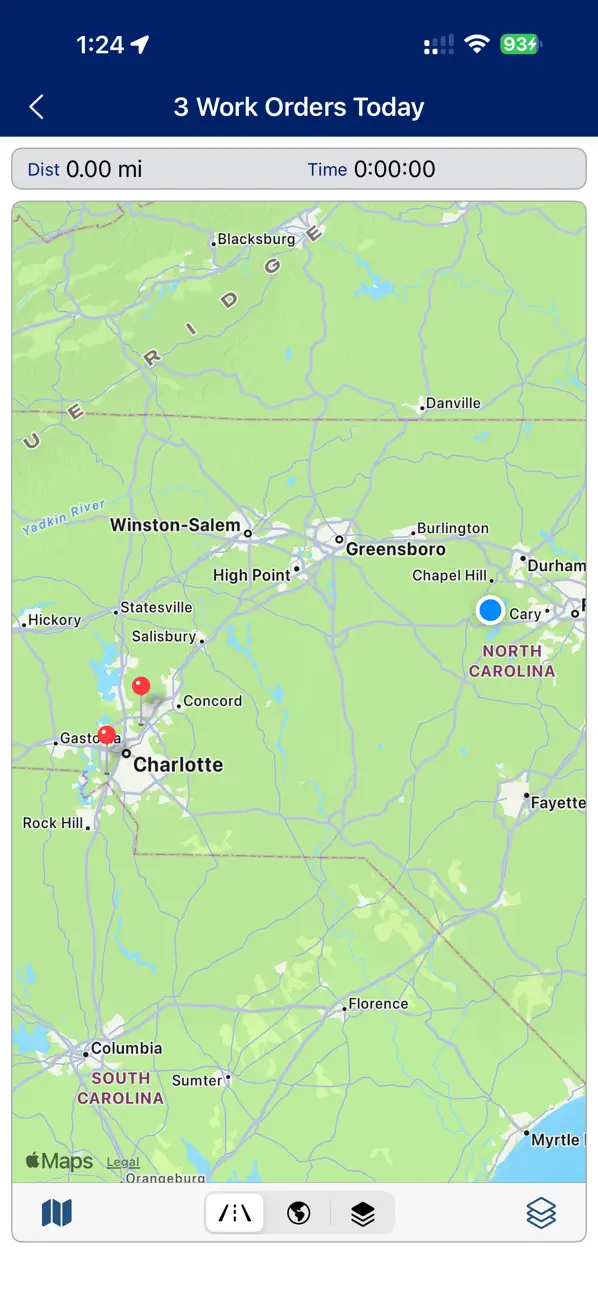
Mobile Reach empowers field service and IT teams with a comprehensive mobile platform for managing work orders, assets, inspections, and service delivery in the field.
CORE CAPABILITIES
The Mobile Reach app provides field technicians with instant access to critical service management capabilities on their iPhone, iPad, or iPod Touch:
• Manage and update work orders in real-time
• Perform inspections and preventive maintenance
• Access enterprise asset and equipment information
• View secure knowledge bases and technical documentation
• Connect directly to your existing enterprise systems
ENTERPRISE PLATFORM
Mobile Reach is a scalable mobile application platform designed for enterprise field service and IT organizations. The platform enables companies to build, configure, deploy, and maintain custom mobile field service applications tailored to their specific operational needs.
Mobile Reach apps connect securely to back-end enterprise systems including CRMs, ERPs, and service management platforms like BMC Helix, ensuring seamless data flow between field operations and central systems.
GETTING STARTED
After downloading the Mobile Reach app, connect to the Mobile Reach cloud gateway to access and test field service mobile applications on your iOS devices.
For detailed setup instructions, visit http://mobilereach.com/client-tutorial or email sales@mobilereach.com for enterprise inquiries.
WHO MOBILE REACH SERVES
• Field service technicians managing maintenance and repair operations
• IT service teams handling asset and service management
• Enterprise organizations requiring mobile field service solutions
• Companies using service management platforms seeking mobile capabilities
Learn more at www.mobilereach.com
Quoi de neuf dans la dernière version ?
Fix for Push Notification not registering device on a slow connection.