PDF Compressor App
iPhone / Economie et entreprise
PDF Converter & Compressor – Fast, Smart & Secure
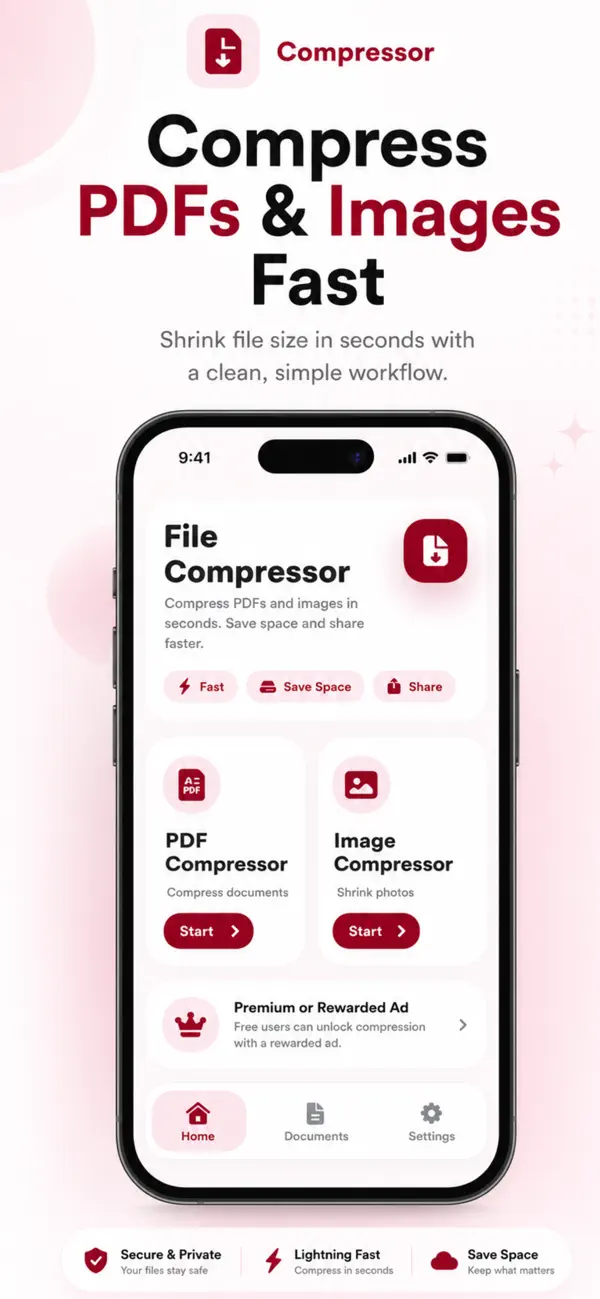
Easily compress PDF files and images on your iPhone with PDF Converter & Compressor — a simple, powerful, and privacy-focused tool designed to reduce file size without compromising quality.
Whether you need to share documents faster, save storage space, or upload files with size limits, this app helps you compress PDFs and images in just a few taps.
Powerful PDF & Image Compression
Reduce file size quickly with smart compression technology.
You can compress:
• PDF documents
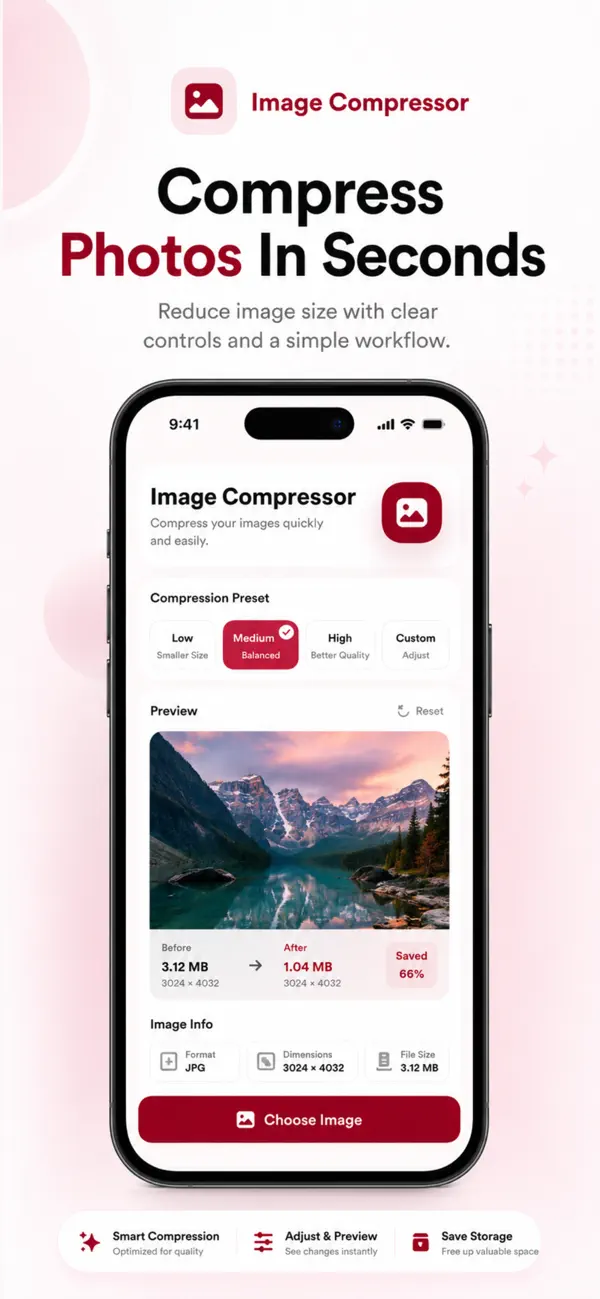
• Images (JPG, PNG, and more)
• Scanned files and large documents
Choose the compression level that fits your needs and get instant results.
3 Compression Levels – Full Control
You decide how much to compress your files:
• Maximum Compression – Best for sharing and saving space
• Balanced Compression – Reduced size with good quality
• Low Compression – Minimal size reduction with high quality
Ideal for emails, cloud uploads, messaging apps, and professional use.
All Compressed Files in One Place
Never lose track of your documents.
All compressed PDFs and images are automatically saved in a dedicated section, allowing you to:
• View all compressed files
• Preview documents anytime
• Manage your files easily
Everything stays organized and accessible.
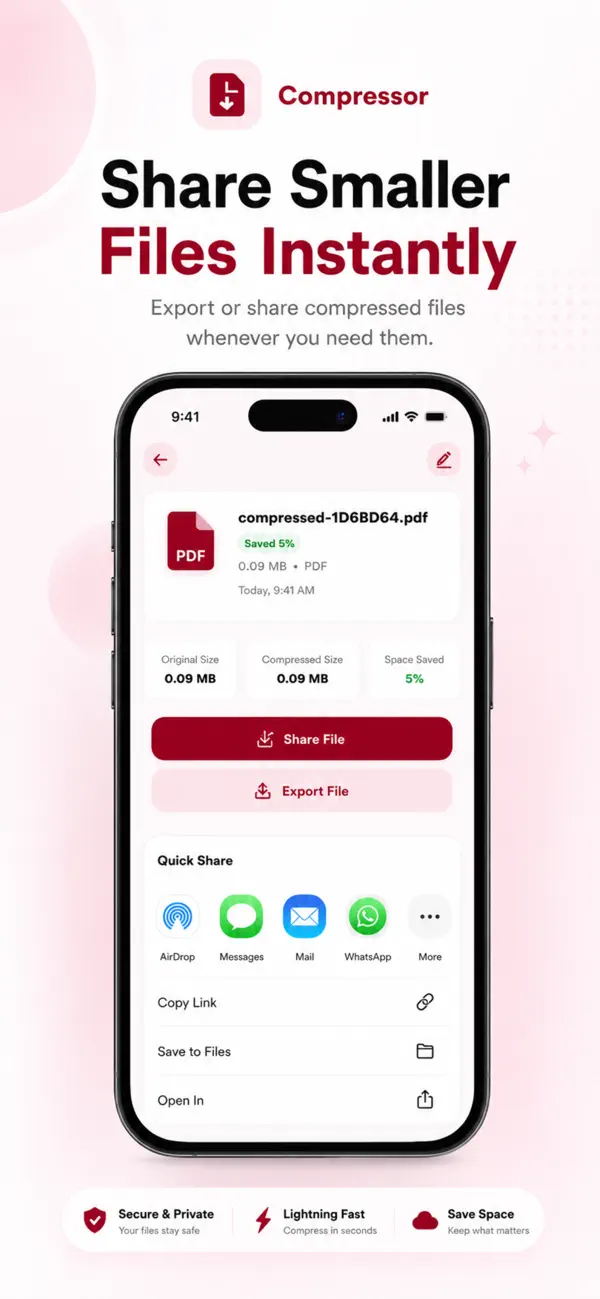
Save or Share Instantly
Once compression is complete, you can:
• Save files directly to the Files app
• Share via WhatsApp, Mail, AirDrop, or any supported app
• Send documents instantly without size issues
No extra steps. No confusion.
Fast, Offline & Secure
• Lightning-fast processing
• Works offline with no internet required
• Files stay on your device
• No uploads, no tracking, full privacy
Your documents remain completely secure.
Simple & Elegant iOS Design
Designed specifically for iOS with a clean, modern interface that feels natural and easy to use.
No technical knowledge needed — just select, compress, and share.
Why Choose PDF Converter & Compressor?
• Compress PDF and image files
• Choose from three compression levels
• Manage all compressed files in one place
• Save to device or share instantly
• Offline and privacy-friendly
• Fast, simple, and reliable
Subscription - Just $4.99 for lifetime subscription
Privacy Poliy - https://compressedpdfimg.blogspot.com/2026/01/privacy-policy.html
Quoi de neuf dans la dernière version ?
We’ve updated the app with a cleaner and smoother UI for a better compression experience.
This version also improves the PDF and image compression flow, saved file management, and file actions like share, export, rename, and delete.