Secure Scanner
iOS Universel / Economie et entreprise
Scan, Encrypt and Password Protect all your documents for free in your iOS device.
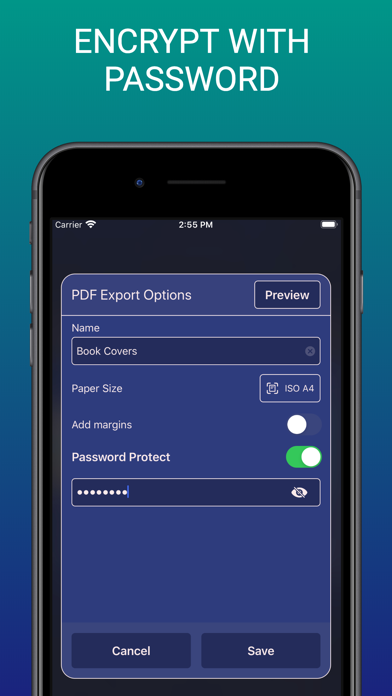
Secure Scanner is an extremely secure and powerful document scanner app which allows you to password protect scanned pdf files inside the app itself. The password will protect your documents even if you share the document outside the app. That’s something, isn’t it?
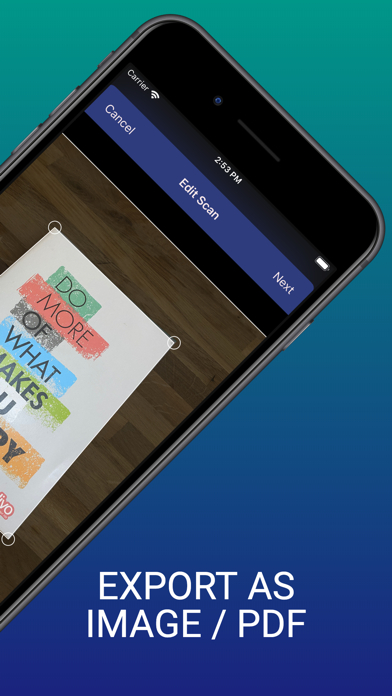
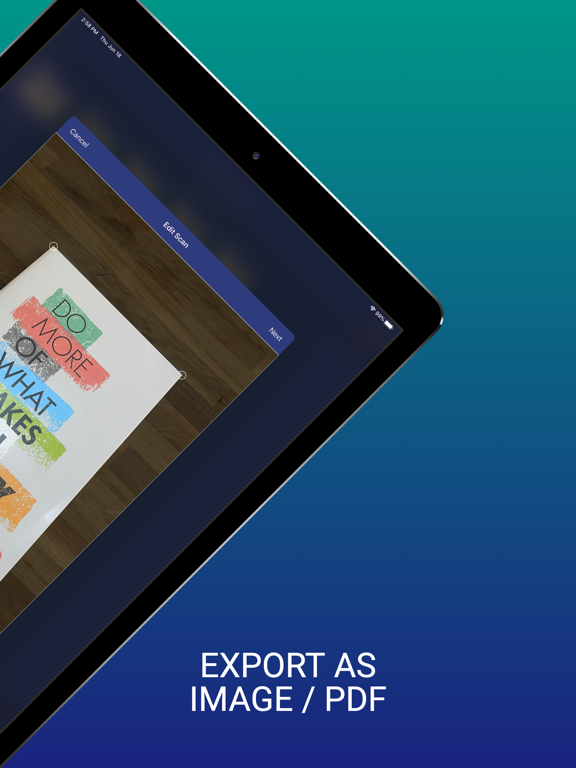
Secure scanner has an auto-shutter feature, which automatically scans the image if the app is able to find all borders correctly. You can do manual scans as well, while the app is finding the borders. Also, if you want finer control, you can change the borders manually too.
Create multi page PDF files from your scans or save them as JPEG images in camera roll. You can import image from camera roll and Secure Scanner will scan document from image. You can save to camera roll or save as PDF document that is encrypted and protected with password.
You can scan all of your documents, be it book page, paper notes, receipts, fax, newspaper, or even business cards. Secure Scanner supports embedding your scanned documents in a variety of page sizes. A4, A3, Letter as well as Original size are some example paper sizes.
Secure Scanner supports full fledged folder hierarchy, which supports as many levels of subfolders as you need. You can create, rename and delete folders. Organise files inside the app by moving, renaming or deleting selected files and folders.
You can share files with a tap of button to Email, Chat, or any of your other favourite apps that support pdf files. Or you can print document directly from inside the app.
There is NO server side processing of your documents. All the processing of documents happens inside the your iOS device, and all files are stored locally inside the app. Your privacy is something we are holding dear to our core values.
App Features:
Scanning:-
- Scan documents in high quality
- Encrypt and save documents as pdf files
- Protect scanned documents with password
- Save as JPEG files in camera roll (No encryption)
- Save scanned files in color or grayscale
- Automatic shutter and border detection
- Manual shutter and border correction
- Scan multiple pages in one go
- Rearrange scanned pages before exporting as PDF
- Preview PDF document before export
- Add margins to PDF document
- Supports a variety of page sizes
US sizes - Letter, Legal, Ledger, Tabloid, Executive, ANSI C, ANSI D, ANSI E
ISO A sizes - A0, A1, A2, A3, A4, A5, A6, A7, A8
Original size of the scanned document
Organising:-
- Folder structure with support to multiple levels of folders
- Add, delete and rename folders
- Move files and folders
- Arrange scans inside folders for better organisation
- Multiple files and folders can be selected to delete easily
Sharing Documents:-
- Share scans through mail, chats, and any other app that supports pdf files
- Save scans as photos to iOS camera roll
- Print documents directly from the app using printers via WiFi
You won’t need those bulky scanners at office or home anymore. Keep a secure and powerful scanner in your pocket all the time. A great alternative for cam scanner.
Privacy Policy: https://securescanner.app/en/privacy-policy/
Terms & Conditions: https://securescanner.app/en/terms-and-conditions/
Support: https://securescanner.app/en/support/
Quoi de neuf dans la dernière version ?
Bug fixes & Performance enhancements