Winmail File Viewer & Opener
iOS Universel / Economie et entreprise
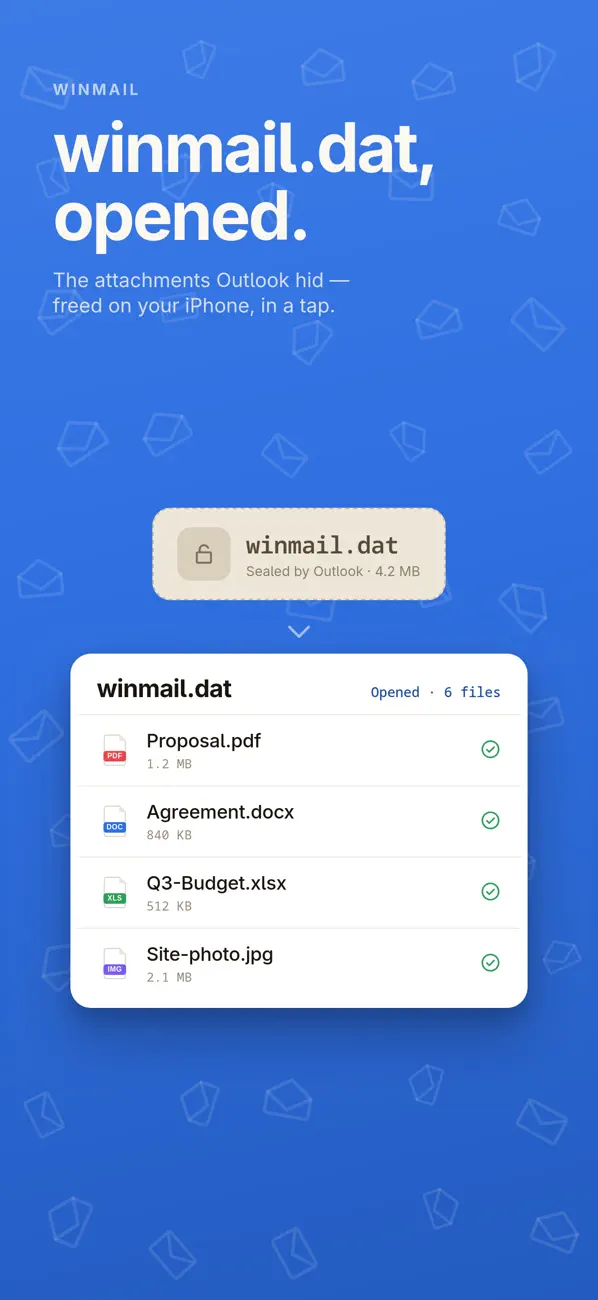
Winmail File Viewer & Opener lets you open winmail.dat files on iPhone, iPad, and Mac - and extract the real attachments inside.
Some emails from Microsoft Outlook / Exchange arrive as a winmail.dat file (also called TNEF), which can hide the attachments you actually need. This app decodes the file so you can view its contents and save the attachments in seconds.
Private by design: everything is processed on-device, works offline, and requires no account.
How it works
1. Import a winmail.dat file from Mail, Files, or the Share Sheet
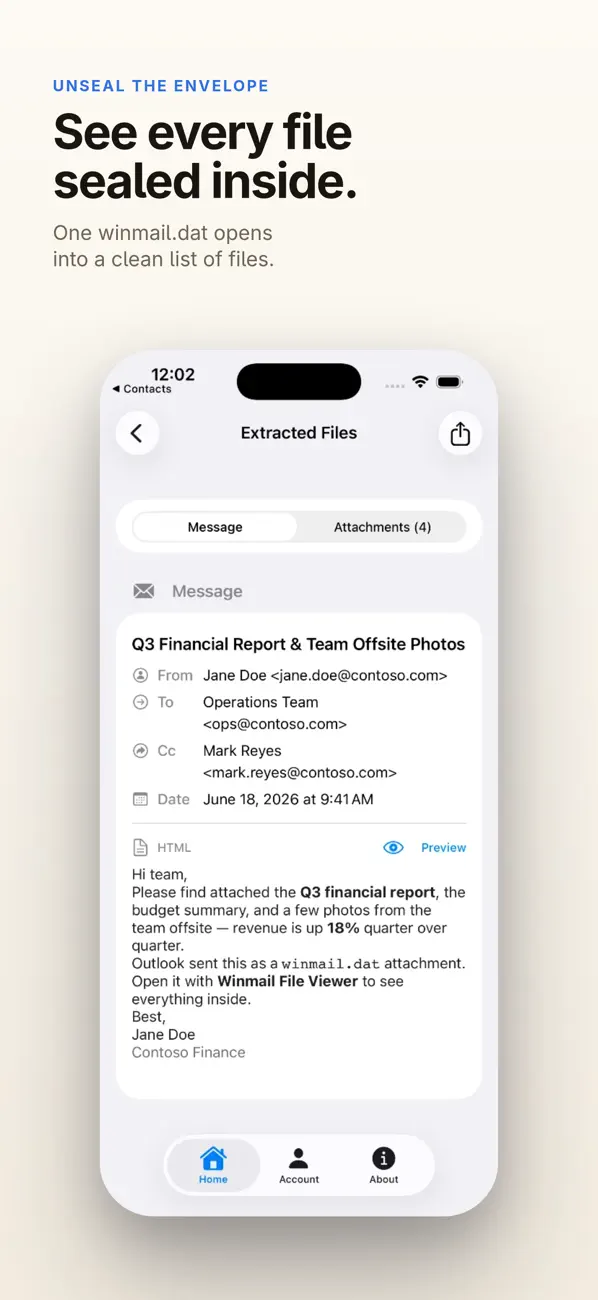
2. View the message contents and attachment list
3. Extract and save attachments to the Files app, or share them anywhere
Key features
- Open winmail.dat / TNEF quickly
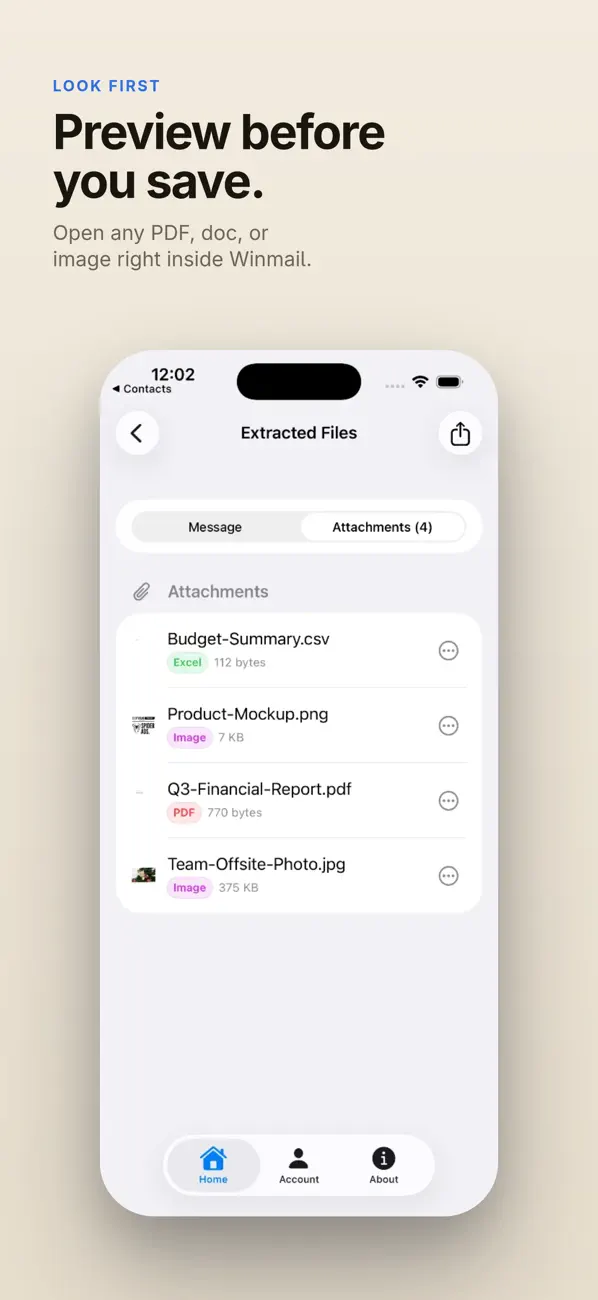
- Preview and extract common attachments (PDF, DOCX, images, and more)
- One-tap Save, Share, or Copy
- Works across iPhone, iPad, and Mac
- Lightweight interface designed for fast access
If you regularly receive emails with missing Outlook attachments, this is the easiest way to open winmail.dat and get your files back.
Privacy Policy: https://www.winmailviewer.com/privacy
Terms of Use: https://www.winmailviewer.com/terms
EULA: https://www.apple.com/legal/internet-services/itunes/dev/stdeula/
Quoi de neuf dans la dernière version ?
Winmail File Viewer 5.13 makes Outlook calendar and contact data much easier to use.
- Meeting requests hidden inside winmail.dat files can now be recovered as standard `.ics` calendar files.
- Contact cards hidden inside winmail.dat files can now be recovered as `.vcf` files.
- Add extracted events to Calendar and contact cards to Contacts using native iOS editors.
- Calendar and contact attachments now have clearer icons and labels.
- Subscription/account status refreshes more reliably after purchase or restore.