Arikara Media Player
iOS Universel / Education
A fun audio companion for your Arikara textbooks! Just look, tap, and listen!
Audio available for:
Speak Arikara Level 1 Alphabet Book
The Prairie Dog Goes To School
The Arikara Media Player is a companion to the MHA Language Project's series of textbooks and children's books. Just point your phone at the page and tap to hear native speakers pronounce the words. The audio guide section gives you complete access to the textbook vocabulary with an easy tap and swipe interface.
-More than 300 words and phrases!
-Two Arikara books included (and more to come!)
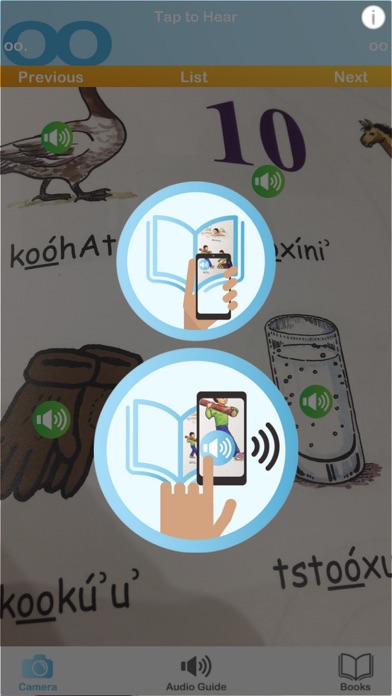
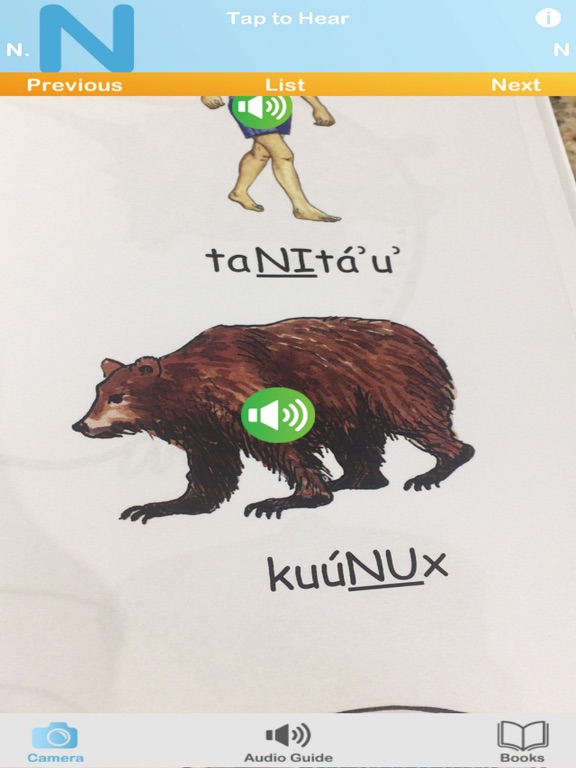
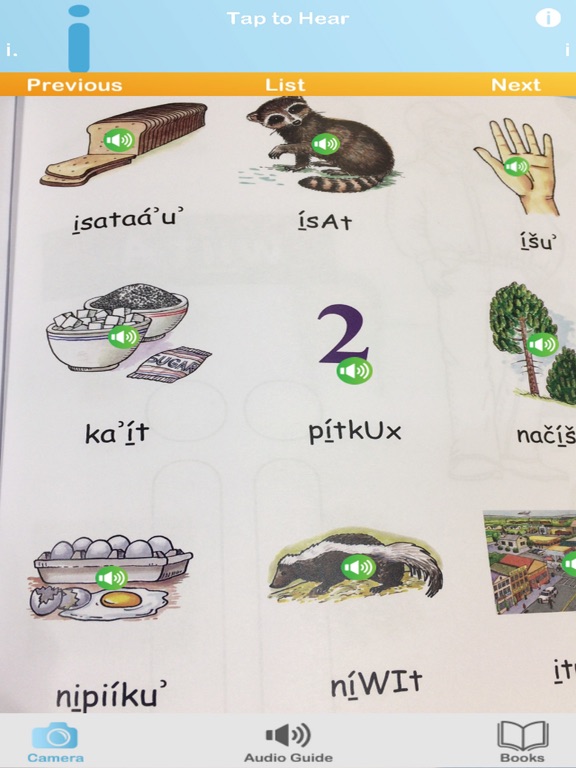
-Augmented reality (AR) places audio players right on the page!
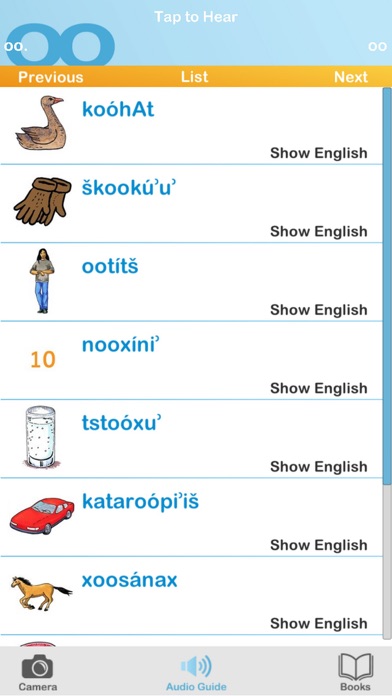
-Audio guide reveals the English with a tap.
Instructions:
The Arikara Media Player is easy to use. You’ll start out in Books, where you can select and download the content for your Arikara books. The Camera mode lets you use your phone’s camera to put audio content right on the page. The Audio Guide mode has the Arikara spellings, images, English translations and audio, all in one easy tap and swipe interface.
Books
- Tap download to receive the content for your Arikara book.
- Tap the image of the book’s cover to enter Camera mode.
- Select a book and tap Audio Guide to go directly to the Audio Guide.
- New books will automatically pop up in the books list when they become available.
- Occasionally, new content will be added to existing books. Just tap Update Now when it appears below one of your books.
Camera Mode
- Tap the Camera to enter Camera mode
- Look at the page through your iPhone or iPad's camera.
- Looking at the first page of each unit will set the current section; or you can select it from the list by tapping "list".
- Explore the page and play buttons will pop up right on the page!
- Tap the buttons to hear the Arikara words.
*Image recognition performance may vary depending on device. Try the Audio Guide if you are having trouble getting all the play buttons to appear.
Audio Guide Mode
- Tap Audio Guide to enter Audio Guide mode.
- Select the section of the book from the list.
- Tap anywhere on the entry to hear the Arikara audio.
- Swipe down to scroll through the content for that section.
- If you aren’t sure from the image, tap Show English to make the English translation appear.
- Use the Next and Previous buttons to go to the next section, or go back to the list by tapping Audio Guide or List.
About the Arikara Language Project:
The Arikara Language Project provides accessible language-learning tools and resources — textbooks, apps, dictionaries and more — to help preserve Arikara. Get to know us at http://www.arikara.org and check out some of our other Arikara products!
Questions? Concerns? Please let us know!
We’re always working to improve our Arikara language-learning products. If you have any questions, comments or concerns, please send us an email at customersupport@languageconservancy.org
Quoi de neuf dans la dernière version ?
- Bug fixes
- Updated to use more modern libraries