CrossTec EMS Browser
iOS Universel / Education
This mobile Browser app for iOS tablets and smartphones is for use with CrossTec EMS (version 4.50 and above), a single, low-cost solution delivering IT Asset Management, Classroom Instruction, Internet Safety and more – with dedicated versions available for schools and corporate enterprises.
The Browser app supports CrossTec EMS’s core desktop management capabilities. When launched, it will interrogate the iOS device to gather key system inventory details and monitor online activity. The data collected is dynamically sent to your local CrossTec EMS Server and is then available for reporting within the CrossTec EMS Management Console.
Standard browser navigation features including bookmarks, add tabs (with a relevant custom Default page applied), internet history, plus the option to change the default search engine are also included on the EMS Browser app’s toolbar.
Supported Features:
Real-time Monitoring - An Admin or Teacher via the Console can view a real-time summary of all devices. Selected devices can be viewed either in a detailed list view or via real-time thumbnails of each device screen.
Internet Metering - A summary of Internet activity via the app is recorded, including start and finish times for each URL visited and the active time spent on a page.
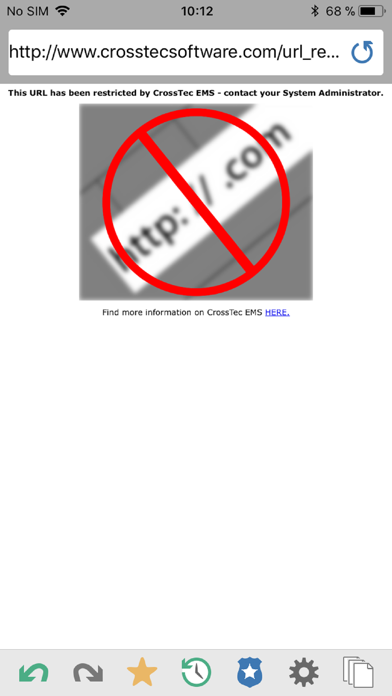
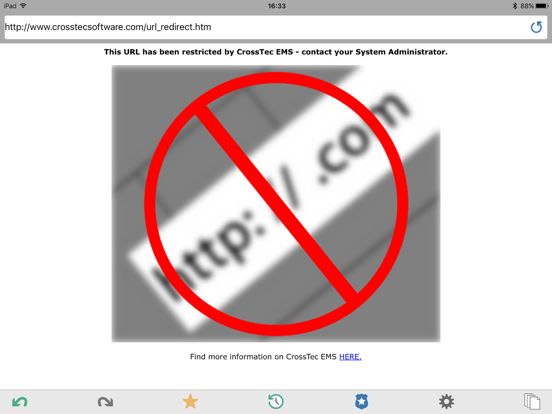
Internet Restrictions - Internet usage can be fully managed with the enforcement of approved and restricted website lists.
Safeguarding Keyword Monitoring (Education version) – This tool helps schools protect students from being exposed to inappropriate online content. It alerts staff when students type or search for any terms that match with those in the EMS keyword database, providing safeguarding and internet safety indicators for self-harm, bullying, radicalisation, Child Sexual exploitation - and much more.
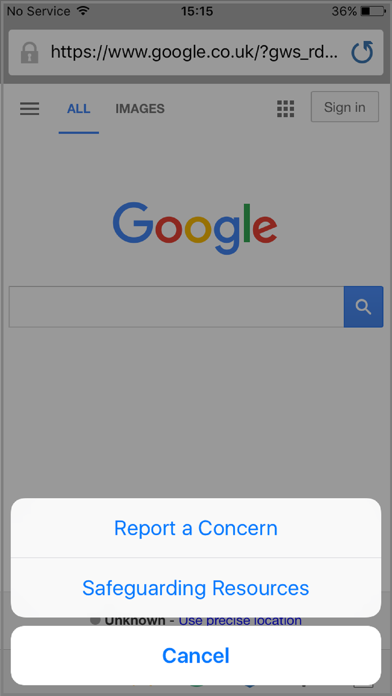
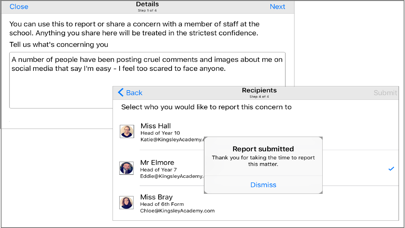
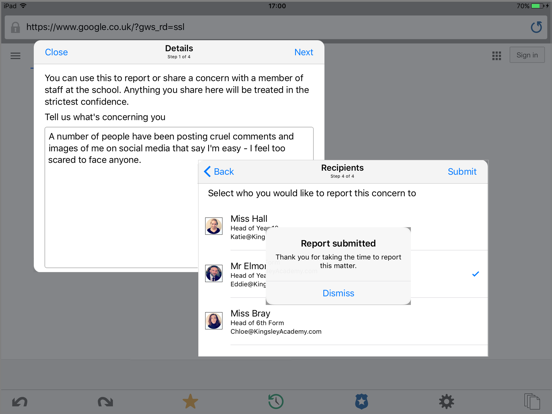
Safeguarding Report a Concern (Education version) - Students can report concerns directly and discreetly to nominated school staff.
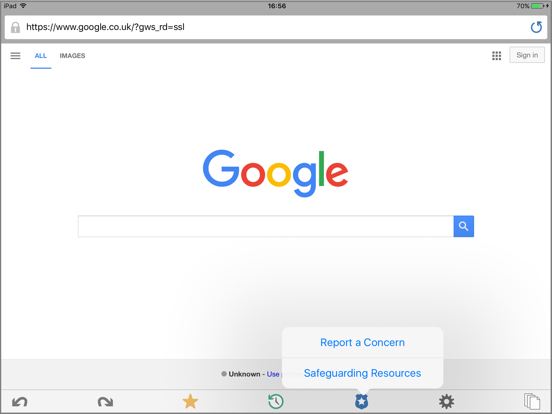
Safeguarding Resources (Education Version) - The Safeguarding Resources icon, displayed on the Browser apps toolbar, gives students instant access to a list of appropriate online support resources.
Hardware Inventory - When the EMS Browser is launched on a device, an inventory is dynamically sent to the CrossTec EMS Server.
Enterprise Alerting - Real-time alerts enable Console operators to immediately identify any user who has attempted to access a restricted website or triggered a Safeguarding keyword.
Activity - Console operators can see a chronological view of device activity for a selected time period, websites visited and triggered Safeguarding phrases.
For more information on CrossTec EMS (or to download a full evaluation version of the entire solution) please visit our website.
Quoi de neuf dans la dernière version ?
This app has been updated by Apple to display the Apple Watch app icon.