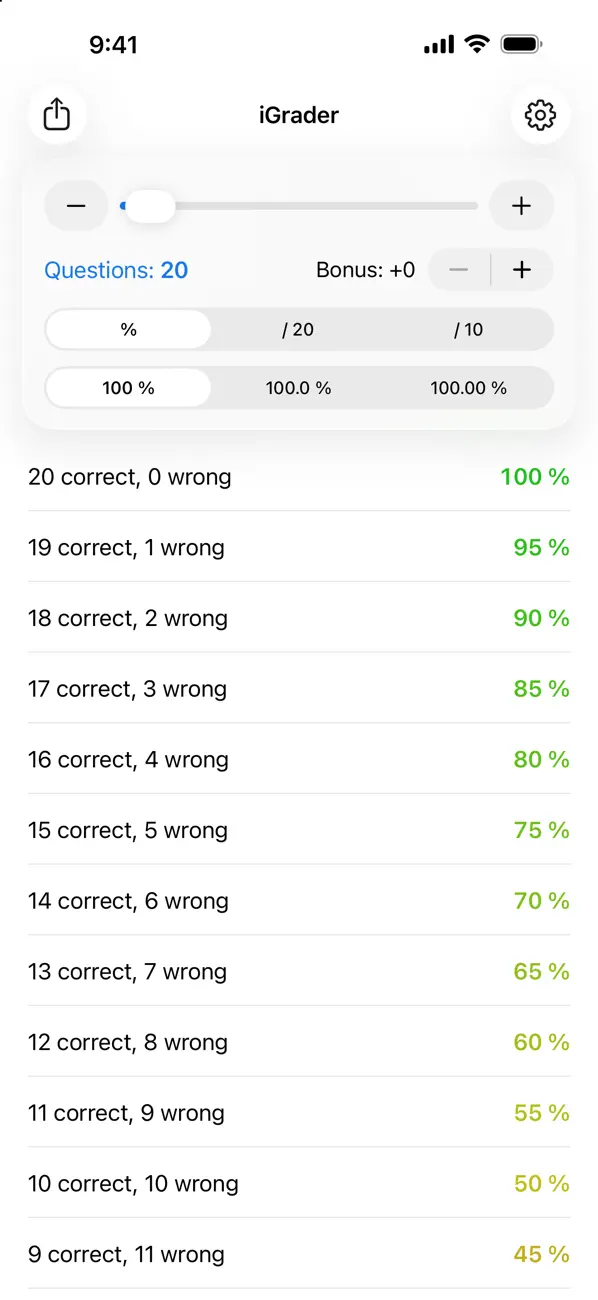
iGrader teacher grading table
iOS Universel / Education
iGrader turns grading a stack of tests into a single glance.
Set the number of questions on the test, and iGrader instantly builds the complete grading table: for every possible number of wrong answers, the exact grade — no calculator, no spreadsheet.
MADE FOR TEACHERS
• Any test from 1 to 1000 questions — drag the slider or type the number
• Grades as percentages, out of 20, or out of 10
• 0, 1 or 2 decimal places
• Bonus points (up to +10) added to every grade
• Color-coded grades from green to red, readable at a glance
FAST WHILE YOU GRADE
• Tap a row to highlight it and keep your place in the table
• Long-press any row to copy a grade
• Keep-screen-awake option for long grading sessions
• Export the whole table as a CSV file to share or print
DESIGNED FOR YOUR DEVICES
• All-new design for the latest iPhone and iPad
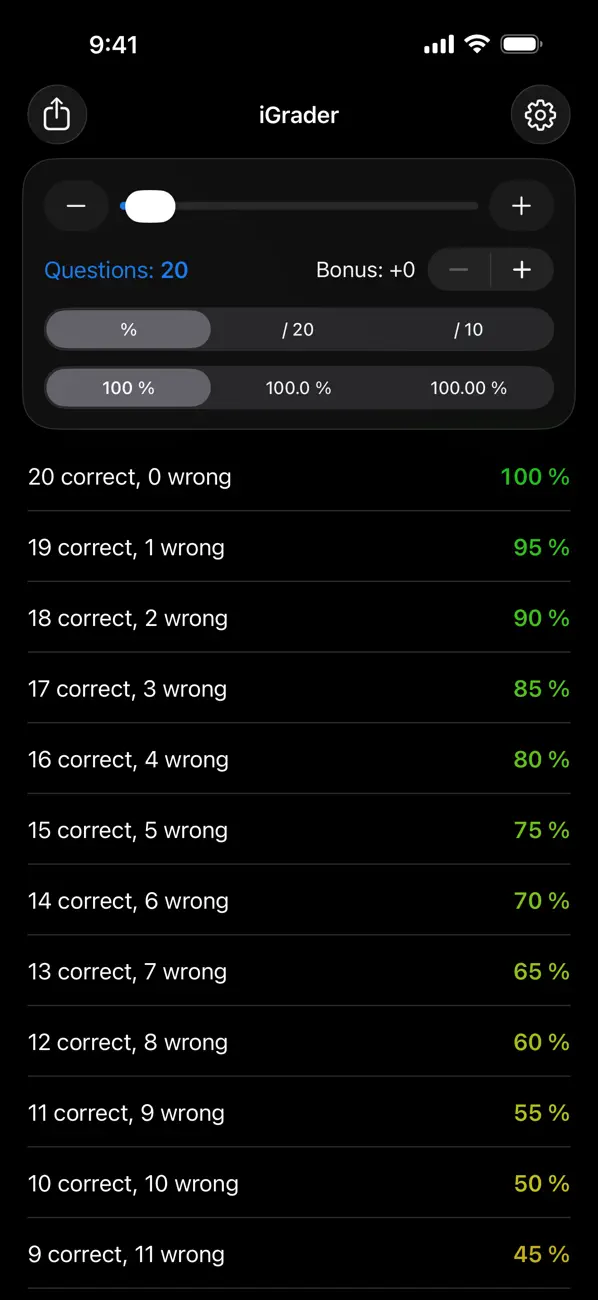
• Light and dark themes, or follow the system automatically
• Portrait and landscape, Split View on iPad
• Available in English and French
iGrader has been helping teachers since 2010. Version 3.0 is a complete rebuild of the simple tool teachers have trusted for over fifteen years.
iGrader is free with a small banner ad. A one-time purchase removes ads forever — and if you bought Remove Ads in an earlier version, your purchase is still honored.
Quoi de neuf dans la dernière version ?
iGrader 3.0 is a complete rebuild:
• All-new modern design, with Liquid Glass on iOS 26
• Dark mode, with an Auto / Light / Dark theme setting
• iPad support, landscape, and Split View
• Grades out of 20 or out of 10, in addition to percentages
• Tap a row to highlight it and keep your place while grading
• Long-press a row to copy a grade
• Export the whole table as a CSV file
• Keep-screen-awake option for grading sessions
If you purchased Remove Ads in an earlier version, your purchase still applies — use Restore Purchases in Settings if needed.