Kai's Virtual Viewer
iOS Universel / Education
Experience the intersection of physical and virtual worlds! Use the KaiLab (formerly Kai’s Clan) robots on our themed mats and watch your code execute in stunning Augmented Reality (AR). Complete missions as your robot navigates the virtual terrain, driven by your code in Kai Blockly on a separate device.
Getting Started:
- Access: Ensure camera and photo access is granted.
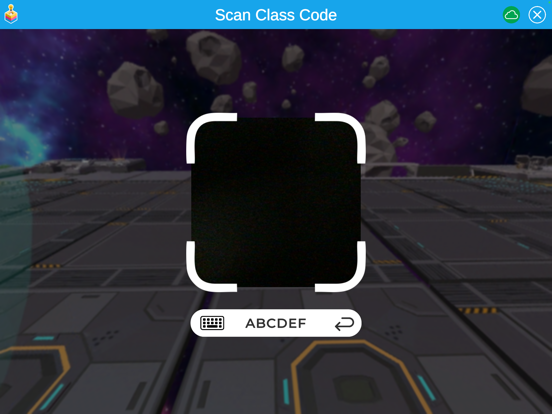
- Join: Enter or scan the provided QR classroom code.
- Select: Choose your desired mat theme.
- Code & Play: Use Kai Blockly on a different device to control your physical robot, then observe its movements reflected in the virtual environment.
Augmented Reality (AR) Mode:
- Setup: Use either the printed color version of the mat or the mat included in your kit.
- Activate: Once the level is loaded, tap the hamburger menu (top right), then select the AR mode button.
- View: Point your device's camera at the physical mat to instantly bring the virtual world to life.
Virtual Reality (VR) Mode:
For an immersive experience, download our Oculus app for the Meta Quest VR headset. https://www.meta.com/en-gb/experiences/kais-virtual-viewer/7224288144267957/?srsltid=AfmBOoo6bENUwaJFAekX31uf1DzTWzGceHoVtaJkebRRicjr_xb-8Hr1
Quoi de neuf dans la dernière version ?
Minor bug fixes