KanjiLens Camera
iOS Universel / Education
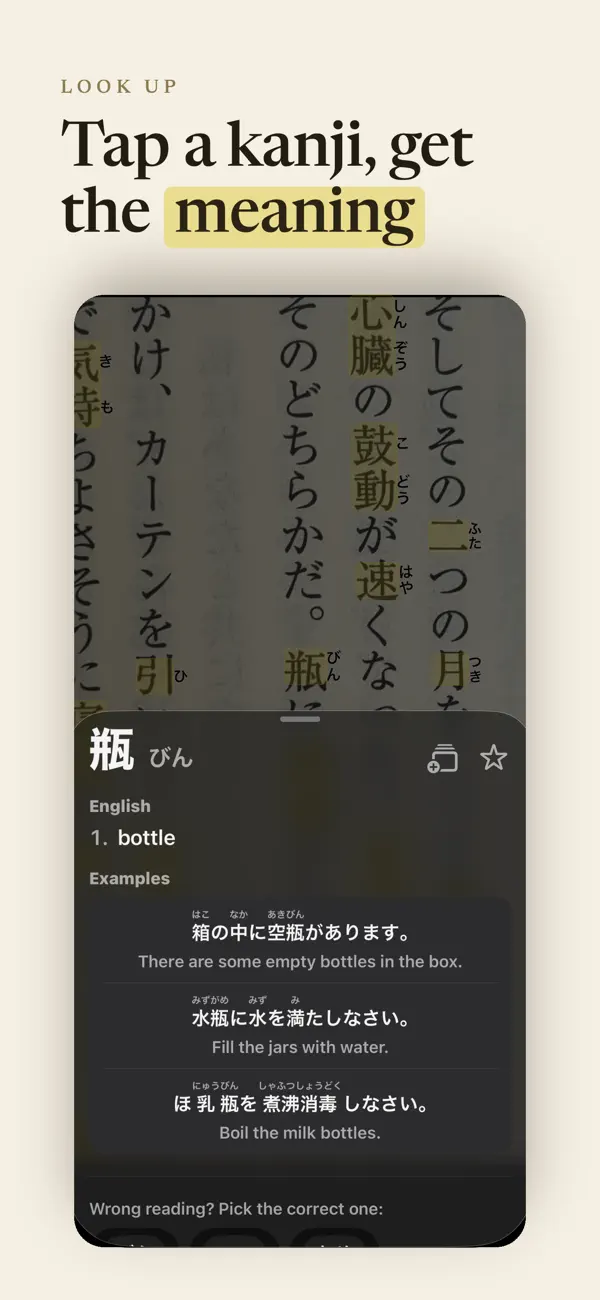
KanjiLens turns your iPhone camera into a Japanese reading companion. Snap a photo of a book page, menu, sign, or manga panel, then tap any kanji or word to see its reading and English definition — fully offline after install.
CAMERA LOOKUP
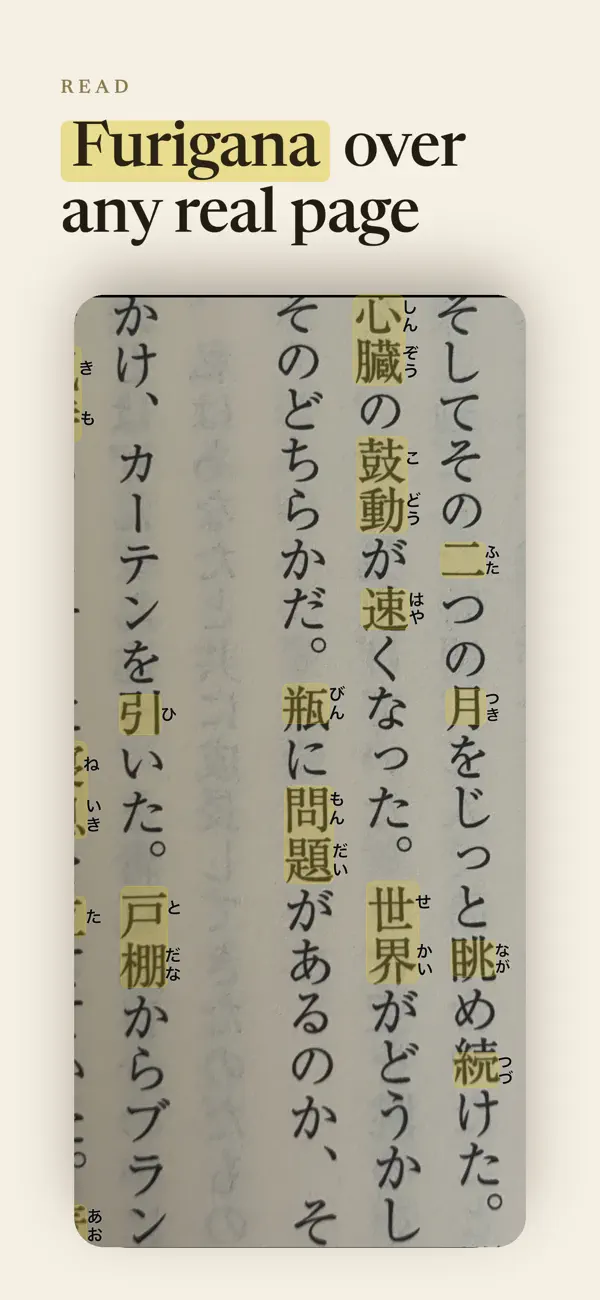
Capture Japanese text with one tap. KanjiLens runs on-device OCR, merges vertical columns into readable blocks, and highlights every text region. Tap a character to look up compounds and single-kanji readings instantly.
OFFLINE DICTIONARIES
Built on KANJIDIC2 and JMdict (EDRDG), bundled as fast local SQLite databases. No account, no ads, and no network calls at runtime.
FURIGANA ON YOUR PHOTOS
Readings render directly on the captured image. Share or save annotated photos with furigana baked in — perfect for study notes and manga panels.
ANKI INTEGRATION
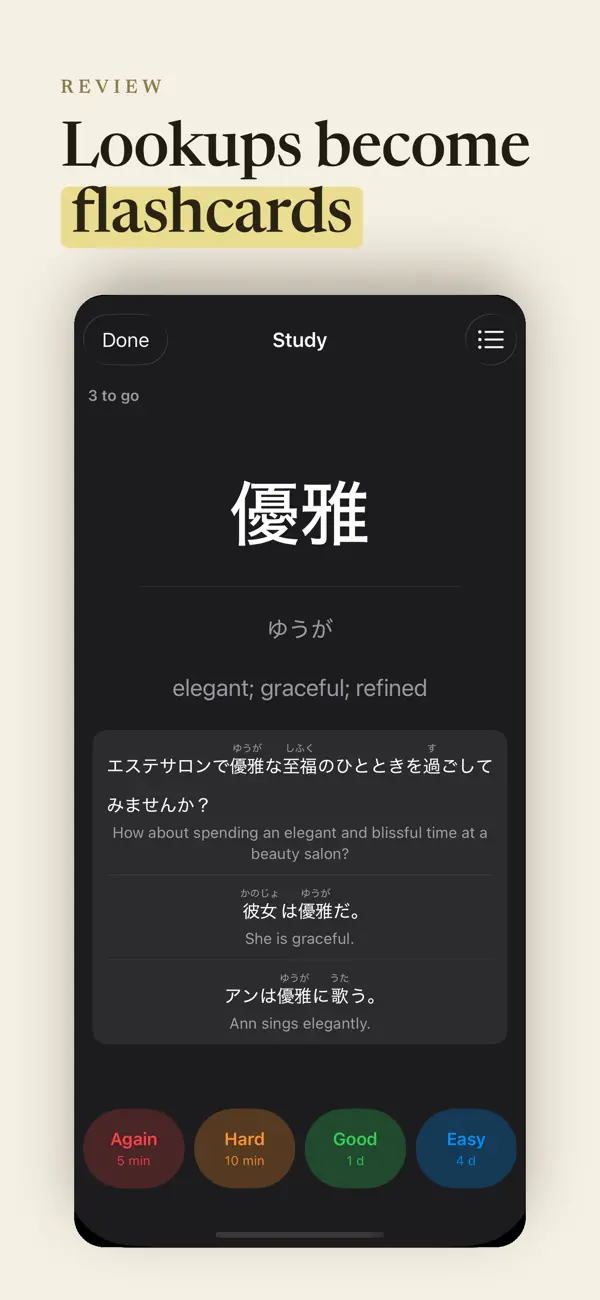
Send words and sentences straight to AnkiMobile. Queue cards while you read, then batch-export when you're ready to review.
SEARCH BY READING
Look up words by typing romaji or hiragana when you know how something is pronounced but not how it's written.
PHOTO HISTORY
Every capture is saved locally. Re-open past photos, browse your reading sessions, and pick up where you left off.
ETYMOLOGY & DETAILS
See kanji etymology snippets and rich dictionary entries with on'yomi, kun'yomi, and English glosses.
Made for learners reading real Japanese in the wild — textbooks, restaurants, street signs, and manga.
Quoi de neuf dans la dernière version ?
Reading overlay overhaul:
- Furigana now renders in print-style type at natural ruby size, right beside each kanji
- Highlights wrap each kanji precisely, even on curved book pages
- Overlay follows the page angle and stays aligned at any zoom
- Tapping a compound now shows the whole compound (with per-part breakdown when it isn't a dictionary headword)
- Faster definition pop-up and much smoother pan/zoom on captured pages