• KultureGeek
  • Comparateur de prix
       
iPhoneAddict
 iAddictv5Notre Application iPhone/iPad
  • Accueil Apps
  • Actualité Apple
  • Keynote Apple
  • Firmwares & iTunes
  • Contactez-nous
Accueil » Liste des Apps » Apps Universelles » Education » Learn How to Read Spanish
L'application n'est plus disponible sur l'App Store français
1.1 iOS €3,99€ WLADIMIR MEDINA 0 0 Leer is an app that teaches you how to read Spanish, associating the sounds of the letters and their combinations will help you know how to read a word, you will have a list of words with frequent sounds and some sentences formed with those words,...
Learn How to Read Spanish

Learn How to Read Spanish

iOS Universel / Education

3,99€
Acheter sur l'App Store

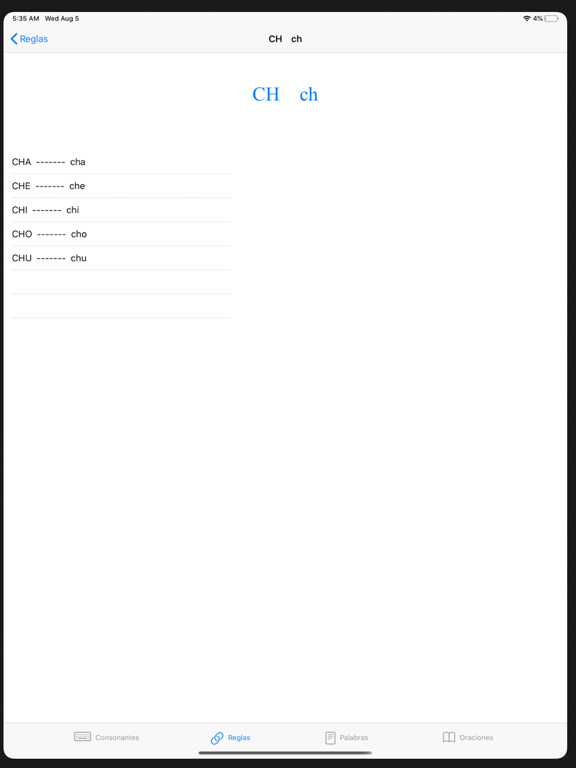
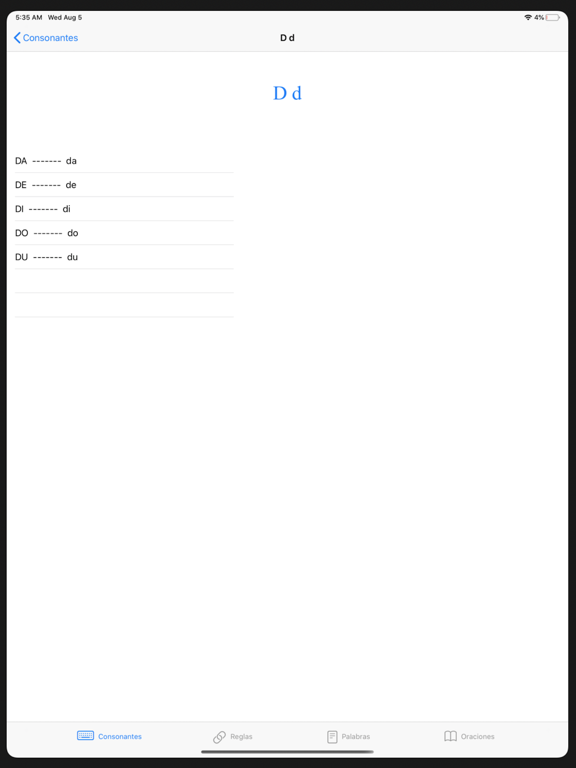
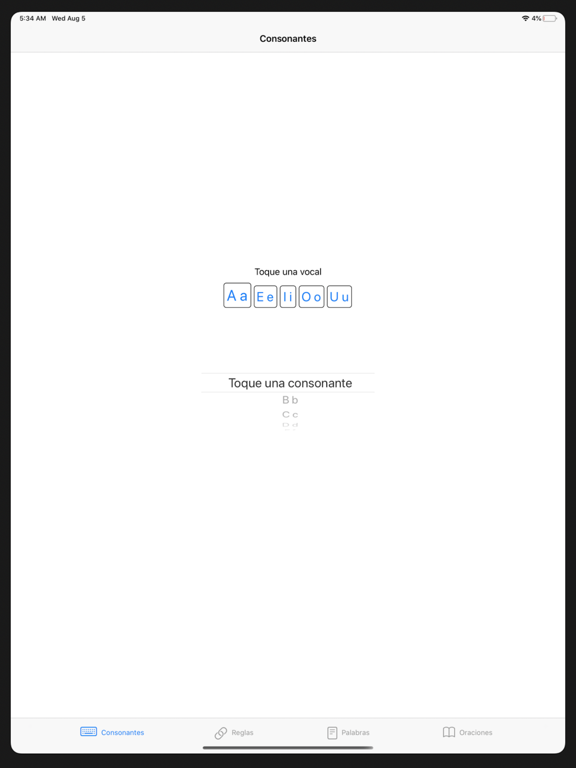
Leer is an app that teaches you how to read Spanish, associating the sounds of the letters and their combinations will help you know how to read a word, you will have a list of words with frequent sounds and some sentences formed with those words, you will hear letters, syllables, words and sentences, then the repetition and practice will help you to progress.

En voir plus...

Quoi de neuf dans la dernière version ?

We are always working on improvements to provide a better experience, this version comes with a new name and fixes some bugs.

  • Screenshot #1 pour Learn How to Read Spanish
  • Screenshot #2 pour Learn How to Read Spanish
  • Screenshot #3 pour Learn How to Read Spanish
  • Screenshot #4 pour Learn How to Read Spanish
  • Screenshot #5 pour Learn How to Read Spanish
  • Screenshot #6 pour Learn How to Read Spanish

Note

(0 note)

Détails sur l'application

Version
1.1
Taille
9.5 Mo
Version minimum d'iOS
15.0
Dernière mise à jour
26/01/2022
Publié par
WLADIMIR MEDINA

Newsletter App Store

Recevez chaque jour les meilleures promos

Actualité Apple

Image Lisa Jackson, responsable de l’environnement chez Apple, prend sa retraite
Lisa Jackson, responsable de l’environnement chez Apple, prend sa retraite
Image App Store : Apple teste un format où publicités et résultats de recherche se confondent
App Store : Apple teste un format où publicités et résultats de recherche se confondent
Image Apple dévoile les photos de son nouvel Apple Store à Montréal
Apple dévoile les photos de son nouvel Apple Store à Montréal
Image Super Bowl 2026 : Apple Music dévoile la bande-annonce avec Bad Bunny
Super Bowl 2026 : Apple Music dévoile la bande-annonce avec Bad Bunny
Partenaires : Actualité iPhone - Culture Geek
©2009-2026 i2CMedia | A propos |