Math In A Flash
iOS Universel / Education
Math In A Flash is an app for elementary school children to learn and practice math facts. You can select addition, subtraction, multiplication and/or division with numbers 0 - 12. It was built for both the iPhone and iPad. It can be used in either portrait or landscape orientation. The app has an eagle/eaglet theme and when a practice area is done, the app plays sounds of real eagles talking to each other.
This app's minimum operating system is IOS 12.0.
First you pick what you want to work on through the Settings screen in the app.
Selection options include
• Setting a name and message for the child who will be working on it; the name and message show up throughout the app. Optionally you can enter a class name, such as “Ms. Smith’s 3rd grade class”, and message such as “Best in Seatack Elementary”.
*Learn Math Facts or Practice Math Facts. When you choose Learn, problems are presented in order. When you choose Practice, problems are presented randomly.
•Addition, subtraction, multiplication and/or division
•The numbers to work on (any or all can be selected from 0 to 12)
•Some special selections ... “doubles” (example: 6 + 6), “almost doubles” (example: 6 + 7), and “almost almost doubles” (example: 6 + 8)
•All Facts Challenges, where you can go for Awesome Adder (all 169 facts), Super Subtractor (all 169 facts), Master Multiplier (all 169 facts) or Dynamic Divider (all 156 facts) in under Eaglet Speed (5 seconds per problem).
Then you have four practice areas to choose from.
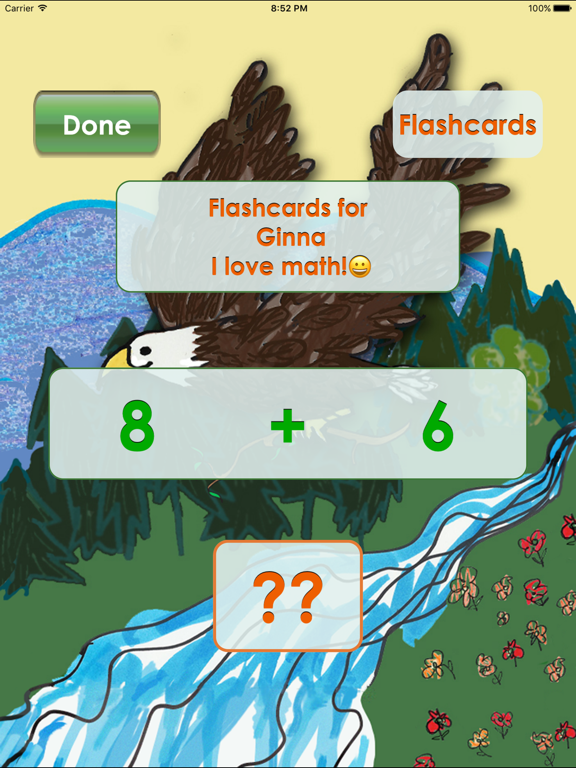
•Flashcards
Just like flashcards, get a problem, say the answer, and then see if you are right!
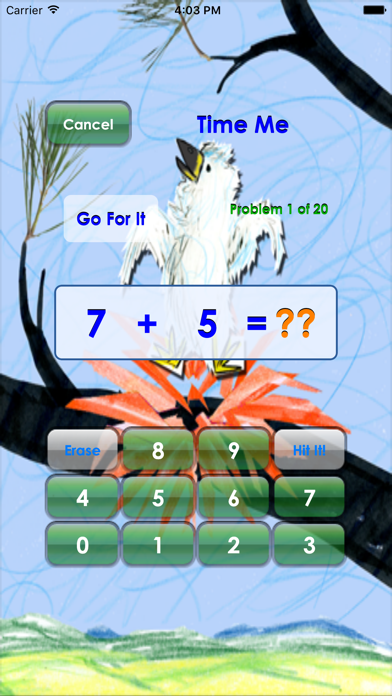
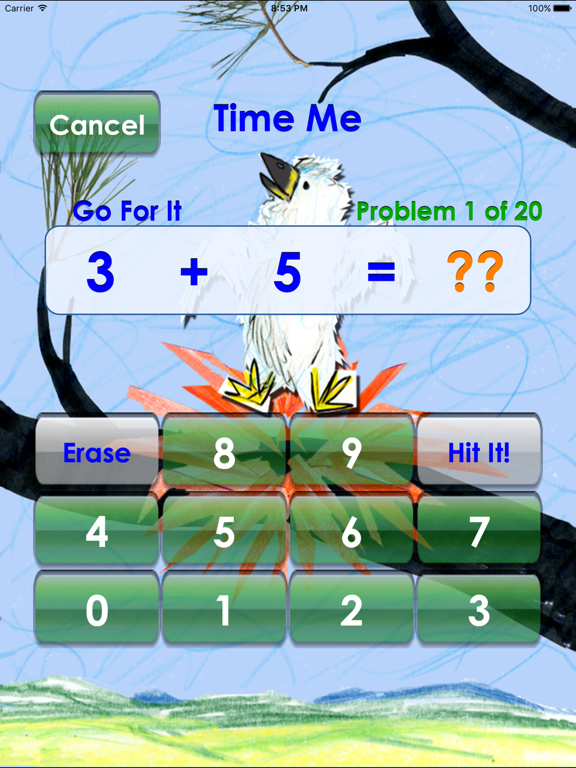
•Time Me
Pick the number of problems you want to do and hit Go. The app randomly presents problems based on your settings. When done, the app tells you how many you answered right the first time and the average number of seconds per problem. An Eagle Speed goal is 3 seconds per problem; and Eaglet Speed goal is 5 seconds per problem. You can then choose to redo problems that were slower than Eaglet Speed. Time Me is also the practice area where you perform the All Facts Challenges.
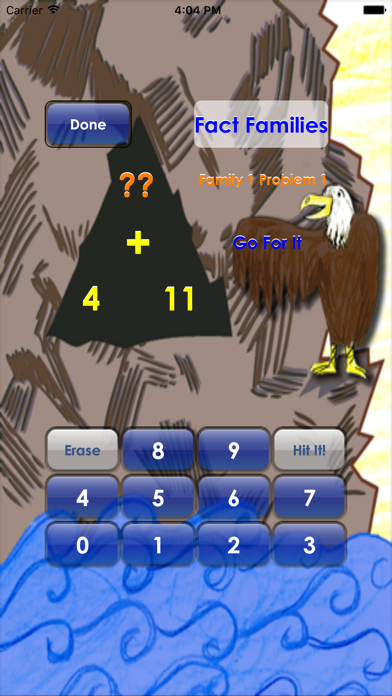
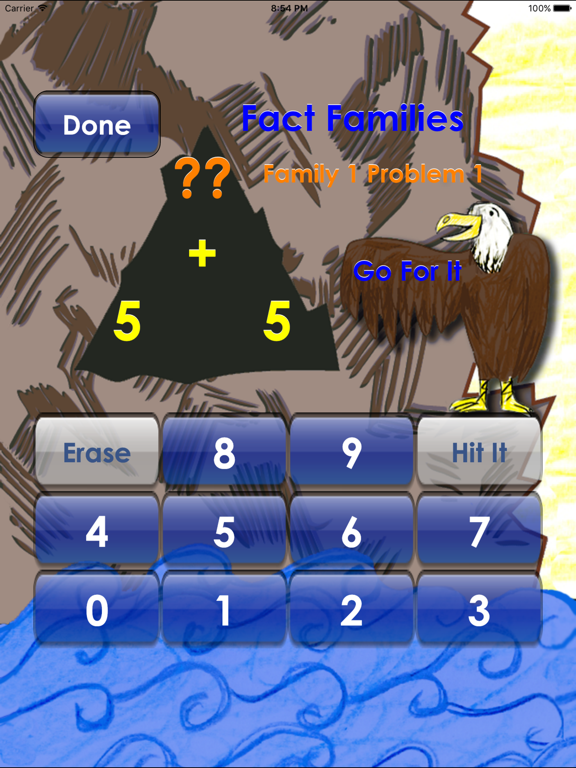
•Fact Families
The app selects a Fact Family based on your settings and presents all problems in the family. For example, if the family for addition/subtraction is 3, 4, and 12, the problems presented are 3 + 4, 4 + 3, 12 - 4, and 12 - 3. Then the app moves on to another Fact Family. When you decide you are done, the app tells you how many you answered right the first time.
•Count By
Pick a number to count by from 0 to 12. The app gives you the first and twelfth number and you need to fill in the rest. You can choose to count forward or backward. For example, if you pick to count forward by 3, the app gives you 3 as the first number, 36 as the twelfth number, and you need to fill in 6, 9, 12, etc. When you are done, the app tells you how many you answered right the first time and the average time it took to do each answer. Eagle Speed is 3 seconds or less, Eaglet Speed is 5 seconds or less.
Try the app and enjoy!
Quoi de neuf dans la dernière version ?
upgrade to iOS 26 and new devices