Observe App
iPhone / Education
Introducing Observe App – The Ultimate Tool for Training Advisors!
What it does
•Configure any trade/framework (construction and non‑construction)
•Import criteria libraries aligned to your workflow (including OneFile‑based criteria)
•Year 1 / Year 2 prompt sets linked directly to criteria codes (K/S/B or any format)
•Capture apprentice responses on site and build evidence consistently
•Complete/Incomplete workflow that auto‑builds improvement actions
•Generate a professional PDF observation report (ready for audit/quality)
•Signature capture included
How it works (start to finish)
1) Admin setup (one‑time)
Create trades/frameworks, import criteria, build Year 1/2 prompts linked to criteria, and add narrative templates.
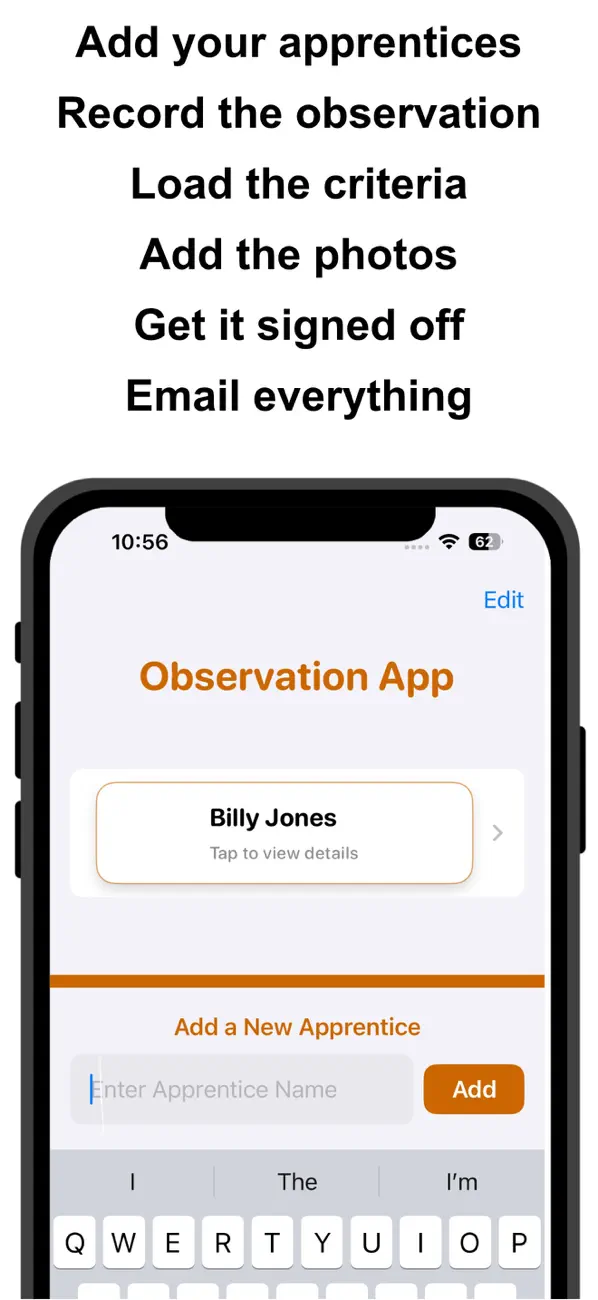
2) Add apprentices
Create learner profiles and store multiple observations over time for a clear evidence trail.
3) Prepare for the visit
Remove/hide already‑achieved criteria so each observation targets only what’s outstanding.
4) Observe on site
Use linked prompts, record responses, and mark Complete/Incomplete to tick criteria and build actions live.
5) Report
Export a professional PDF that includes achieved criteria, apprentice responses, and criteria to study further.
Benefits for training providers
•Reduce assessor admin time and improve observation consistency
•Stronger evidence mapping: prompts linked directly to criteria
•Targeted observations based on learner progress
•Professional PDF output for quality and audit
•Scales across multiple trades and frameworks
•Brandable for colleges/training companies (logo + identity)
Quoi de neuf dans la dernière version ?
Added Prompts for training advisors to assist on-site observations
Added drag and drop to add any criteria
Added drag and drop to add Knowledge, Skills and Behaviours