Save the Cat!
iOS Universel / Education
All new version, built from the ground up using Apple's standard, master-detail style for full compatibility with iOS functionality including Dark Mode.
Even if you don't own the desktop version of Save the Cat!®, you can still use this amazing tool, touted as the "secret weapon" of the working writer, to help build better, more powerful stories, with greater resonance and emotional impact.
Whenever your creative juices start flowing you'll have this revolutionary app, which is based on Blake Snyder's best-selling books and software, at your fingertips. You'll delight in the ability to structure your screenplay, teleplay, stageplay or novel the Save the Cat!® way.
By incorporating the methods, tips and tactics found in the Save the Cat!® series of books on story structure, this application will help you to:
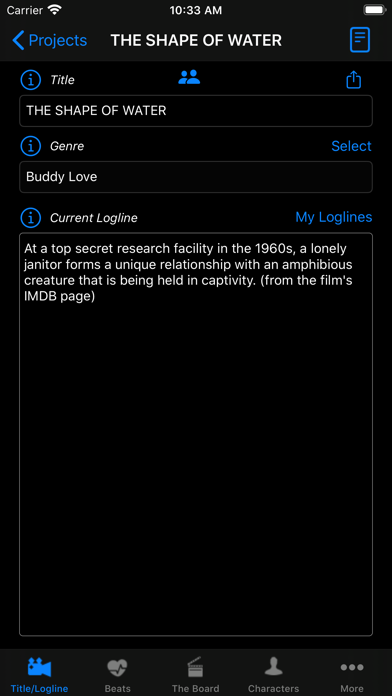
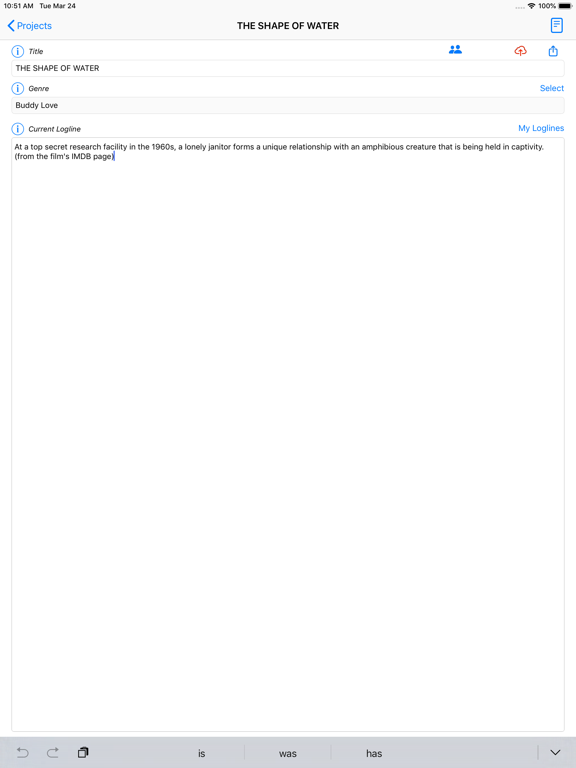
* Develop a powerful Logline and Title
* Choose one of the 10 unique Save the Cat!® Genres
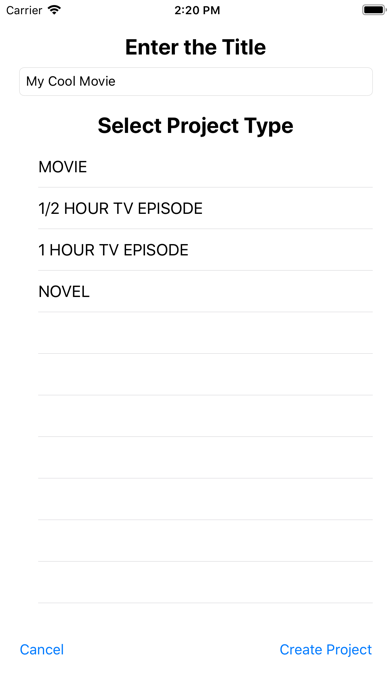
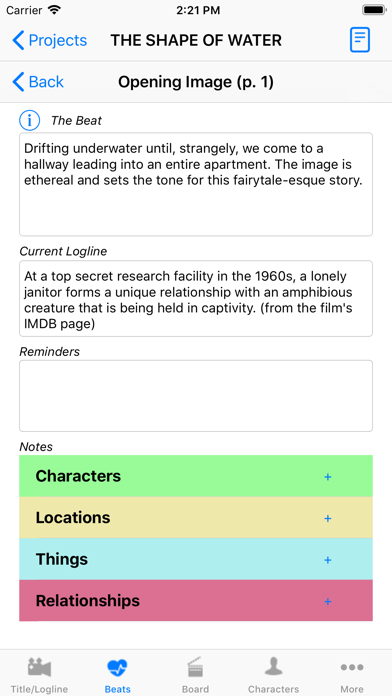
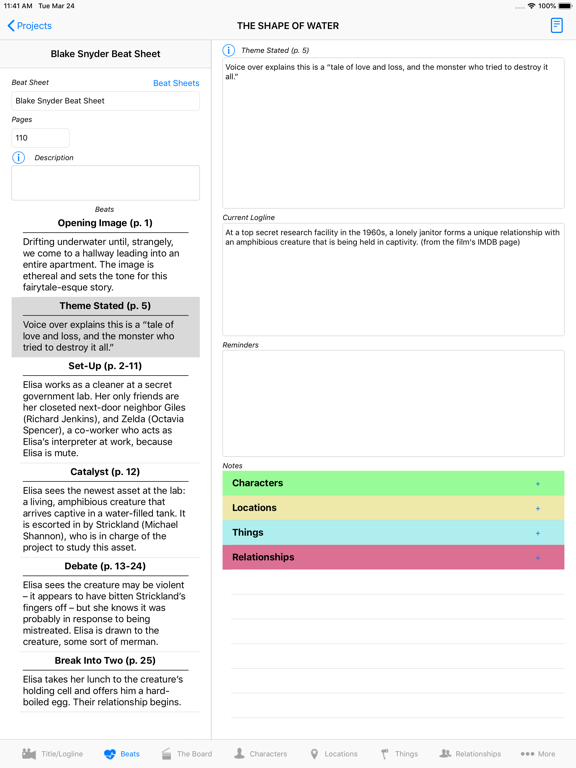
* Complete a Blake Snyder Beat Sheet (BS2) with variations for screenplays, novels, and 1/2 hour and 1 hour tv episodes.
* Use “the Board” to create cards for each scene and arrange them in the perfect order and to track character arcs and other important aspects of your story. Just long-press on a scene or other element in the Board then pick what you want to insert at that point.
* Add sequences to combine multiple scenes.
* Add labels to the Board to keep track of important points.
* Create Emotional Changes for each and every scene
* Create Set-ups and Payoffs as your protagonist progresses through the story
Sync your files across devices. This is a manual process so you're in complete control as to when you post and download your changes. Just create an account and login on all your devices. If you had a Save the Cat! account for the website or for when you purchased STC, that will not work here. You'll need to create a new account.
You can even add one or more writing partners to your project and sync your changes with them if you have the Premium or Pro level. Enter the username for their new STC account.
The free version allows you to add projects and work on your title, logline, genre, and the beat sheet. Many of the features listed below require an in-app purchase.
Essentials has all the basic functionality you need to develop a screenplay, novel, or tv episode with characters, locations set-ups, and pay-offs.
Premium adds the ability to track things or objects, and relationships. You'll also be able to develop a novel by chapters instead of using a beat sheet.
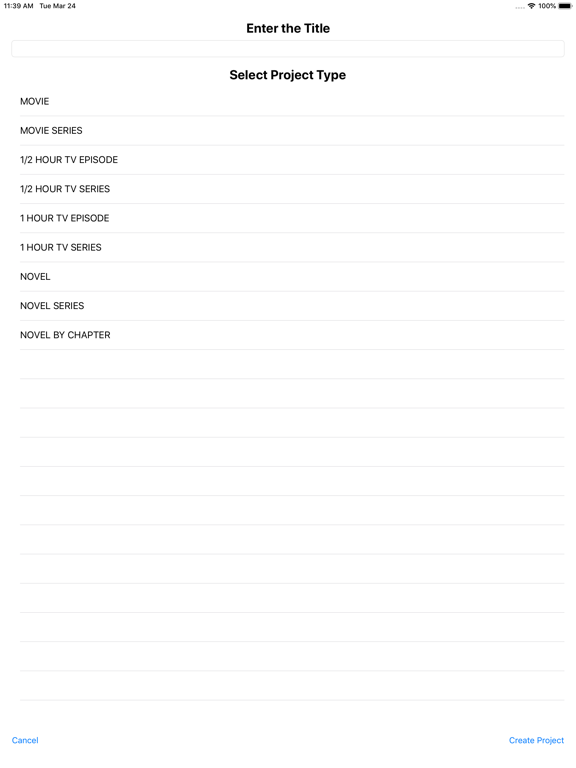
Pro adds the ability to develop an entire series of movies or novels that use all the same characters, locations, things, and relationships and to track their stories across the entire series. You can also develop an entire tv series with multiple seasons.
Other cool updates include the ability to have multiple versions of your beat sheet and multiple versions of your board for each beat sheet.
Much improved script typing. And, if you're working on a novel, just type in your manuscript with proper formatting.
All new facts section keeping track of important facts ("Bible" for tv writers) for characters, locations and other entities.
Add important elements for characters, locations and other entities that you need to track through the story. Add the character or entity to the Board and track those items through the story.
As always you can add attachments such as photos, pdf's, and other important research documents so you have everything at your fingertips.
Quoi de neuf dans la dernière version ?
We have prepared our application for iOS/iPadOS 26.