SmartRogic
iPhone / Education
1. Program Instruction
- SmartRogic is program App for robot controlling. It is not the text style but the Grapic User Interface.
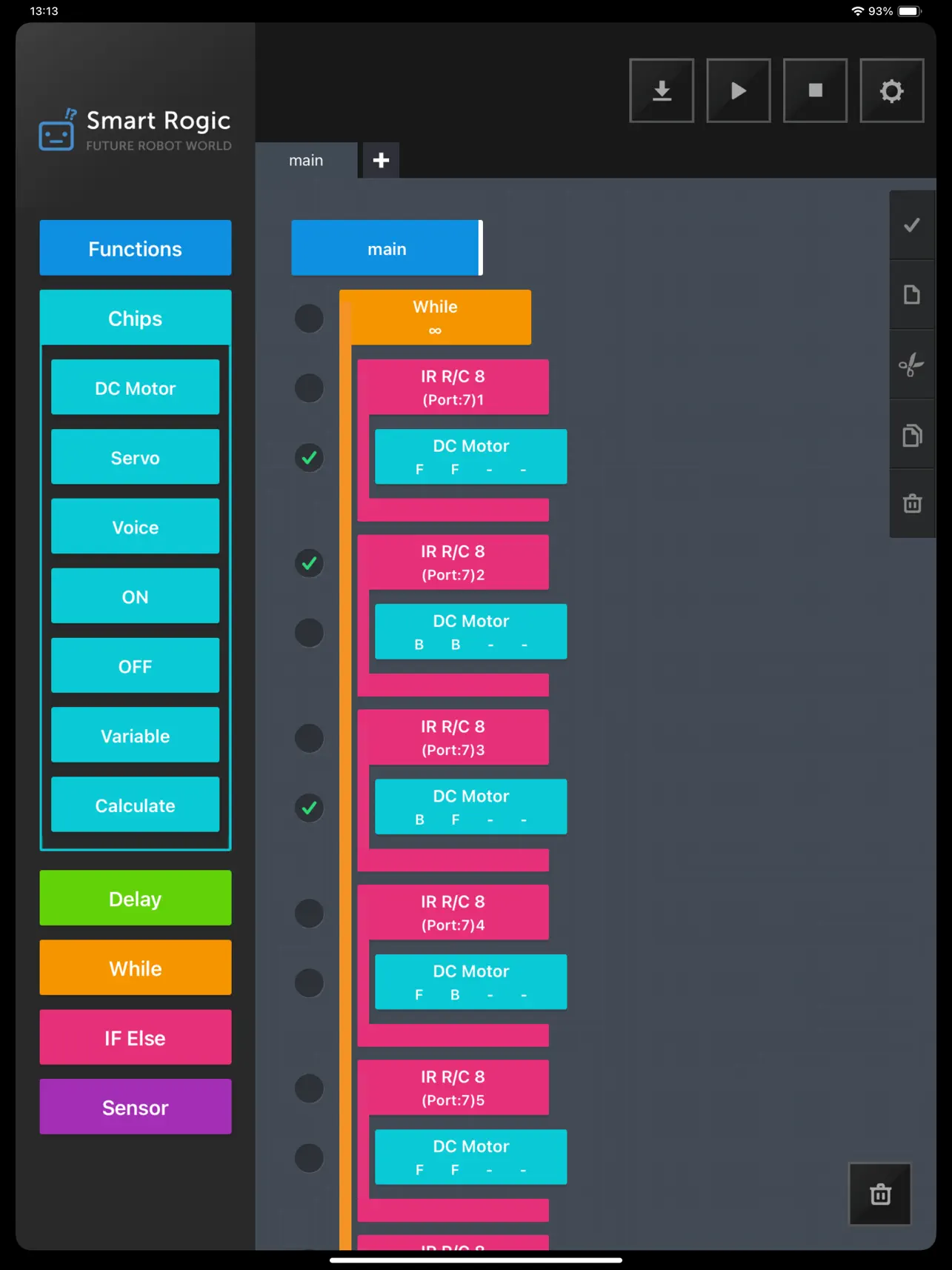
- The App is the program tool that controls the robot by connecting the chips that can control the H/W and flow control.
2. Screen composition and Function
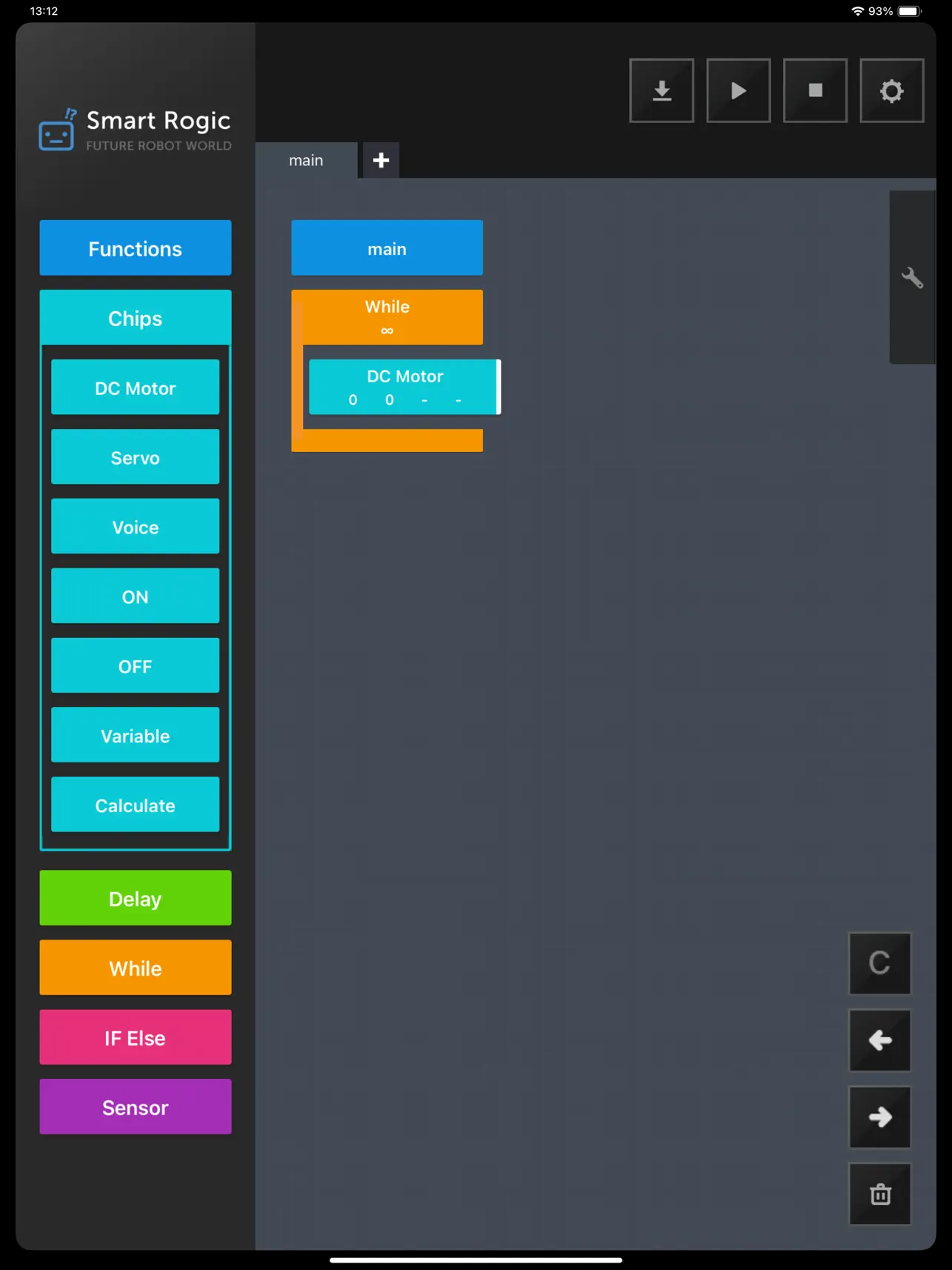
- Chip group is located at the left hand side and the programmable chips are appealed by clicking the chip.
- Focus mark that is white bar at the right of the chip is appealed clicking the chip in the work space.
- Four function icons that are download, run, stop and setting are located at top of the screen.
- There is spanner shaped icon having copy, paste or delete function.
- The icon that has delete all program in the screen or function tap is located at right lower side.
- Main tap located upper of the screen is the place where the program can be written and the function can be created with + tap.
- Setting has bluetooth connection, save and load function as App version.
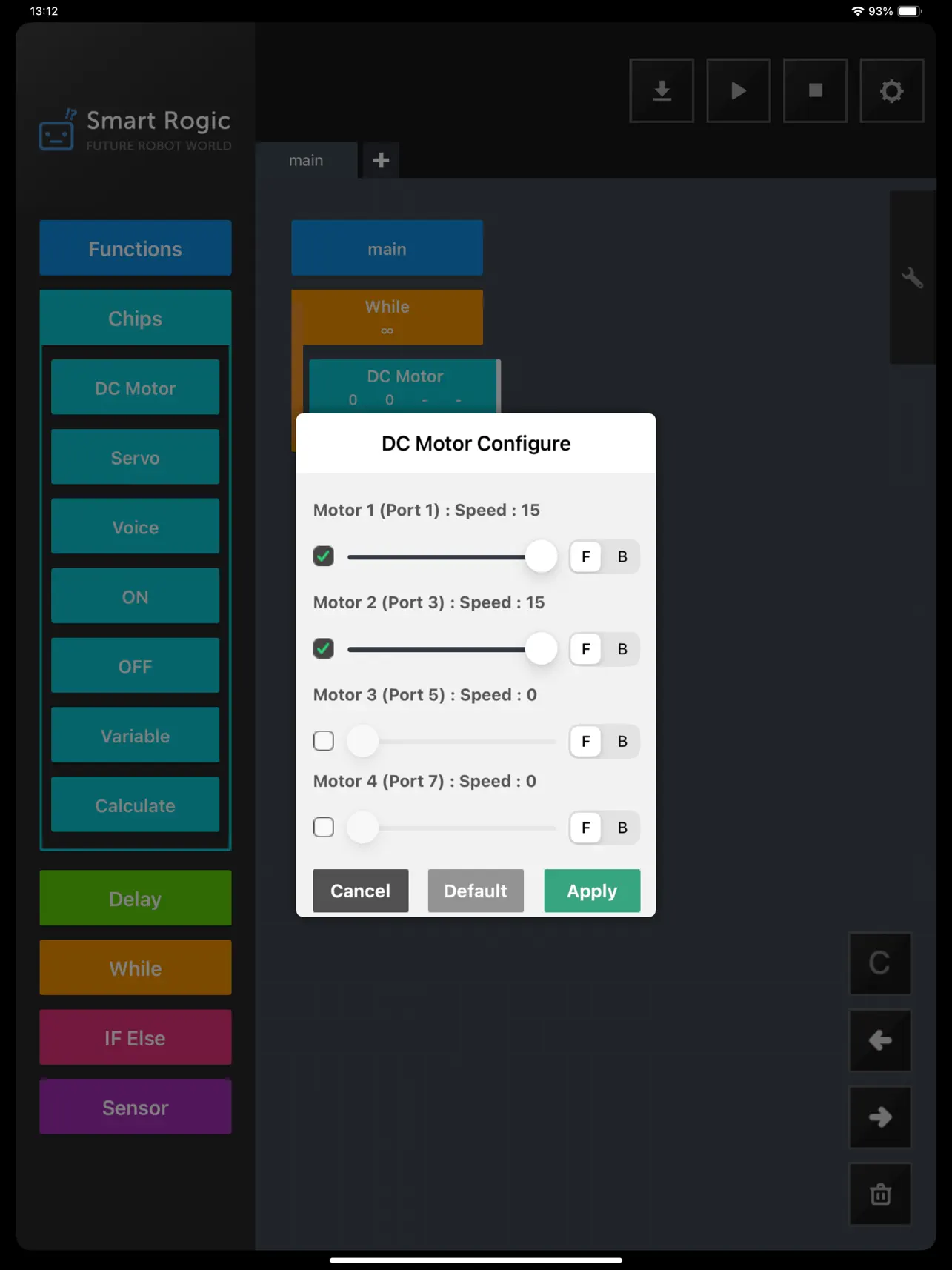
- Each chip has the option dialog that can control detail operation of H/W double clicking the chip.
Quoi de neuf dans la dernière version ?
- Added the Dot Matrix coding block.
- Improved program download reliability for large functions and added program size validation.
- Limited custom functions to 15 and added clearer guidance for function-related actions.
- Improved touch feedback in the left-side menu.