SMPS Connect
iOS Universel / Education
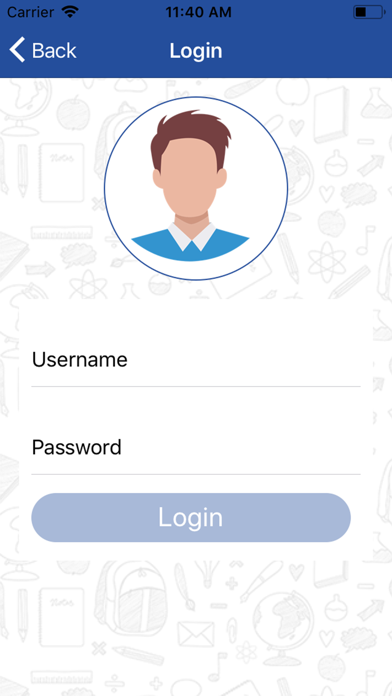
1.Login Interface – With option to select role (Principal, Teacher, Student, Parent) and then remember the login details
2.Student Login Features
a.Check their registration details (Profile- data to be fetched from SchoolSAAS)
b.Check Time Table – Push Notification for Change
c.Check Fee Status – Push Notification for Due fees
d.Check Library Book Status – Push Notification for Submission Reminder
e.Reserve Book in Library
f.Apply for Leave – Push Notification on Approval
g.Check Examination Marks – Push Notification on marks availaibility
h.Apply for T.C
i.Apply for Certificates – Push Notification to collect Certificates when ready
j.Check Calendar – Notification for important dates, holidays, exams
k.General Communication – push notification for important messages, can also be send via SMS
l.Important News
m.Important Downloads
n.Register for Event/Competition
o.Online Fee Payment
p.Birthday Reminder of Teachers/Students of their class
3.Parent Login Features
a.On login can select the student / ward (if multiple student)
b.After login we can show the details what we have taken into student login
c.Drop Feedback and Complaints
d.Communication with Class Teacher
4.Teacher/Class Teacher Login features
a.Their Basic Profile and Class/ Subject details
b.Marks Entry for Class & Subject
c.Home Work assignment
d.Approve/ reject leave of students
e.Student Attendance details and entry
f.Leave Application
g.Study Material Upload
h.Respond to complaints/feedback by parents
i.Communicate to parent (if Class teacher)
Quoi de neuf dans la dernière version ?
changes school name