xClassTracker
iOS Universel / Education
xClassTracker turns your iPhone into a visual attendance system. Instead of calling names or scrolling through a list, you see the room exactly as it is: every seat, every student, ready to tap. One session takes under 60 seconds once you know your class.
Visual seating chart
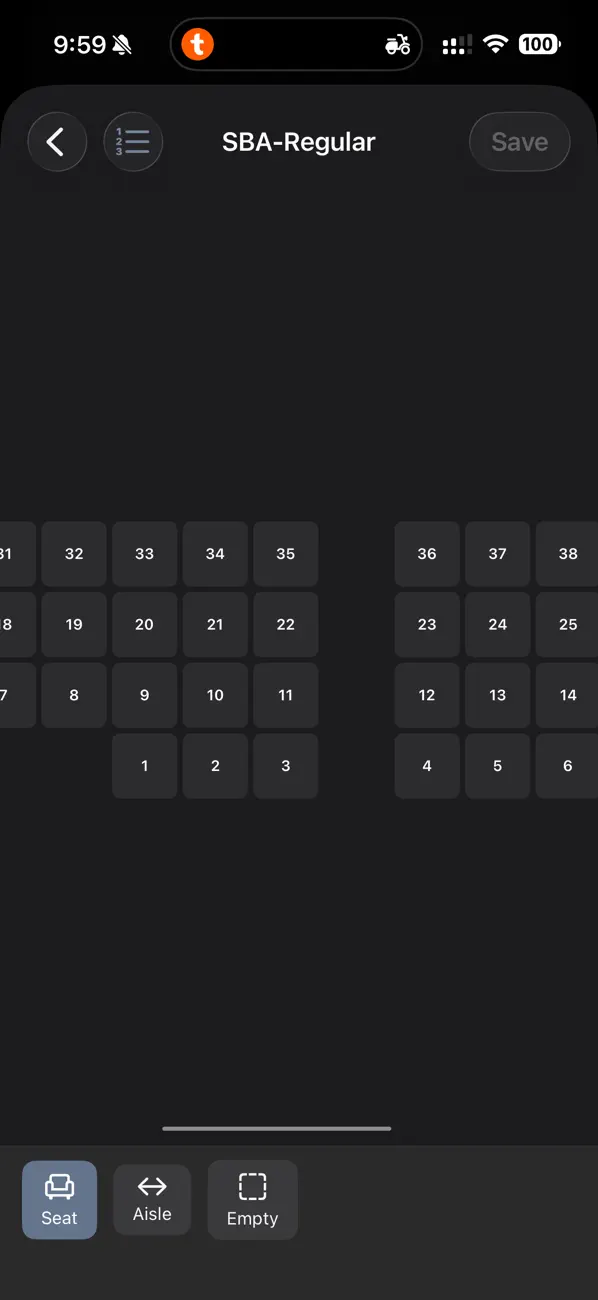
Design your classroom layout once: set rows and columns, mark aisles, doors, and the teacher's desk, assign seat numbers. The chart stays accurate all term. Import your roster from a CSV, assign students to seats manually or automatically, and you're ready.
Tap to cycle, long-press for detail
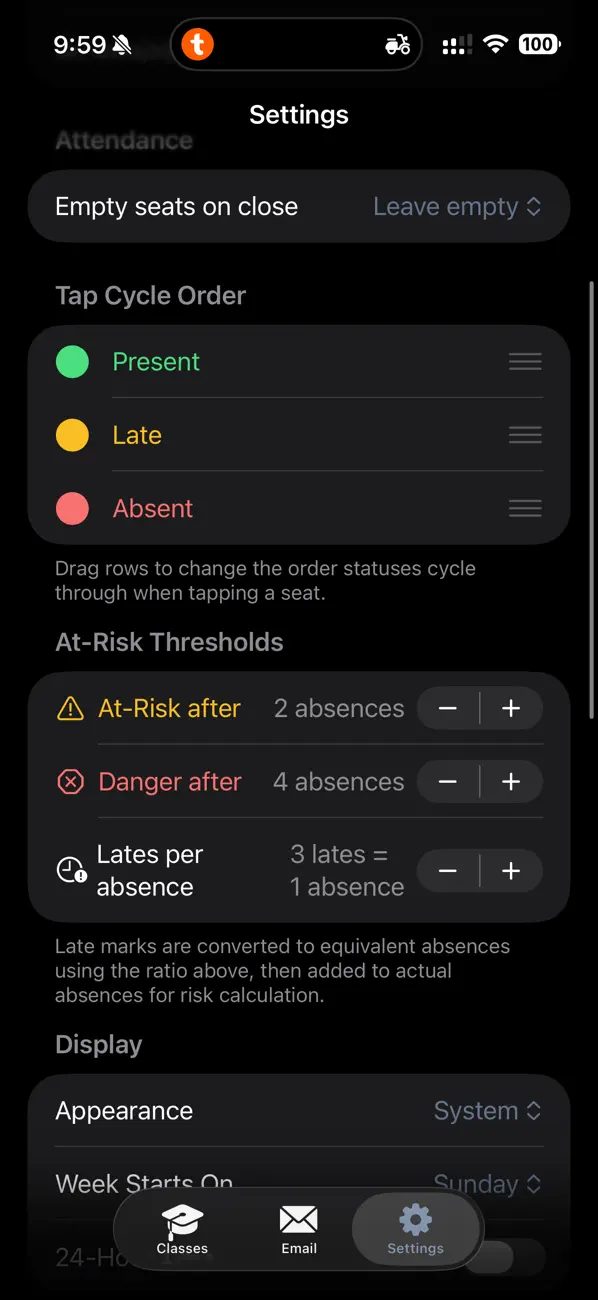
A single tap cycles a seat through your configured status order (Present, Absent, Late; customizable). Long-press any seat to open the student detail sheet: full name, student ID, arrival time, a per-session note, and a complete audit trail showing every status change with its exact timestamp.
Full audit trail: resolve disputes instantly
Every tap is timestamped to the second and stored permanently. If a student disputes a late mark, open their detail sheet and show them "Marked Late at 9:14:23 AM." Manual edits are logged separately. Nothing is ever quietly overwritten.
At-risk tracking and dashboards
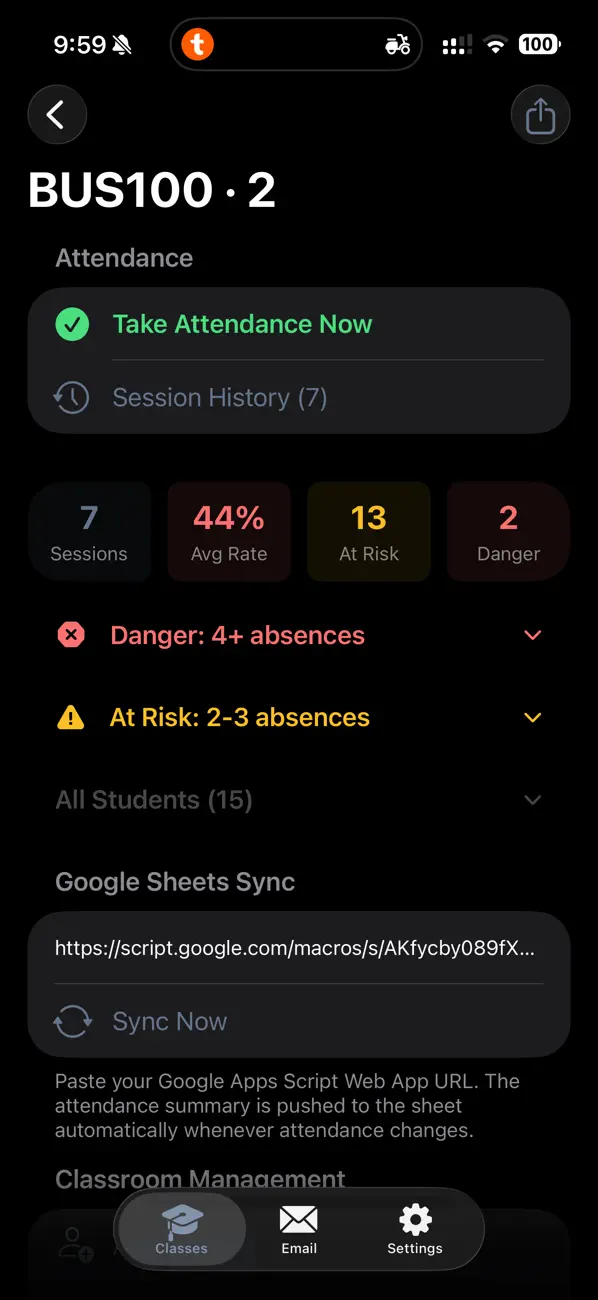
The section dashboard shows each student's attendance rate, flags students approaching your configurable warning threshold, and calculates effective absences (counting N lates as one absence). Tap any student to see their full calendar history and session-by-session record.
Export in three formats
CSV: attendance matrix (rows = students, columns = sessions) plus totals, ready for institutional systems
PDF: per-session seating chart suitable for printing or emailing to administration
Full backup: export all courses, layouts, and sessions to a single file; restore on any device
Automated absence emails
Connect your SMTP server or Resend API key in Settings and send absence notices directly from the app using customizable templates. Placeholders like {{name}}, {{absences}}, and {{course}} fill in automatically.
Privacy first
All data lives on your device. No accounts. No cloud sync. No analytics. The App Store nutrition label is "Data Not Collected." A biometric lock (Face ID / Touch ID) is available to protect records when you hand your phone to a student.
Built for iPhone, works on iPad
The seating chart is designed for iPhone: clear status colors and letters (P, A, L, E) make every seat readable at a glance, even on a smaller screen. On iPad the layout expands to show more of the room at once.
Supports dark mode, 12h/24h time, configurable week start day, and haptic feedback on tap.