Aktia Mobile bank
iOS Universel / Finance
Manage your finances anytime and anywhere with Aktia Mobile Bank app.
The Aktia Mobile Bank app has been renewed! The user interface has a fresh new look and the app's usability has been improved. Download and try it out!
Get started with Aktia Mobile Bank:
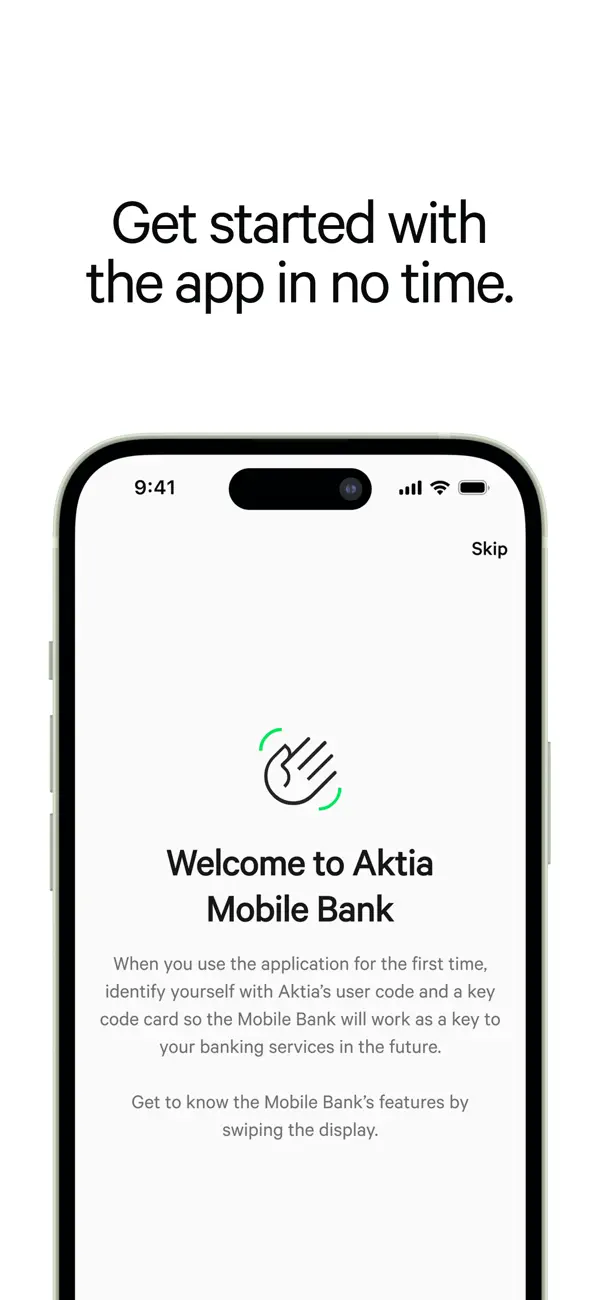
Download the app by selecting "Install." The app is activated using Aktia's netbank credentials and SMS verification. After the first identification, you can easily log into the app using PIN code, fingerprint, or FaceID.
With Aktia Mobile Bank, you can:
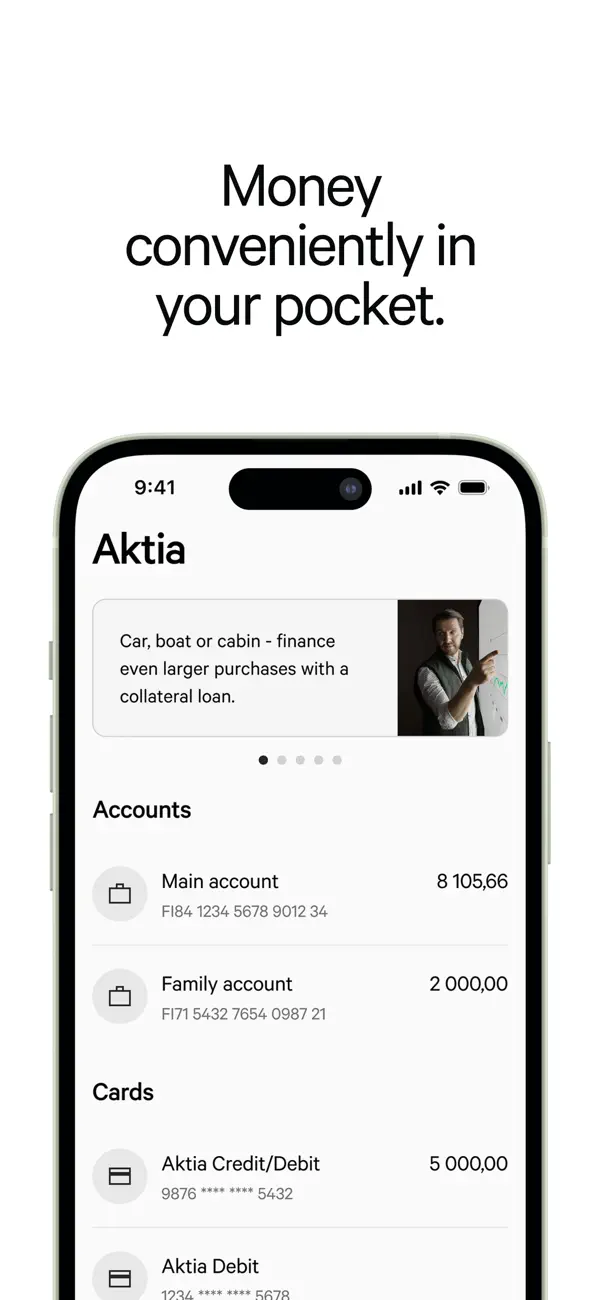
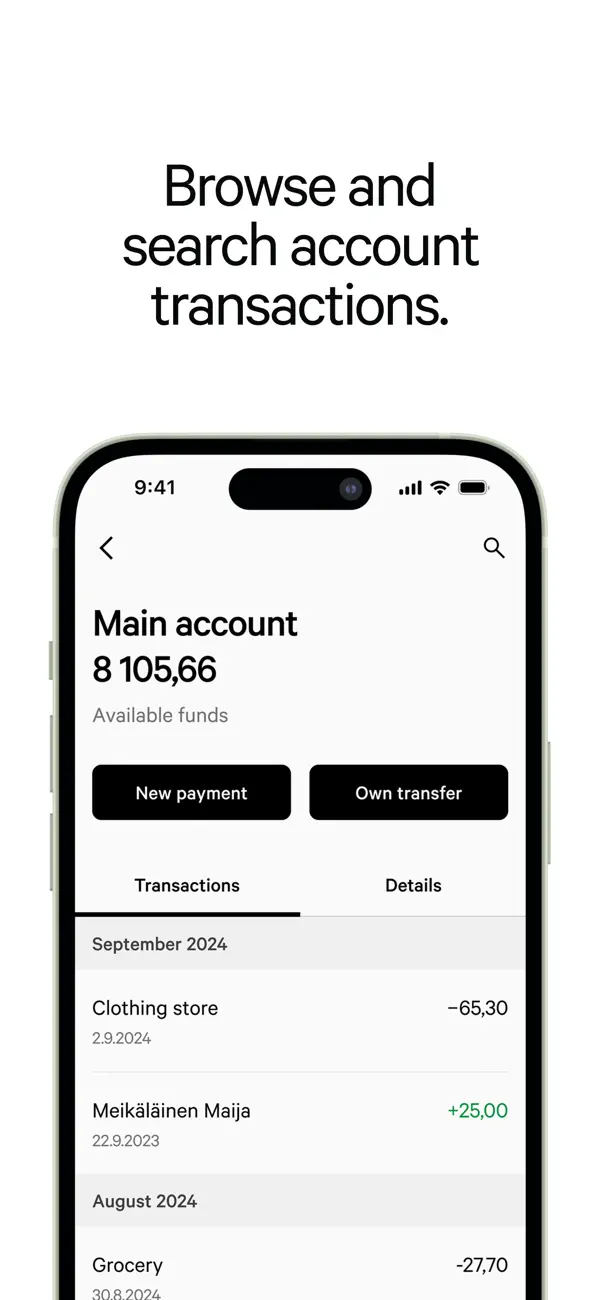
• View your account balances and transactions
• Pay bills and make account transfers
• Search for transactions
• Create new e-invoice agreements and confirm e-invoices
• View your e-salary
• View your card balance and transactions
• Increase the credit limit of your card
• Transfer money from your credit account
• View your loan details and upcoming loan instalments
• Track the performance of your investments
• Purchase, exchange and sell funds
• Send messages to Aktia's customer service
• Apply for a new card or loan
Aktia Mobile Bank app is available to all Aktia's consumer customers. We continue to develop the app based on the customer feedback. You can provide feedback and development suggestions directly through the app.
Read more: https://www.aktia.fi/fi/paivittaiset-raha-asiat/mobiilipankki
Quoi de neuf dans la dernière version ?
New update is available! We continuously develop our services based on customer feedback.
The update includes:
• Manage another person's funds in the Mobile Bank – if you have viewing or usage right to another person's funds, such as your child's, you can now view and manage them conveniently in the Mobile Bank.
• Refreshed marketing banner – a new look and improved content to help you discover relevant services and current offers.
• Minor improvements and bug fixes.