AMJU MFB
iPhone / Finance
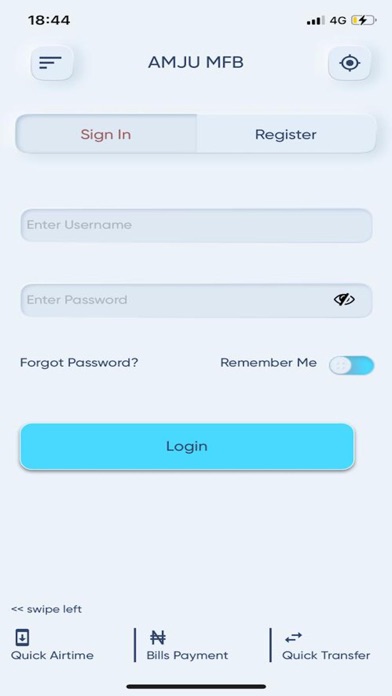
Enjoy unlimited access to your funds on the go. As long as you have an internet connected device, you can access your funds and carry out transactions at any time. Follow the steps below to access and register your mobile app
•Registration Steps
oOpen your iOS app store on your iOS device
oType AMJU in the search engine
oClick on download (Wait while the app is downloaded on your phone)
oClick on install (After the installation, the APP ICON will drop on your phone screen)
oClick on the APP ICON to open
oClick on “Register”
oType in a username of your choice
oEnter your account number
oType in your phone number
oPress the register button and a One Time Password (OTP) will be sent to your phone
oType the OTP immediately (it expires after 2minutes)
oCreate a password for yourself with mixture of upper and lower cases and password not less than 7 digits (use an alphanumeric e.g. Joh768)
oConfirm your password
oCreate PIN(FOUR DIGIT e.g 1234)
oClick on continue
oIt will show account registration successful, then you can now log in with your newly created username and password and carry out your transactions as needed.
•Features & Benefits
oBills Payments i.e. PHCN bills, Cable TV bills
oAirtime Recharge (MTN, GLO, AIRTEL, 9MOBILE)
oData Recharge
oFunds Transfer
oBalance Enquiry
oTransaction History
oTransfer Limit
oBiometric Login
oBranches location and addresses
oATM location
oQuick Airtime
oQuick Bills Payment
oQuick Transfer
oPIN Change
oPassword Change
Quoi de neuf dans la dernière version ?
This update offers these new features:
Card Services [Enquiry, Request, Hotlist and Replacement]
Service Requests [View BVN, Statements of Accounts and Receipts Generation]