Budgie Budget
iPhone / Finance
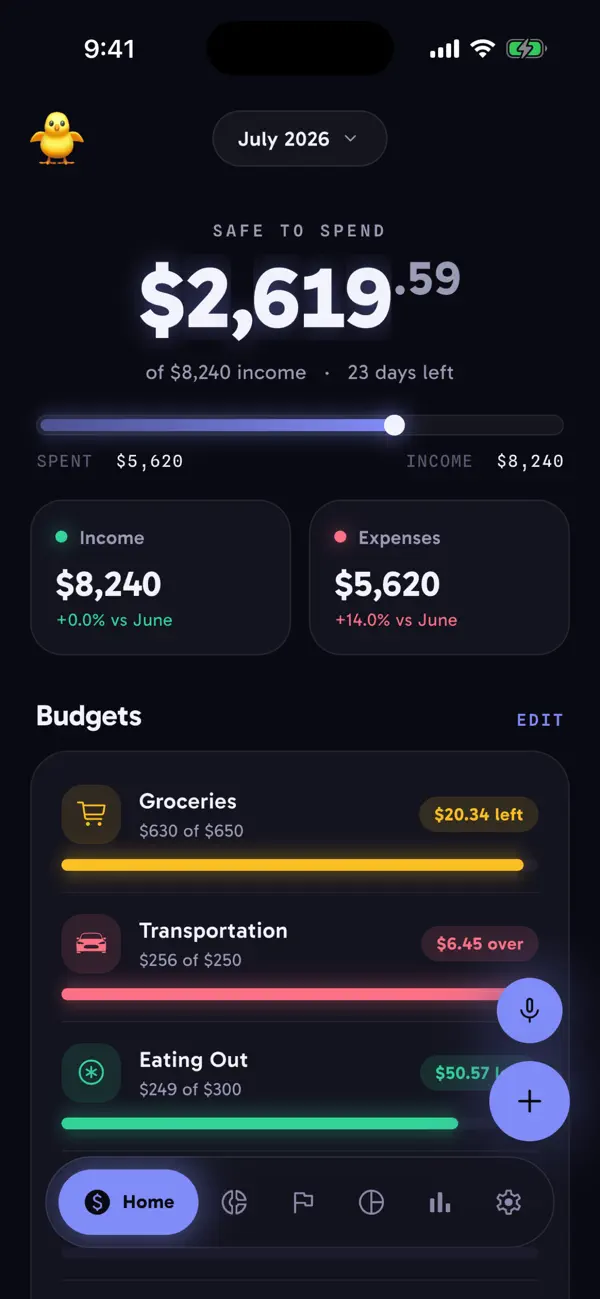
Budgie shows you where your money goes in seconds. Log an expense by hand or by voice, check what's safe to spend this month, and get on with your day.
Everything else stays on your device — no account, no login, no cloud sync. Voice entry is the exception: it sends your recording off-device just to transcribe it to text.
Track spending, net worth, and savings goals in one place:
Safe-to-spend for the month, with days left and income in view
Per-category monthly budget limits and progress
Voice entry: say "twelve fifty for lunch at Chipotle yesterday" and review before it saves
Net worth with assets, liabilities, and monthly growth charts
Savings goals with progress and quick add-money shortcuts
Spending by category as a clear donut breakdown
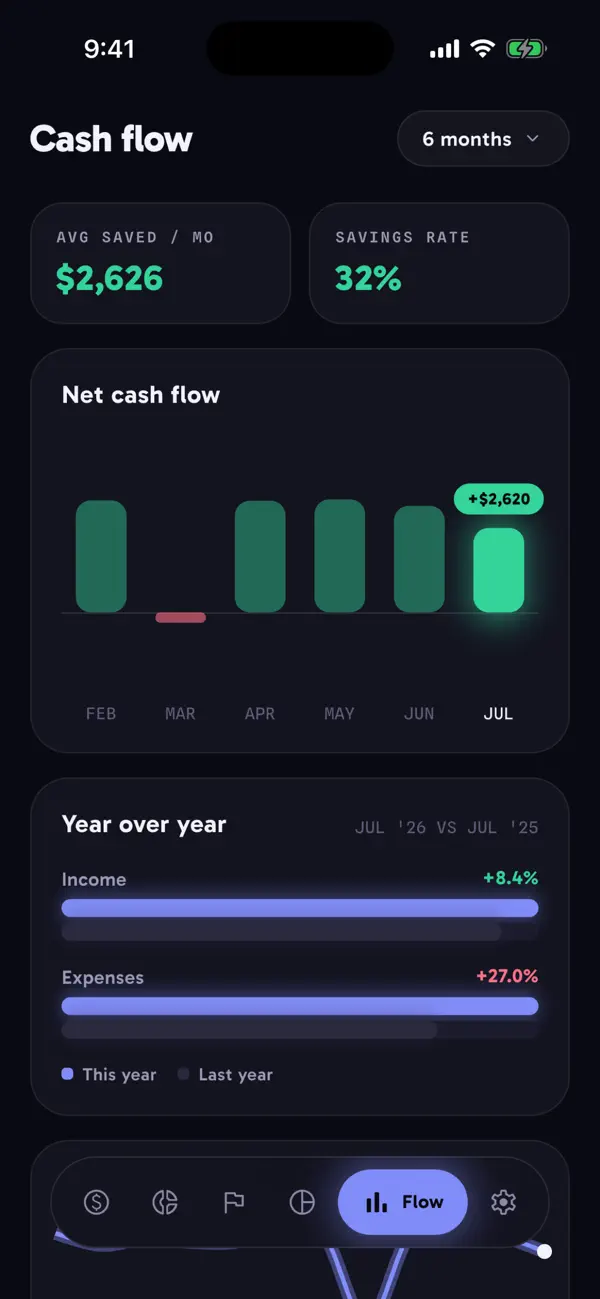
Cash flow trends and year-over-year comparisons
Recurring transactions for bills and paychecks, weekly to monthly
Export your full history to CSV anytime
Add expenses fast from the home screen with app-icon shortcuts and a widget, or by voice. Dark theme is built in, with light and system options.
Budgie keeps your numbers clear and your data close to home.
Quoi de neuf dans la dernière version ?
- hold and swipe on the dock to move between tabs without lifting a finger
- add cash flow number to the widgets