Cash Count - Budget Tracker
iOS Universel / Finance
Track your money with clarity.
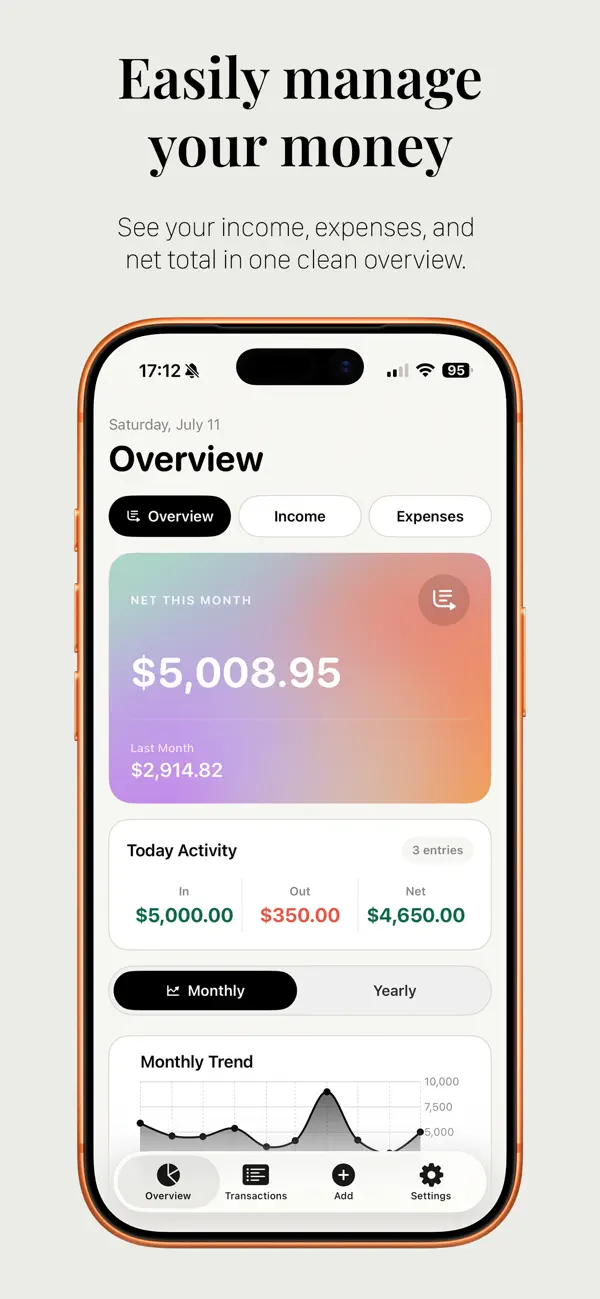
Cash Count helps you manage income, expenses, budgets, and recurring entries in a simple, clean personal finance app. See what came in, what went out, and your net total for the month at a glance.
Whether you’re tracking salary, freelance income, side projects, investments, or everyday spending, Cash Count gives you an easy way to stay organized without needing an account or complicated setup.
Key Features
Simple Income and Expense Tracking
Add income, expenses, investments, and custom categories with optional notes.
Clear Monthly Overview
See your income, expenses, net total, daily activity, and month-over-month changes in one clean dashboard.
Budgets and Spending Limits
Set monthly budgets, track your progress, and see when you’re getting close to your limit.
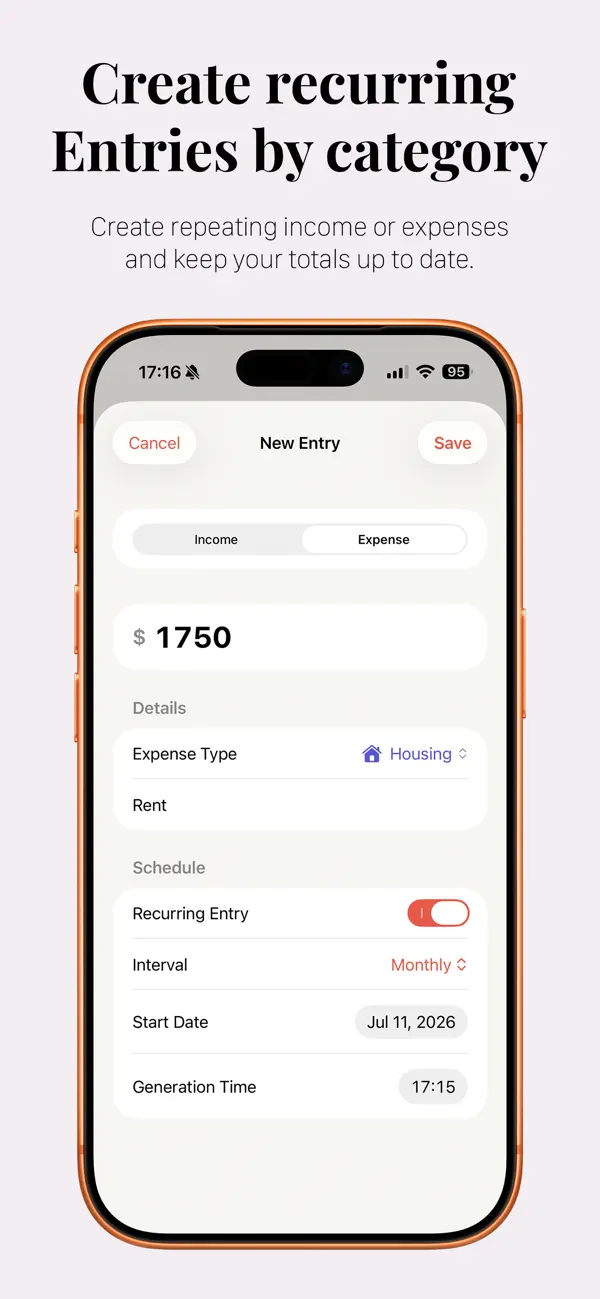
Recurring Entries
Create repeating income or expenses so your regular transactions stay up to date.
Interactive Charts and Insights
View weekly, monthly, quarterly, and yearly trends with clean visual charts.
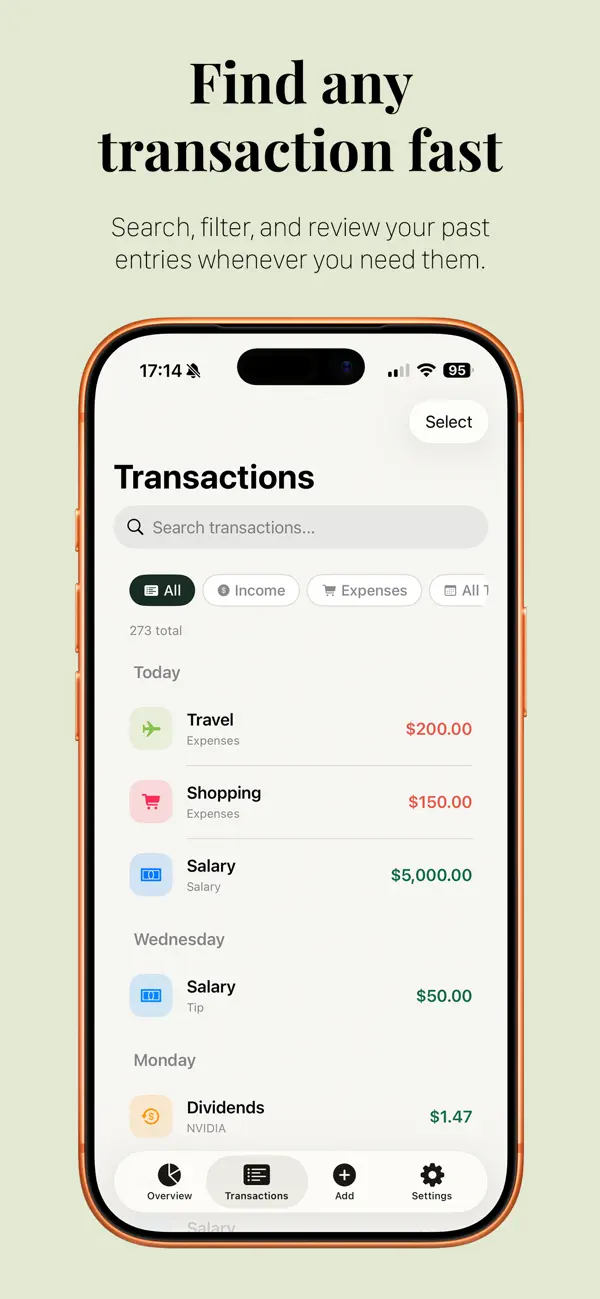
Transaction History
Search, filter, edit, and review past entries quickly.
Custom Categories
Create categories with your own names, icons, and colors to match how you track money.
Widgets
Check your monthly net total from your Home Screen.
Privacy First
No account required. Your data stays on your device, with optional iCloud sync across your Apple devices.
Cash Count is great for freelancers, side hustlers, budget tracking, personal finance, and anyone who wants a clearer view of their money.
Download Cash Count and start tracking your finances with confidence.
Quoi de neuf dans la dernière version ?
Minor bug fixes