• KultureGeek
  • Comparateur de prix
       
iPhoneAddict
 iAddictv5Notre Application iPhone/iPad
  • Accueil Apps
  • Actualité Apple
  • Keynote Apple
  • Firmwares & iTunes
  • Contactez-nous
Accueil » Liste des Apps » Apps Universelles » Finance » Coinbulb
L'application n'est plus disponible sur l'App Store français
1.0 iOS €Gratuit UNISOURCE GLOBAL LTD 0 0 Coinbulb is a real-time cryptocurrency price indicator. With Coinbulb, you can stay updated on the crypto market's highs and lows without constantly checking your phone or computer. Get real-time price alerts on your smart bulb! Stay updated...
Coinbulb

Coinbulb

iOS Universel / Finance

Gratuit
Obtenir sur l'App Store

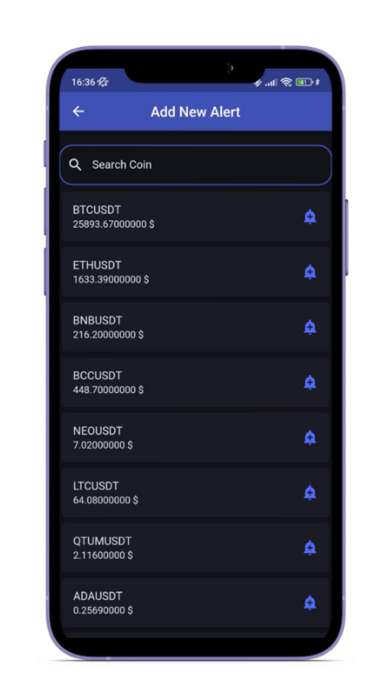
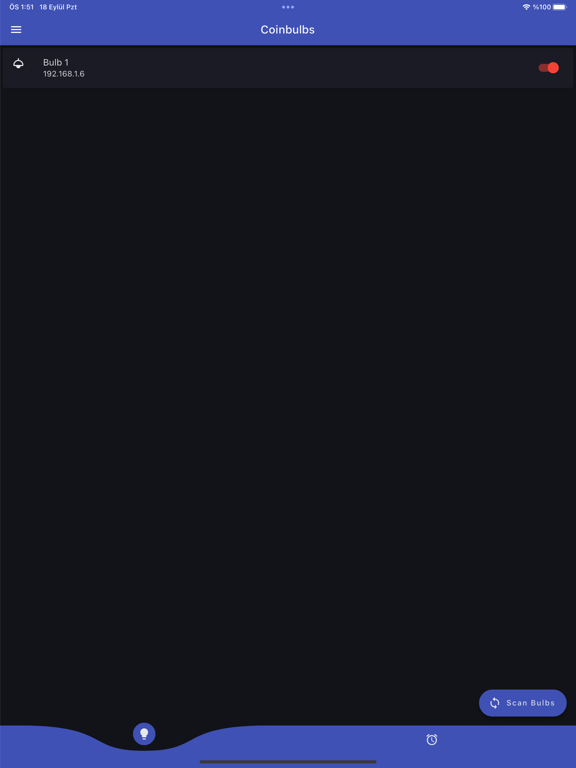
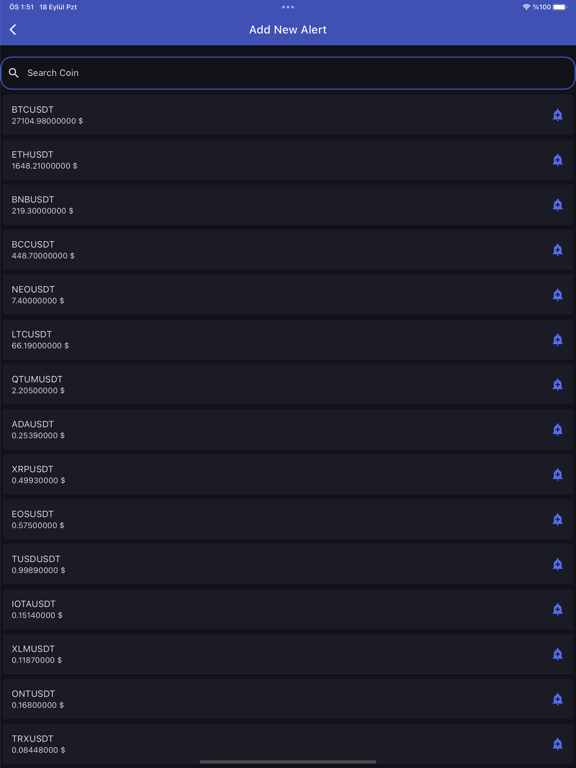
Coinbulb is a real-time cryptocurrency price indicator. With Coinbulb, you can stay updated on the crypto market's highs and lows without constantly checking your phone or computer. Get real-time price alerts on your smart bulb! Stay updated effortlessly while enjoying life's moments. Set alerts, customize lighting, invest smartly, and let your bulbs light your way to financial success.

En voir plus...

  • Screenshot #1 pour Coinbulb
  • Screenshot #2 pour Coinbulb
  • Screenshot #3 pour Coinbulb
  • Screenshot #4 pour Coinbulb
  • Screenshot #5 pour Coinbulb
  • Screenshot #6 pour Coinbulb

Note

(0 note)

Détails sur l'application

Version
1.0
Taille
29.1 Mo
Version minimum d'iOS
12.0
Dernière mise à jour
19/09/2023
Publié par
UNISOURCE GLOBAL LTD

Newsletter App Store

Recevez chaque jour les meilleures promos

Actualité Apple

Image L’iPhone 17 Pro Max écrase la concurrence sur l’autonomie malgré une batterie standard
L’iPhone 17 Pro Max écrase la concurrence sur l’autonomie malgré une batterie standard
Image Les puces M5 Max et M5 Ultra d’Apple se dévoilent avec iOS 16.3
Les puces M5 Max et M5 Ultra d’Apple se dévoilent avec iOS 16.3
Image Release candidate pour iOS 26.3, macOS 26.3, watchOS 26.3, tvOS 26.3 et visionOS 26.3
Release candidate pour iOS 26.3, macOS 26.3, watchOS 26.3, tvOS 26.3 et visionOS 26.3
Image Studio Display 2 : 90 Hz et non 120 Hz pour l’écran d’Apple ?
Studio Display 2 : 90 Hz et non 120 Hz pour l’écran d’Apple ?
Partenaires : Actualité iPhone - Culture Geek
©2009-2026 i2CMedia | A propos |