RBC Bank U.S. Remote Deposit
iOS Universel / Finance
By selecting Install, you are consenting to the installation of RBC Bank (U.S.) Remote Deposit. You are entitled to and are consenting to future updates or upgrades to RBC Bank (U.S.) Remote Deposit, which may be automatically installed as per your device or operating system default or user-initiated settings. You may withdraw your consent by deleting RBC Bank (U.S.) Remote Deposit from your smartphone.
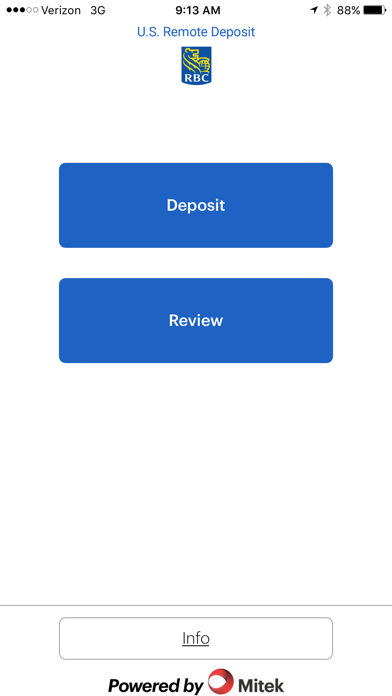
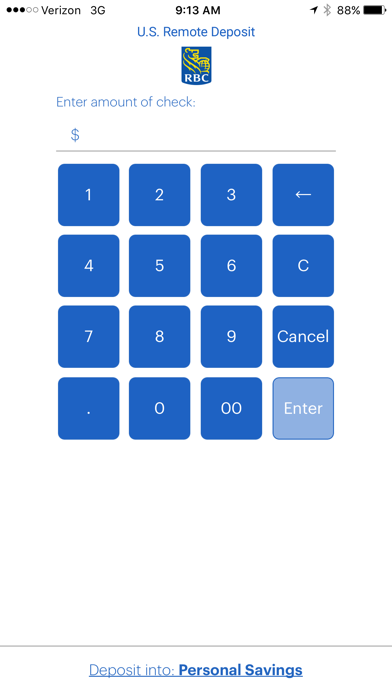
With RBC Bank (U.S.) Remote Deposit, you can take the bank with you wherever you go! It’s a convenient service that lets you use your smartphone to securely make electronic deposits to your RBC Bank (U.S.) business checking or money market savings account.
HOW TO ENROLL:
1. Download the mobile app to your smartphone.
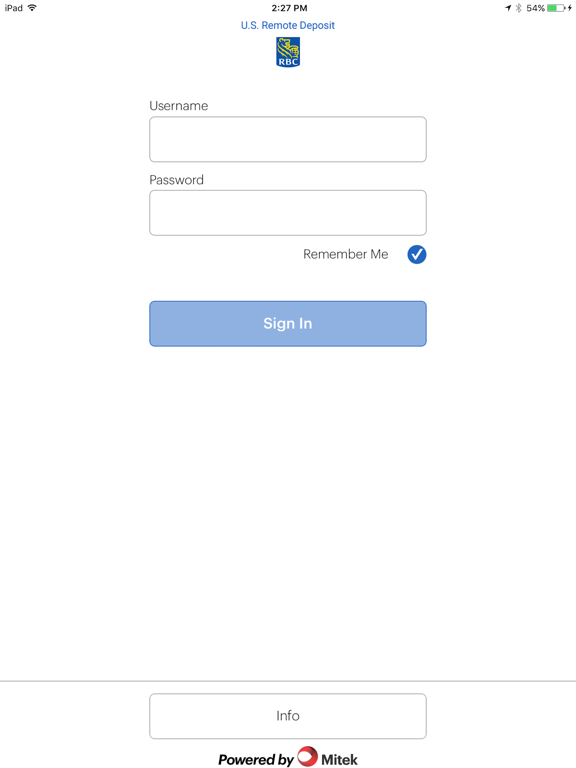
2. Call us at 1-844-624-8251 to get your temporary user name and password. 3. Sign in to our U.S. Remote Deposit website at https://xpressdeposit.com/xd/?bid=114098099 to set up your preferred user name, password, and security questions.
4. Accept the Terms and Conditions.
After you make a deposit, we’ll send you an email to let you know we’ve received it, and we’ll follow up with an email confirmation once your deposit has been processed and the funds are in your account.
RBC Bank (U.S.) Remote Deposit lets you view the last five days of deposit activity! For more transaction history or other money transfer and bill payment features, sign in to RBC Bank (U.S.) Online Banking
PRIVACY:
Your consent and acknowledgement that RBC Bank (U.S.) Remote Deposit performs functions that require permission to access to the camera on your mobile device to take a photo of the check to be deposited. For assistance with removal of RBC Bank (U.S.) Remote deposit, access instructions at http://www.rbcbank.com/help-and-faqs/about-making-deposits/u-s-remote-deposit/index.html or contact rbcbankusbusinessbanking@rbc.com
RBC Bank | RBC Bank (Georgia), N.A., a subsidiary of Royal Bank of Canada
8081 Arco Corporate Drive, Suite 500, Raleigh, NC 27617
www.rbcbank.com
Quoi de neuf dans la dernière version ?
This update from Apple will improve the functionality of this app. No new features are included.
Thanks for using the RBC Bank U.S. Remote Deposit app! You may notice we’ve made some slight changes. We’ve polished our user interface with new imagery and graphics. Hope you enjoy the new look and feel! Please email us at rbcbankusbusinessbanking@rbc.com if you have any suggestions or questions.