Subly Money Tracker
iOS Universel / Finance
Subly — Subscription & Expense Tracker
Subly helps you stay on top of recurring subscriptions and day-to-day spending in one clear, fast interface. Your data stays on your device by default—no forced cloud signup to use the app. Optional device sync lives in Settings if you ever need it.
SUBSCRIPTIONS
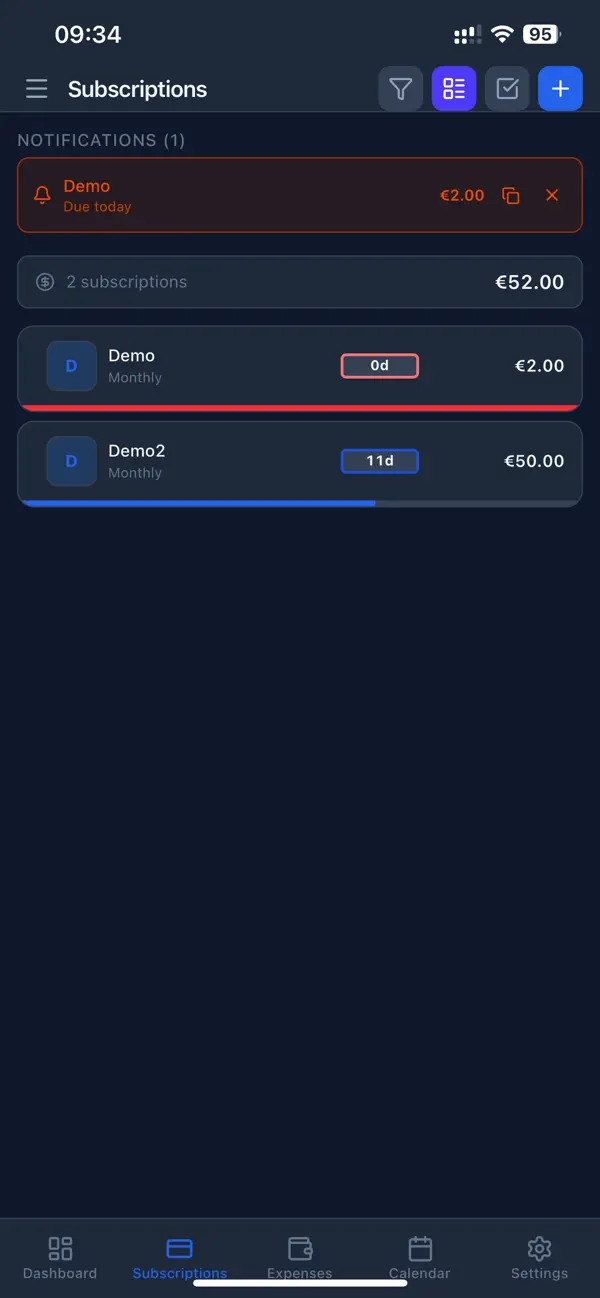
Add streaming, software, utilities, or any recurring service. Billing cycles include daily, weekly, monthly, and yearly with custom frequency where supported. Pin favorites, use categories, tags, and payment methods, and switch between compact and expanded lists. Group by category or payment method, run batch actions for cleanup, and open details with full payment history. Track auto-renewal, inactive plans, overdue charges, and notes or links so renewals and price changes do not surprise you.
EXPENSES
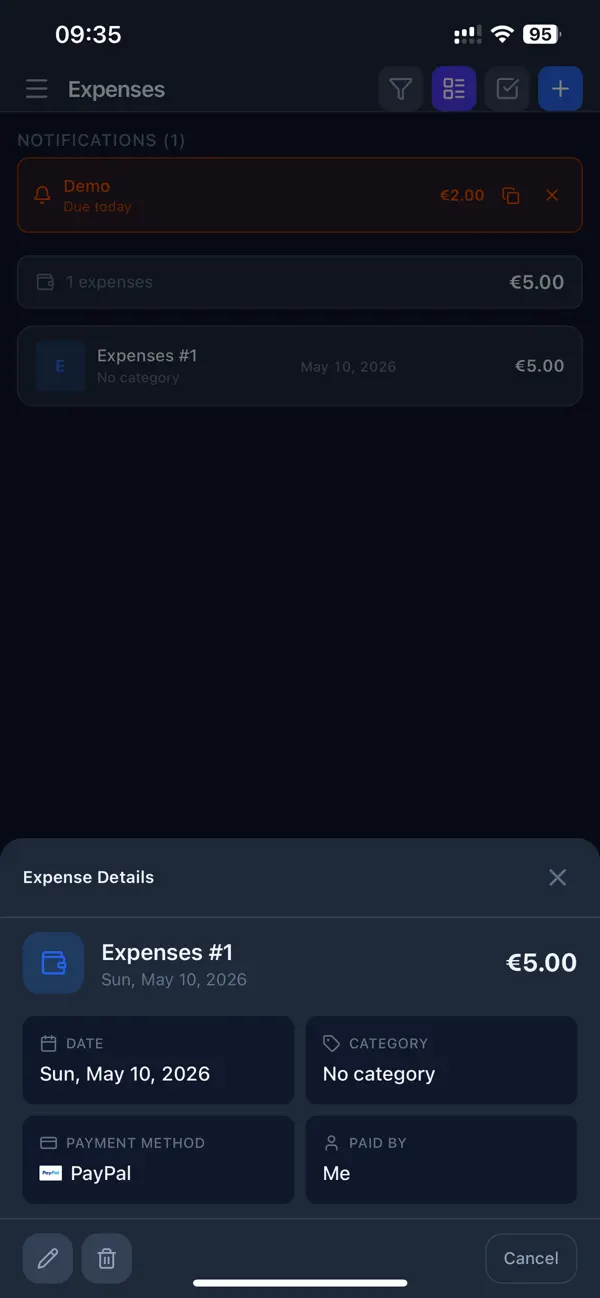
Record one-time purchases with amounts, categories, tags, notes, and optional links. Filter by period, category, or tags. Export expenses to CSV for spreadsheets. Link expenses to subscriptions when that fits your workflow.
DASHBOARD
Configure which blocks you see and how they are ordered. You can surface overdue and upcoming payments, summary stats, monthly budget progress, savings views, spending trends, forecasts for the next month or quarter, lifetime subscription cost, averages per category, charts for breakdowns and trends, expense summaries, top expenses, average ticket size, spending by weekday, month-over-month comparison, tag-based views, and exchange-rate history when you use multiple currencies.
CALENDAR
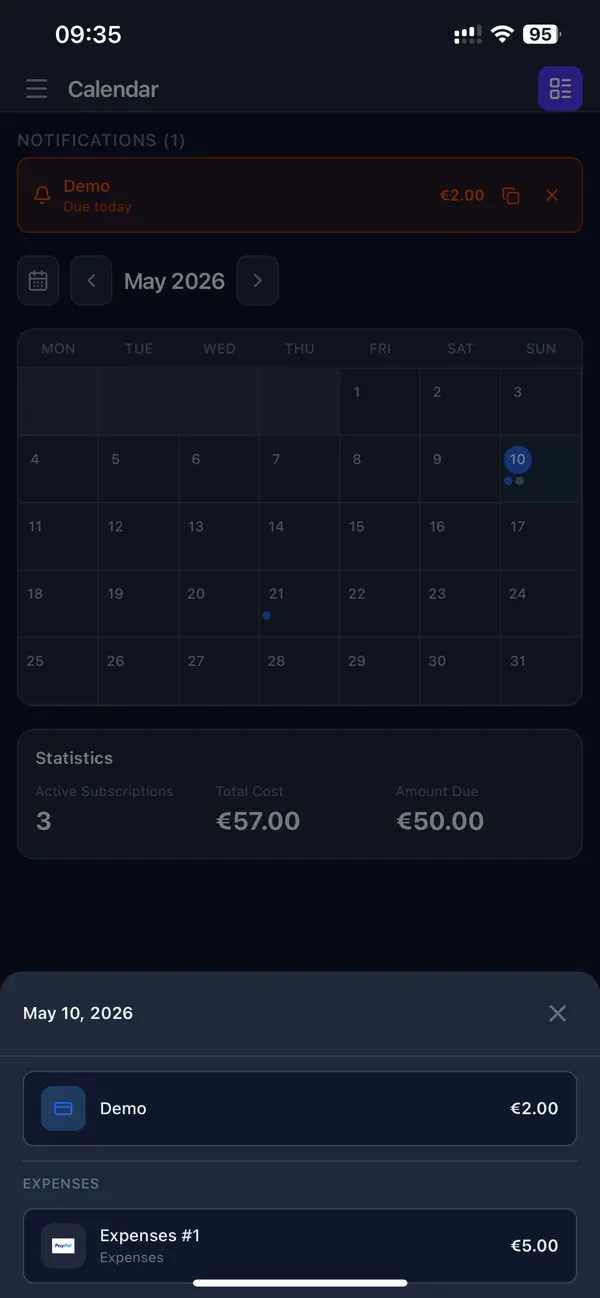
See upcoming charges on a calendar. Review monthly totals and jump from a date into the related subscription to plan around paydays and bills.
CURRENCIES
Support for many currencies plus room for custom entries. Refresh exchange rates on a schedule, convert to your base currencies, and use converter presets where it saves time.
NOTIFICATIONS
System notifications for upcoming and overdue payments, timed with billing cycles. Pick morning, evening, or a custom time and customize titles and messages. In-app alerts help you act quickly. Optionally send reminders through Telegram.
SETTINGS AND HOUSEHOLD
Choose from many themes. Manage categories, payment methods, and tags with icons and order. Add household members so spending can be attributed correctly. Set a monthly budget with a clear progress view.
Quoi de neuf dans la dernière version ?
Cloud sync is more reliable and easier to use:
• Google Drive, Dropbox & OneDrive — fixed a bug where the app could show “Connected” before you finished signing in in the browser. You now get a clear prompt to complete sign-in, with Open Browser and Cancel options.
• iCloud — improved sync via the official iCloud container, with more stable reads and writes on iPhone, iPad, and Mac.
• WebDAV — test your server connection before enabling sync.
• Clearer error messages when sign-in fails or cloud access expires, so you know what to do next.
• General stability improvements for upload, download, and sync across all cloud providers.