Xenia cTrader
iOS Universel / Finance
Xenia cTrader app provides a premium mobile trading experience: Buy and Sell global assets on Forex, Metals, Oil, Indices, Stocks, ETFs.
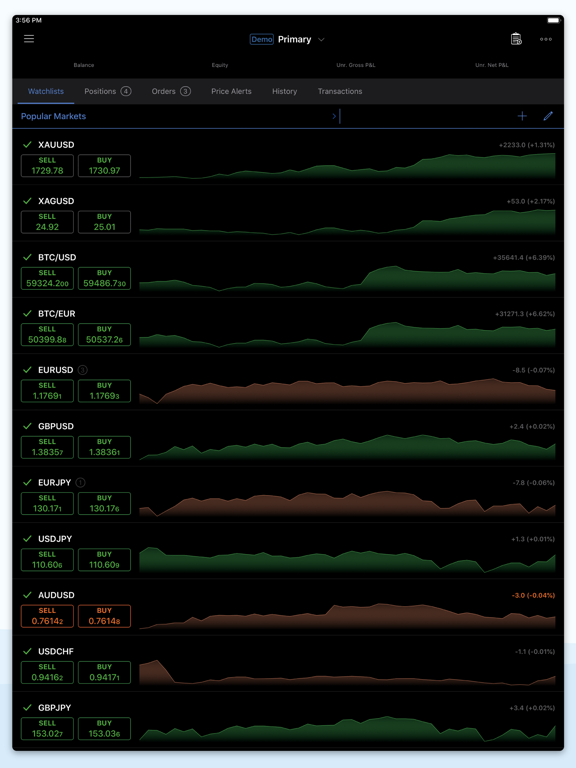
Just log in with your Apple, Facebook and Google account, or your cTrader ID and get access to a complete range of Order Types, advanced Technical Analysis tools, Price Alerts, Trade Statistics, Advanced Order Management settings, Symbol Watchlists and a variety of other settings to customize the platform to your on-the-go trading requirements.
Direct processing (STP) and No Dealing Desk (NDD) trading platform:
Detailed Symbol Information helps you understand the assets you are trading
Symbol Trading Schedules show you when the market is open or closed
Links to News Sources inform you about events that may affect your trading
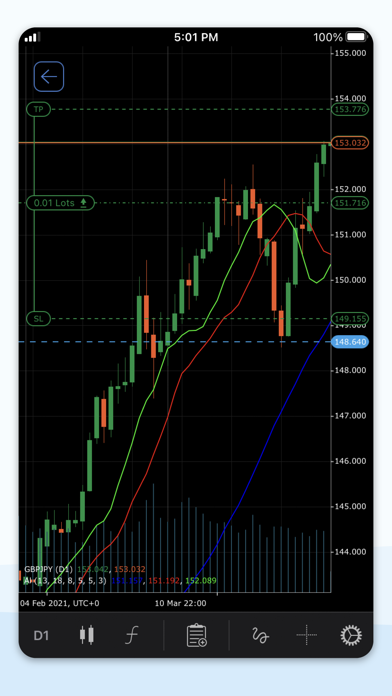
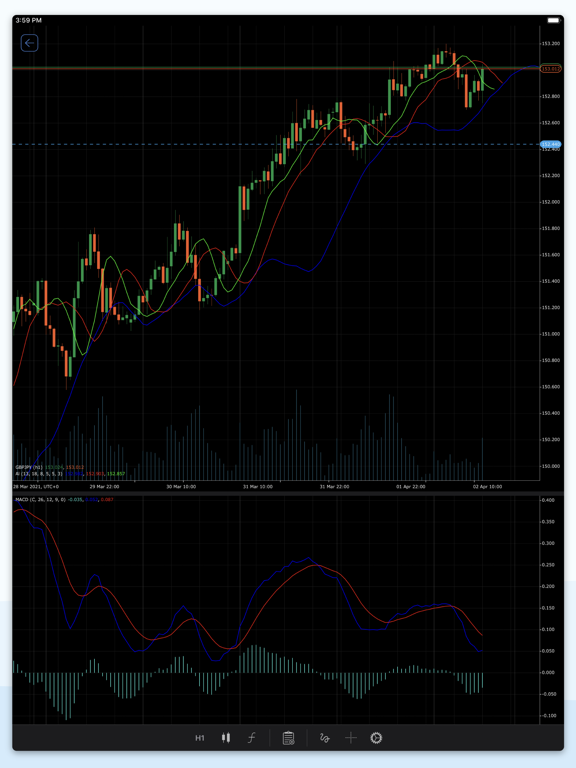
Fluid & Responsive Charts and QuickTrade Mode allow for one-click trading
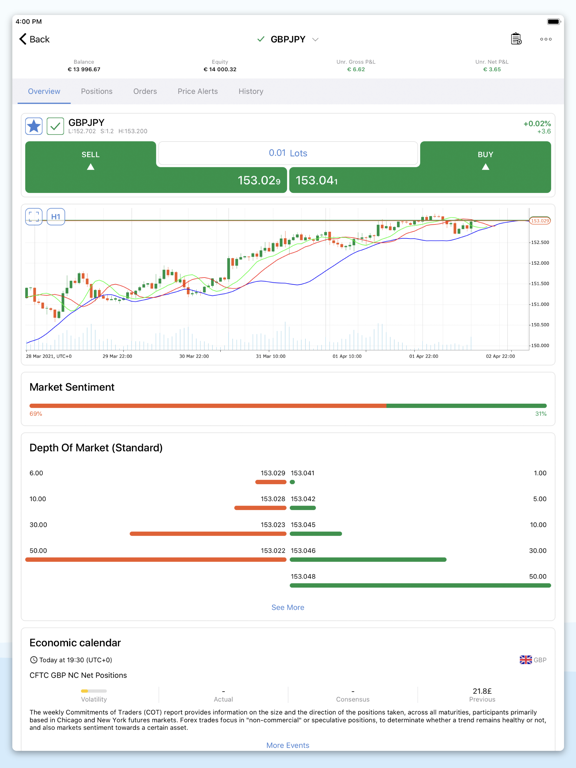
Market Sentiment Indicator shows how other people are trading
Sophisticated Technical Analysis tools, with advanced settings for all indicators and drawings:
4 Chart Types: Standard Time Frames, Tick, Renko and Range charts
5 Chart View Options: Candlesticks, Bar Chart, Line Chart, Dots Chart, Area Chart
8 Chart Drawings: Horizontal, Vertical & Trend Lines, Ray, Equidistant Channel, Fibonacci Retracement, Equidistant Price Channel, Rectangle
65 popular Technical Indicators
Additional Features:
Push and Email Alert Configuration: Choose which events you want to know about
All accounts in one app: Switch swiftly through your accounts with a simple click
Trade Statistics: Review your strategies and trade performance in detail
Price Alerts: Get notified when a price hits a specified level
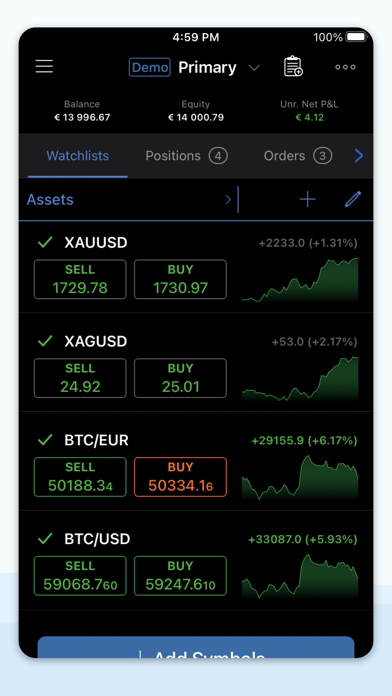
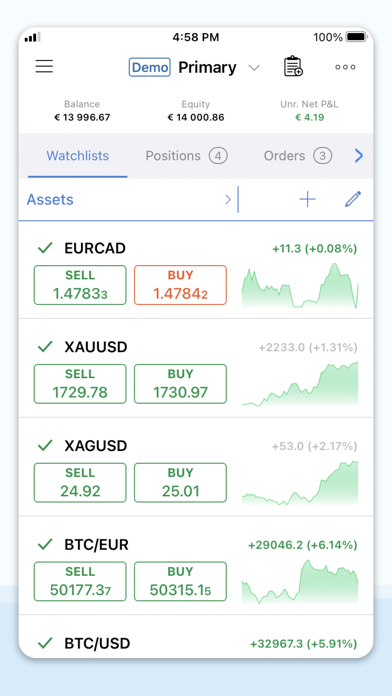
Symbol Watchlists: Group and save your favourite symbols
Manage Sessions: Log off your other devices
Dark Theme: Trade on the platform's popular and eye-friendly dark interface
22 Languages: Access all platform features translated in your native language
To learn about new features, please join the cTrader Facebook https://www.facebook.com/groups/ctraderofficial or Telegram https://t.me/cTrader_Official groups.
Quoi de neuf dans la dernière version ?
Xenia cTrader Mobile 5.9 introduces My cTrader, improves in-app navigation and upgrades charts with floating panels and focus features.
My cTrader
Explore your new trading hub available from the bottom bar. Here, you can switch between trading accounts, create new ones, deposit and withdraw funds and grant account access to others. Share your real-time account stats via a public link to showcase your trading experience and build online trust. Access trading products, including copy strategies, cBots and plugins, to make the most of cTrader. Customise your profile page, share invite links and monitor your invited traders’ progress. My cTrader is also an entry point for multiple settings, support channels, Help Centre and official social media.
Improved navigation
Access charts instantly with markets now just one tap away from the bottom bar. Navigate more efficiently across the app and reach key trading areas without unnecessary steps.
Chart updates
Chart tools – open controls with a single tap on the chart for quicker access.
Floating panel – manage orders, positions and chart objects from a new draggable panel.
Trading focus – tap a position or order on the chart to spotlight it while all others dim.
Crosshair focus – highlight the selected bar or measured period when using the crosshair.