Zaggle®
iPhone / Finance
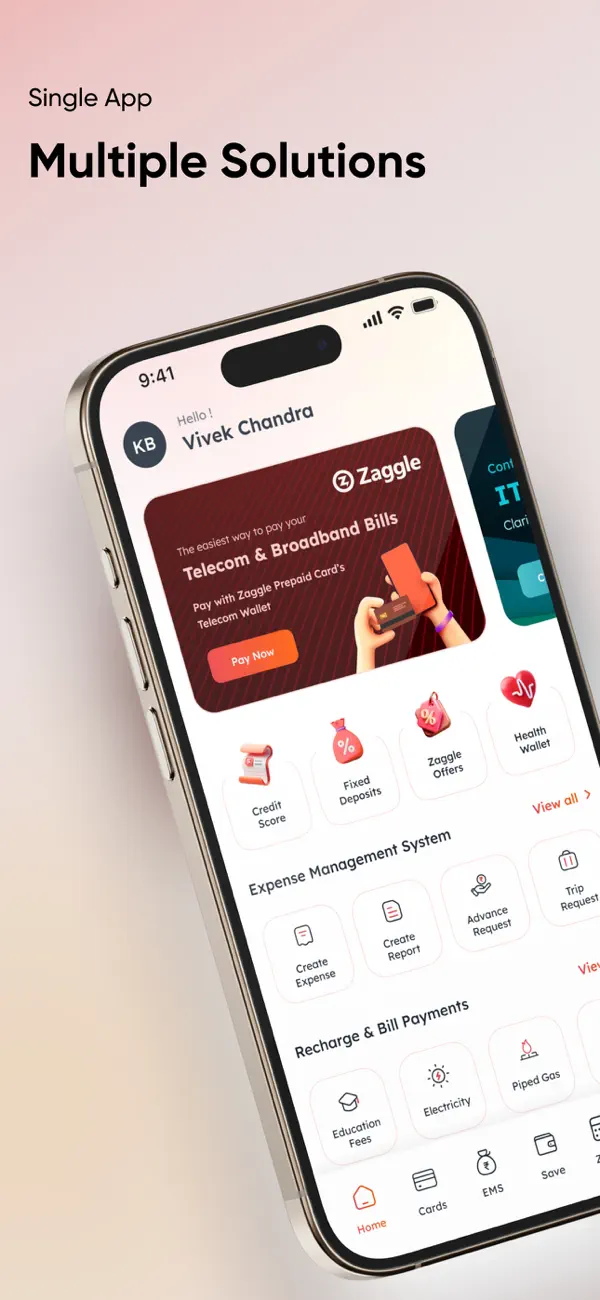
Now report your expenses, manage your allowances and redeem your rewards from a single app.
A. Expense Reporting at your finger tips!
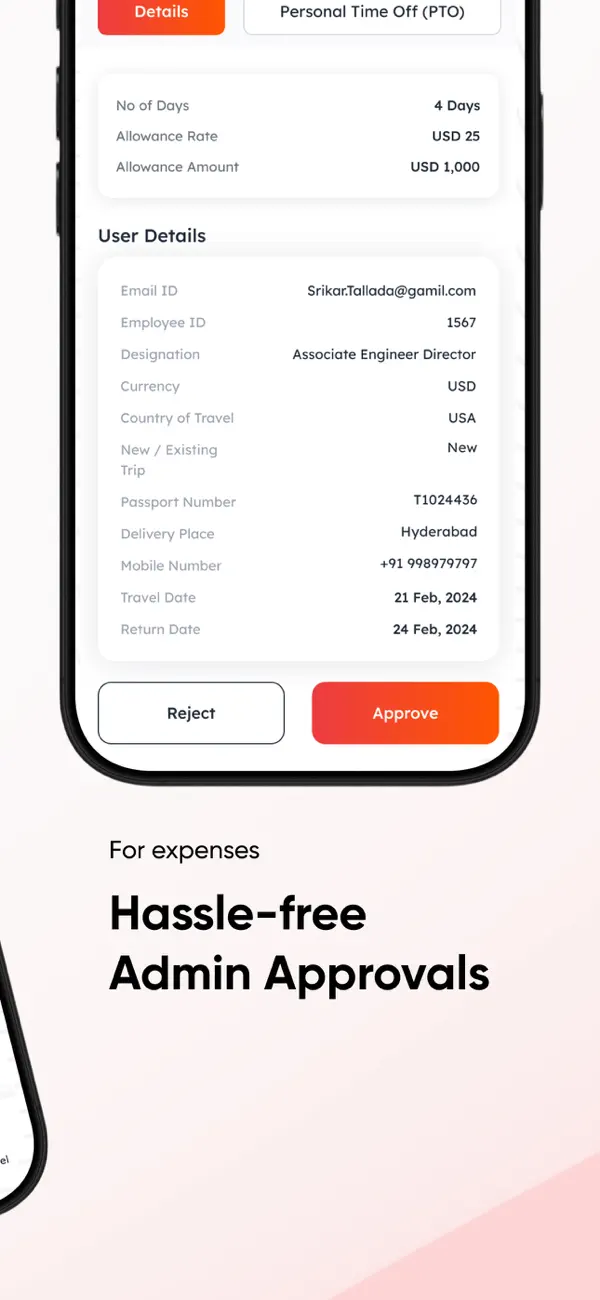
The extremely frustrating process of collecting bills, preparing an expense report, submitting the report, awaiting approvals and seeking reimbursement is a thing of the past.
Zaggle Expense management on the app
a. In case you have received a Zinger card, just add it to the App
b. Create an expense report
c. Capture and add bills to the report
- whether paid through Zinger card or personal means
d. Submit the report and track status
e. And get notified the moment the report is approved!
What’s more, you can even withdraw cash from the Zaggle card for the company expenses and submit the same in the App.
B. Manage your allowances!
Receive your Meal, Fuel, Gift and Travel allowances in the Zinger multiwallet card and spend at any corresponding Visa enabled merchant across India
a.View your balance and past transactions
b. Block your card in case lost
c. Create POS Pin
d. Change IPIN
C. Redeem Propel Rewards across a wide range of choice!
Propel rewards issued to you by your company can be redeemed on the App as well as the website Zaggle.in.
a. View the Propel Rewards
- In case you received a Physical Propel card, just add it to the App
b. Redeem the Rewards across Gift Cards of leading retail Brands across categories.
c. Redeem multiple times till the balance is available.
D. Manage your Zaggle Cards
Add the Zaggle Gift Cards given to you by your company to the App
a. View your balance and past transactions
b. Block your card in case lost
c. Create POS Pin
d. Change IPiN
E. Buy Gift Cards at amazing discounts
Buy gift cards from leading Brands across a range of Categories, at great discounts!
F. Having trouble managing vendor payments in a spreadsheet or using multiple apps?
Zaggle ZOYER is the easiest way to manage your vendor payments! Zaggle Zoyer allows you to onboard vendors, set up your own invoice approval workflow, scan/upload/create purchase orders and invoices, and have vendors accept purchase orders and upload documents. Before making payments, you can generate GRN, perform a 3Way Match, and generate reports for analysis with Zaggle ZOYER. Zaggle Credit Card pre-integration completes the offering. Why wait? Start using Zaggle Zoyer now!
• Like & Follow Us:
Facebook: https://www.facebook.com/zaggleapp
Twitter: https://twitter.com/zaggleapp
Instagram: https://www.instagram.com/zaggleapp
LinkedIn: https://www.linkedin.com/company/zaggleapp
• Calls or E-mails:
Phone: 1860 500 1231
(10.00 AM - 7:00 PM, Mon - Sat)
care@zaggle.in
Quoi de neuf dans la dernière version ?
• Performance improvements and minor bug fixes for better app stability and reliability.