Distancive
iPhone / Forme et santé
Distancive gives you a clear, focused view of your walking and running distance from Apple Health - on your iPhone, your Home Screen, your Lock Screen and your Apple Watch.
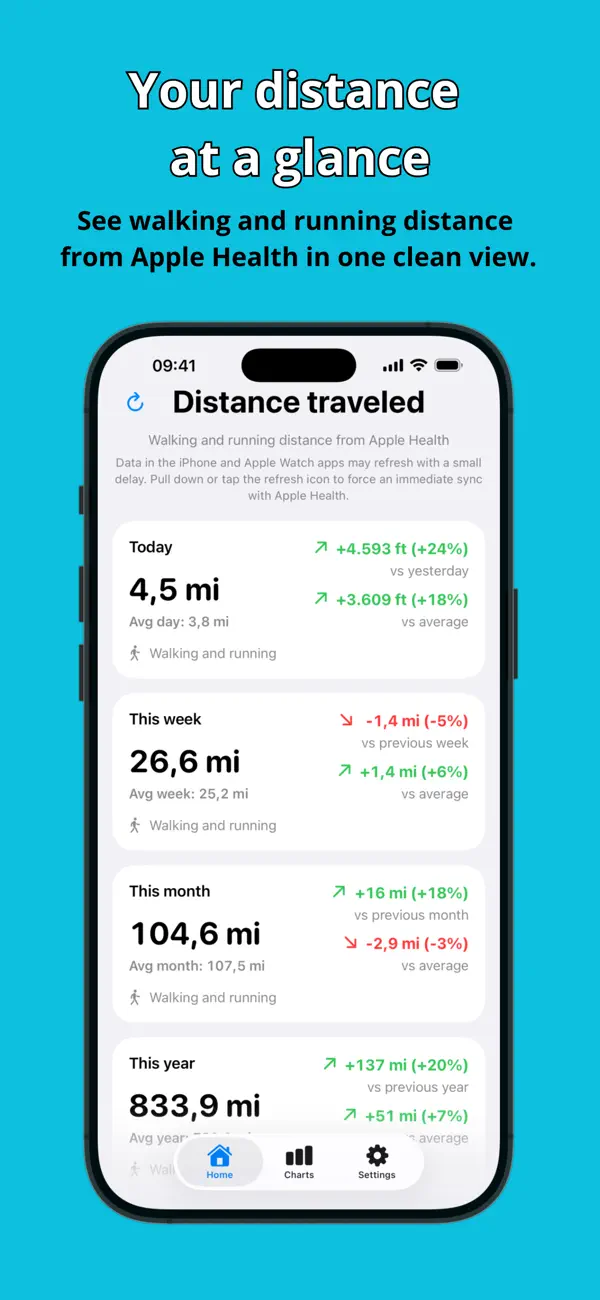
On iPhone, Distancive brings all your key distance totals together in one clean view. Check how far you have walked or run today, this week, this month, this year and across all available data. Compare each current period with the previous one or with average distances for the same period, to quickly see how your distance has changed.
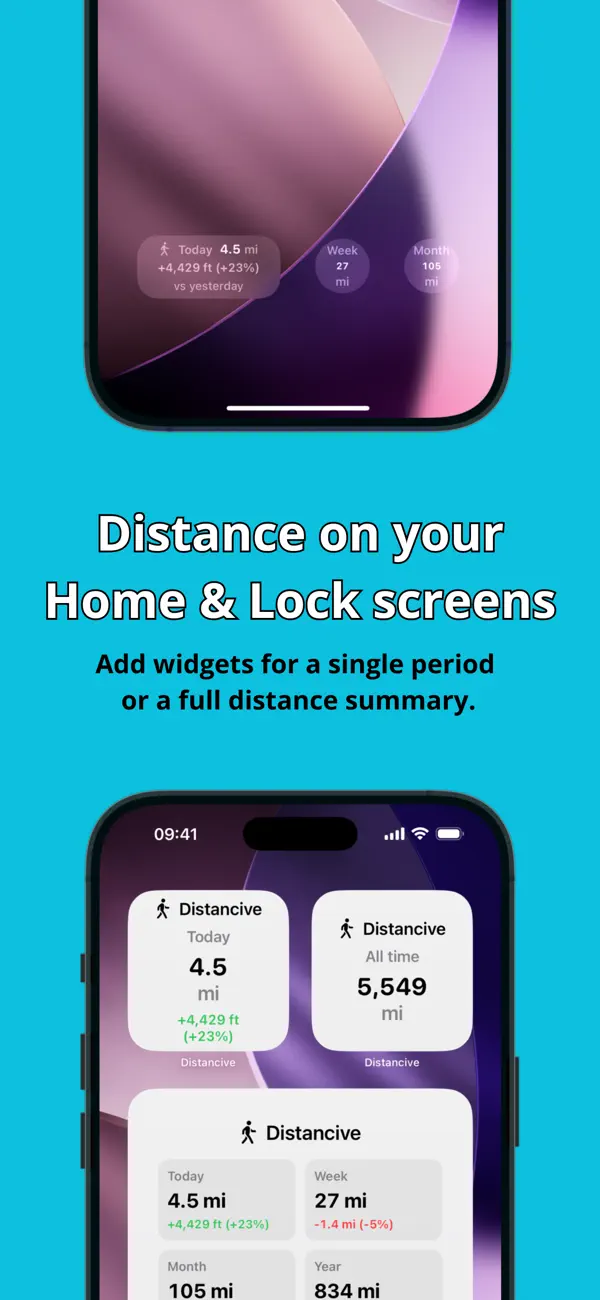
Keep the distance that matters most visible with flexible widgets. Add a separate widget for today, this week, this month, this year or your all-time distance, or choose a larger summary widget that shows multiple periods at once. Lock Screen widgets let you check selected distance totals without even unlocking your iPhone. Widgets can now compare your distance with either the previous period or your average distance, depending on your selected preference.
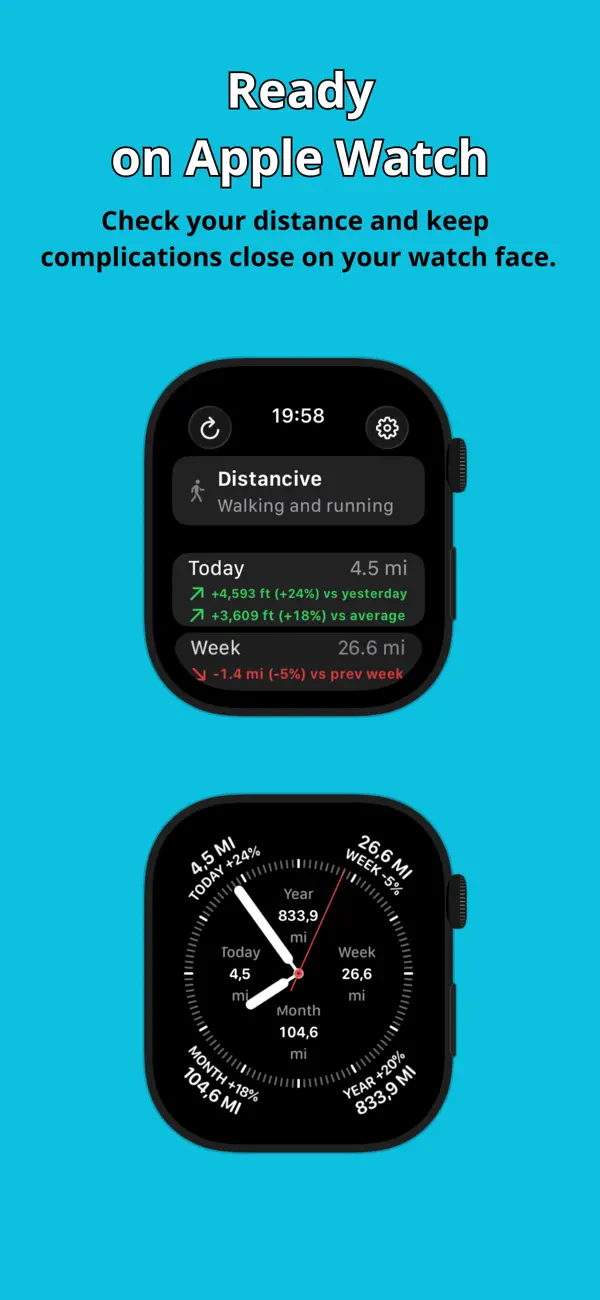
On Apple Watch, Distancive can also work independently without your iPhone nearby. Open the watch app to check your distance directly on your wrist, switch between kilometers and miles and view totals for every available period.
You can also add Apple Watch complications for the exact period you want to follow. Keep today’s distance, this week’s total, this month’s distance, this year’s distance or your all-time total directly on your watch face. Complications can also follow your selected comparison mode, showing progress against either the previous period or average distances.
A dedicated Settings screen makes it easy to manage your preferences in one place. You can switch between kilometers and miles and choose how widgets and complications calculate comparisons.
Features:
• Clean iPhone dashboard with all distance periods
• Today, week, month, year, and all-time totals
• Comparisons with previous periods
• Comparisons with average distances for each period
• Home Screen widgets for individual distance periods
• Full distance summary widgets
• Lock Screen widgets
• Custom comparison mode for widgets and complications
• Standalone Apple Watch app
• Apple Watch complications for each distance period
• Distance data from Apple Health
• Switch between kilometers and miles
• Automatic Light and Dark Mode support
• Clean, focused interface
Distancive does not record routes, workouts, or GPS activity. It presents your existing walking and running distance data from Apple Health in a clear and convenient format.
Apple Health access is required to display your distance data.
One purchase. No subscriptions or in-app purchases.
Quoi de neuf dans la dernière version ?
• Added previous-period and average comparisons in the Apple Watch app.
• Fixed an Apple Watch complication issue where weekly, monthly and yearly percentage comparisons could be incorrect.