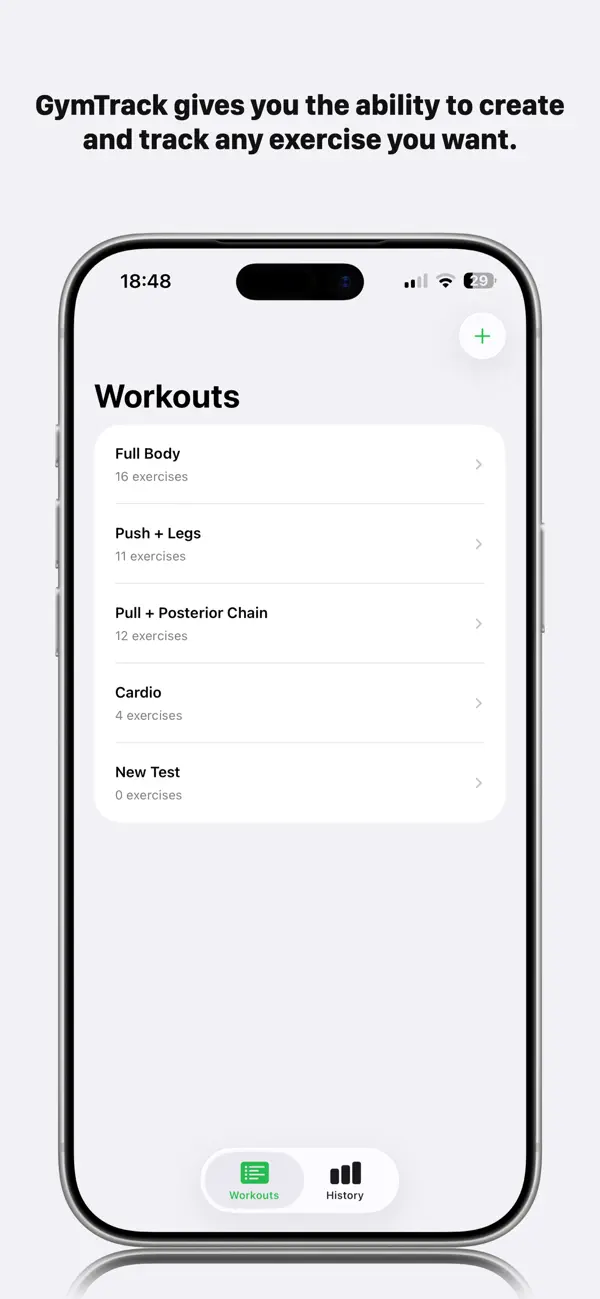
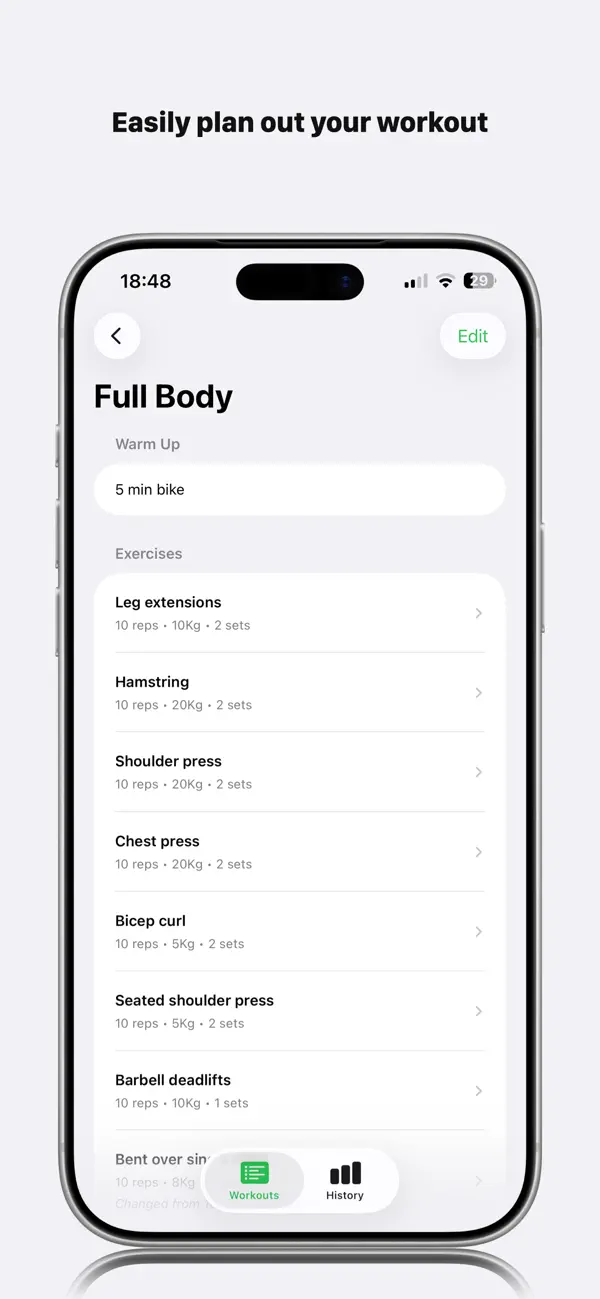
GymTrack by LMTB
iOS Universel / Forme et santé
Stop juggling your phone, notebook, or memory mid-workout.
GymTrack keeps your training simple, focused, and flowing, right from your Apple Watch.
Built for real workouts, not scrolling.
How it works:
Glance at your next exercise
Tap when you’re done
Move straight on
No clutter. No friction. Just progress.
Why you’ll love it:
Watch-first design, everything you need on your wrist
Stay in the zone, no breaking focus to check your phone
Simple & fast, built for speed between sets
Reliable tracking, always know what’s next
Whether you’re lifting, circuit training, or just getting back into the gym, GymTrack keeps things moving.
Perfect for:
Busy gym environments
Quick sessions between work
Anyone who hates stopping to log workouts
Apple Watch users who want simplicity
Train smarter. Stay focused. Glance. Tap. Move.
Quoi de neuf dans la dernière version ?
History — Complete Redesign
The History tab has been rebuilt from the ground up. It now opens as a list of your workouts, tap any one to see that workout's full progress history in isolation — no other workouts mixed in.
Exercise Progress Charts
Each exercise gets its own clean line chart showing real weight progression over time. Charts open showing your most recent 8 weeks and scroll left to reveal your full history back to your first session — ideal for spotting those early steep gains.
Manual Backdated Entry
Log sessions you completed before the app was tracking them. Tap the + button inside any workout's history page, pick a past date on the calendar, select the exercise and enter the weight you used. Backdated entries feed straight into your progress charts so your full journey is visible from day one.
Exercise Type & Category — Now Saves Reliably
Fixed a bug where edits to an exercise (weight, reps, sets, category) were not always saved or pushed to Apple Watch. Changes now persist immediately the moment you tap Save and sync to your Watch within seconds.
Exercise Categories
Each exercise can now be tagged as Push, Pull, Legs, Core or Cardio — used to organise your progress charts by workout structure.
Clear History
A trash icon in the History tab lets you wipe all recorded sessions with a single confirmation, useful when starting fresh with properly categorised exercises.
CSV Export
Export your full workout history as a CSV file to share or analyse in any spreadsheet app.