• KultureGeek
  • Comparateur de prix
       
iPhoneAddict
 iAddictv5Notre Application iPhone/iPad
  • Accueil Apps
  • Actualité Apple
  • Keynote Apple
  • Firmwares & iTunes
  • Contactez-nous
Accueil » Liste des Apps » Apps iPhone » Forme et santé » Lap Tracking Companion
L'application n'est plus disponible sur l'App Store français
1.1.4 iOS €Gratuit Underwater Audio LLC 0 0 Combined with the Apple Watch Swimbuds Kit by Underwater Audio, the Lap Tracking app simplifies the task of counting your laps as you swim, leaving you to focus on swimming. The Apple Watch Swimbuds Kit includes a Clipi for attaching the Apple Watch...
Lap Tracking Companion

Lap Tracking Companion

iPhone / Forme et santé

Gratuit
Obtenir sur l'App Store

Combined with the Apple Watch Swimbuds Kit by Underwater Audio, the Lap Tracking app simplifies the task of counting your laps as you swim, leaving you to focus on swimming. The Apple Watch Swimbuds Kit includes a Clipi for attaching the Apple Watch to your goggles, an Uku for connecting wirelessly to your Apple Watch, and a pair of Swimbuds waterproof headphones for listening to music and real-time feedback while you swim.

The Lap Tracking app records lap count, lap time, overall swim time, and calories burned continuously in-app while you exercise, giving you real-time feedback as you swim. The Lap tracking app integrates with CareKit to enable you to keep track of your health data. The Lap Tracking app also syncs with the Health app seamlessly to record your workouts by integrating with HealthKit.

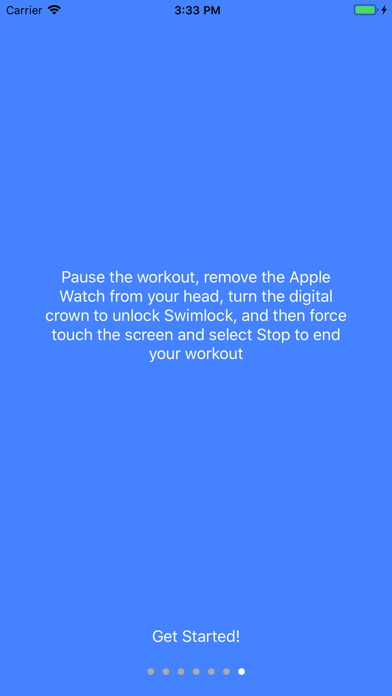
To record your workout, open the app, then press Home. Attach the Apple Watch using your Clipi to your goggles, and tap anywhere on the screen to start. It’s that simple to begin tracking laps! When you want to take a break, simply press the digital crown and the side button simultaneously to pause the tracking. Press both buttons again to resume your swim. When you are finished, remove the Water Lock by spinning the digital crown, then force touch the screen and select stop to end your workout. Use the Settings option on the main screen of the app to choose how often you want to hear audio feedback, from every lap to never.

En voir plus...

Quoi de neuf dans la dernière version ?

Fixed issue with older datasets

  • Screenshot #1 pour Lap Tracking Companion
  • Screenshot #2 pour Lap Tracking Companion
  • Screenshot #3 pour Lap Tracking Companion

Note

(0 note)

Détails sur l'application

Version
1.1.4
Taille
39.6 Mo
Version minimum d'iOS
11.3
Dernière mise à jour
11/10/2018
Publié par
Underwater Audio LLC

Newsletter App Store

Recevez chaque jour les meilleures promos

Actualité Apple

Image Affaire Epstein : le nom de Tim Cook apparaît dans des emails liés à d’anciens dirigeants de la tech (oui mais …)
Affaire Epstein : le nom de Tim Cook apparaît dans des emails liés à d’anciens dirigeants de la tech (oui mais …)
Image Apple accélère la génération vocale par IA sans altérer la qualité
Apple accélère la génération vocale par IA sans altérer la qualité
Image Apple ne signe plus iOS 26.2 : restauration et mise à jour bloquées
Apple ne signe plus iOS 26.2 : restauration et mise à jour bloquées
Image iTunes connaît encore du succès et Apple mise dessus
iTunes connaît encore du succès et Apple mise dessus
Partenaires : Actualité iPhone - Culture Geek
©2009-2026 i2CMedia | A propos |