Lite Workout AR
iPhone / Forme et santé
You can choose from 6 unique exercises. With the Apple Watch app, heart rate and calories burned are displayed on your iPhone during workout.
Here are the types of workouts:
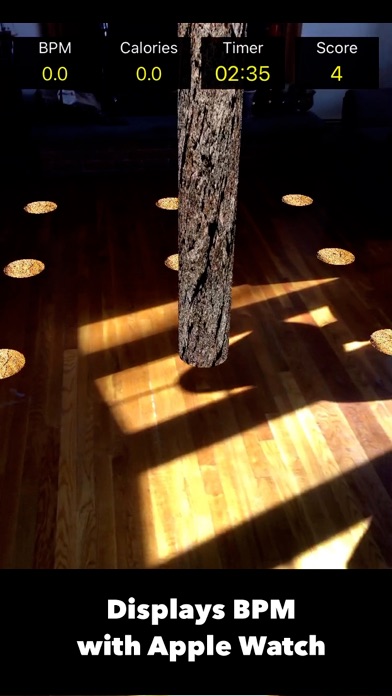
- Log Smash : Move around quickly and smash logs
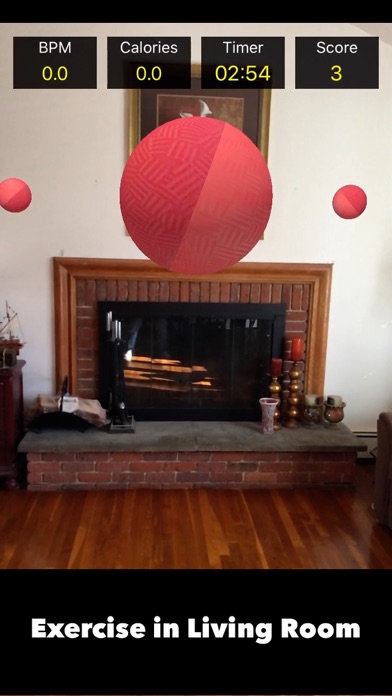
- Dodgeball : Dodge the balls from hitting you by moving left to right
- Cross Belt : Cross the belt from one end to the other without crashing into the moving boxes
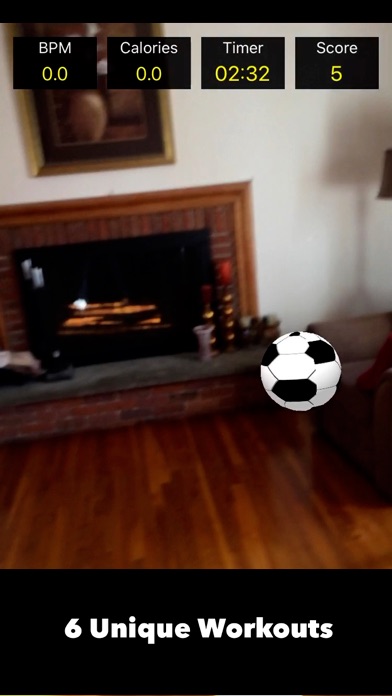
- Goalkeeper : Move left to right, up and down to block the soccer ball from shooting for goal
- Stepping Stones : Jump left to right on moving stepping stones alternately
- Bouncy Balls : Avoid colorful bouncy balls from hitting you by moving around
There are 3 levels in each workout. "Level1 : Easy" is the slowest pace and "Level3 : Hard" is the fastest pace. Select an appropriate level.
Set a time from 3minutes, 5minutes and 10 minutes in each workout. You can pause the workout by tapping the "pause" button anytime. Tap the "Resume" button to continue.
For more info, tap the "?" button on the iPhone to see the "HOW TO" page. For instructions on how to do each workout, select a workout, then tap the "?" button.
This Apple Watch app is designed to sync with Apple's Health app, Activity Ring and the health and workout data. By using the Apple Watch app, heart rate and calories burned are displayed on the iPhone during the workouts.
How to display heart rate and calories on the iPhone:
- Download the Apple Watch app and sync your iPhone.
- Start iPhone app and grant the app to access (read and write) the Apple's health data(Workouts, heart rate, calories burned).
- Can update the status of grant or reject to access health data anytime. However, without the permission, the app cannot display heart rate and calories burned. (The data is stored on your device locally. We DO NOT transfer the data to any other places. See the Privacy Notice for the detail of your privacy.)
- Choose a workout, a time and a level on the iPhone. Then the Watch App will be awaked and start monitoring without tapping on the Watch app. Heart rate and calories will start to display on the iPhone app and Watch app.
- In case the Watch App does not start or not sync iPhone, tap the "Reset" button on the iPhone and try again.
- Find a flat surface on the floor until blue mesh shows up. Then tap the blue mesh to start the workout.
- By tapping the "Pause" button on the iPhone, the Watch app pauses monitoring heart rate and calories. Tap the "Resume" button to continue.
- When the time is up, the Watch app pauses the monitoring. Choose either "Continue" or "Finish" on the iPhone.
- If you chose "Continue", select a workout, a time and a level, then the Watch app resumes monitoring.
- If you chose "Finish", the Watch App will end monitoring and show the summary and a "Done" button. Tap "Done" on the Watch App to finish it.
- In case heart rate, calories or monitoring status are not updated on the iPhone, glance at the Apple Watch to awake it.
- The calories burned is the estimated calories based on the assumption that the workouts are equivalent to indoor walking.
Quoi de neuf dans la dernière version ?
Bug Fixes.