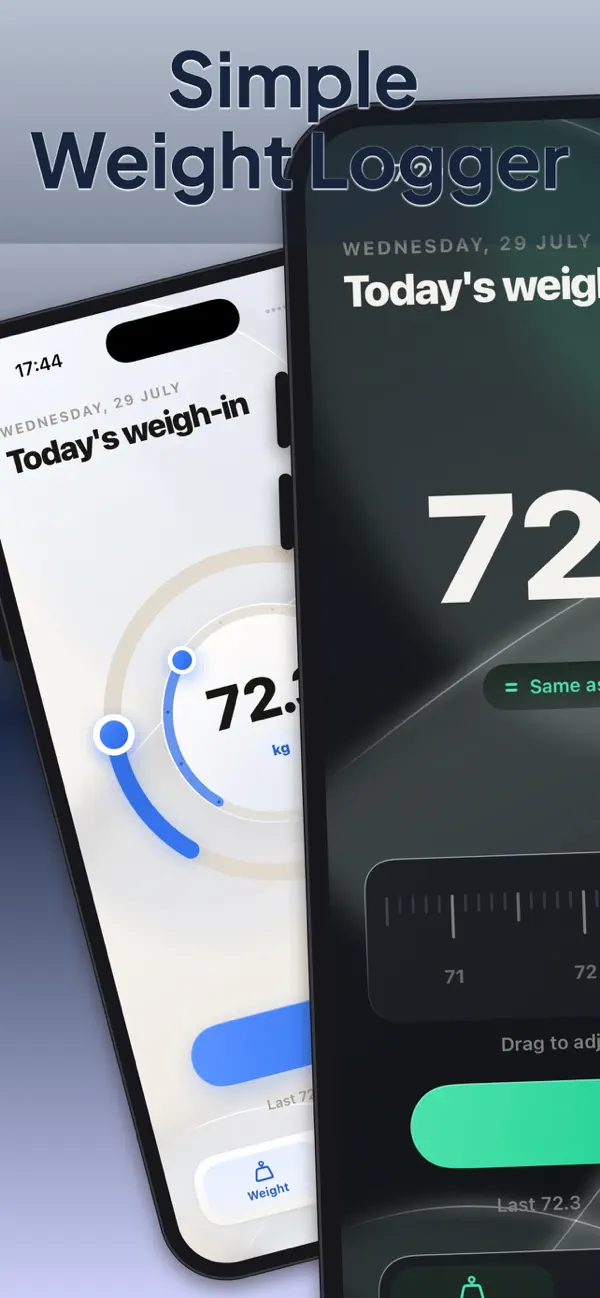
Simple Weight Logger
iOS Universel / Forme et santé
Tired of bloated fitness apps? WeightLogger does one thing perfectly: weight tracking.
While other apps overwhelm you with features you'll never use, WeightLogger focuses on what actually matters - quickly logging your weight and beautifully visualizing your progress.
Finally, A Weight App That Gets It.
NO BLOAT. NO DISTRACTIONS.No meal planning. No workout tracking. No social features. No subscription fees.
Just pure, elegant weight tracking that works instantly.
YOUR WEIGHT, YOUR WAYChoose your perfect input method:
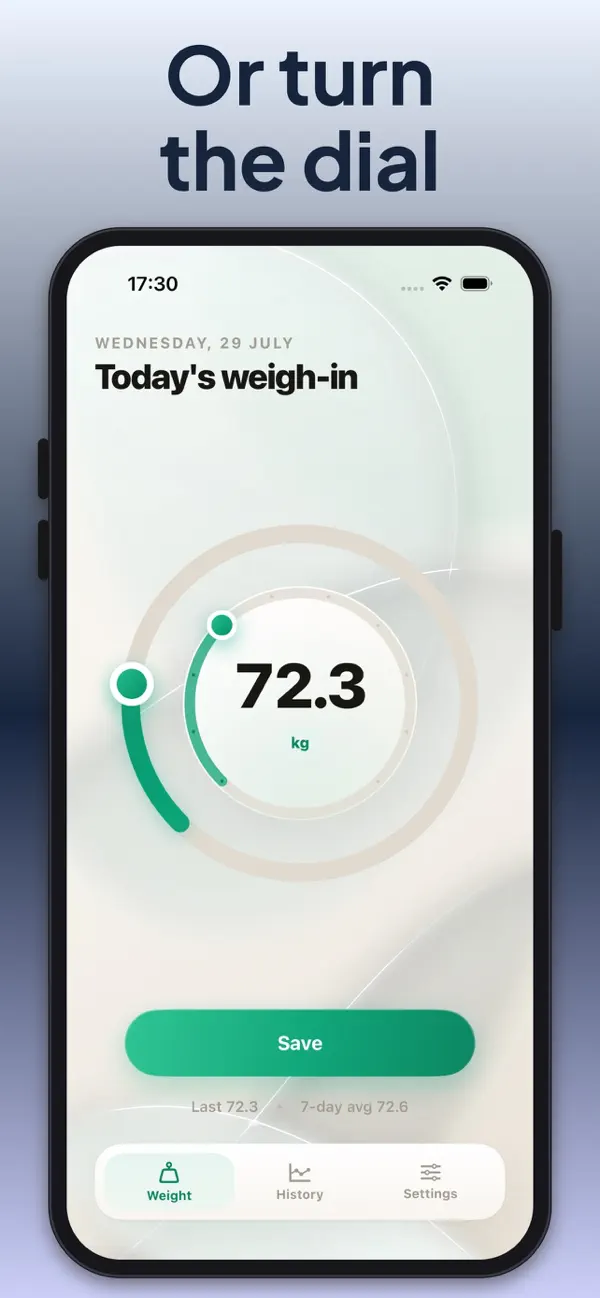
• Circular Dials - Satisfying rotary controls
• Smooth Sliders - Effortless adjustments• Number Pad - Direct entry like a calculator
• Wheel Picker - Classic iOS simplicity
• Steppers - Precise +/- controls
DATA THAT ACTUALLY HELPS
Beautiful charts that show your progress at a glance:
• Multiple chart styles with gorgeous gradients
• Filter by time periods (7 days to all-time)
• Instant trend analysis without complexity
• Your data, visualized beautifully
APPLE HEALTH? HANDLED.Seamless two-way sync with Apple Health. Your weight data flows automatically between apps - no manual work required.
Premium Experience, Zero Bloat
• Haptic feedback that feels incredible
• Smooth animations that delight
• Light and dark modes with subtle gradients
• Works perfectly on iPhone and iPad
What Users Are Saying:
"Finally! A weight app that doesn't try to be everything to everyone."
"Love how fast I can log my weight and see my progress."
"Beautiful design without the overwhelming features I don't need."
Stop fighting with complicated apps. Start tracking your weight the simple way.
Download WeightLogger - because sometimes less really is more.
---
Requires iOS 26 or later.
No subscriptions.
No ads.
No bloat.
Quoi de neuf dans la dernière version ?
Version 2.1.0 Weight Logger has been redesigned from the ground up.
The weigh-in screen is now the number itself, with the change since your last entry right under it. One tap saves it.
NEW WAYS TO ENTER A WEIGHT
- Ruler: drag to the tenth
- Dial: kilos on the outer ring, tenths on the inner
- Number pad, steppers, wheel and slider, all rebuilt
Pick one in Settings and switch whenever you like.
HISTORY AT A GLANCE
- Your chart, the latest figure and the change over the period, in one card
- Seven-day average and total entries
- Swipe any entry to edit or delete it, right in the list
MADE YOURS
- Opens in dark. Light and Auto are one tap away
- Four accent colours
- Haptics you can switch off
ALSO FIXED
- Pounds read the same everywhere now, with no mixed pounds-and-ounces
- Editing an entry adjusts the unit you are actually using
- The selected input style is visible again
- History no longer calls an older weigh-in today's