Pixel Art by Amora
iPhone / Graphisme et design
I'm a pixel artist and a programmer. For more than 30 years, I kept switching between Procreate and Aseprite. One felt like home for drawing, the other felt like home for animation. I wanted both. So I built it.
Built for speed.
No AI. No unnecessary complexity. Every tool exists to help you draw faster, animate faster, and stay focused on your art.
Two worlds, one app.
Your finger navigates. Your Apple Pencil draws. No mode switching, no accidental strokes. Just the way it should feel.
The tools you already know.
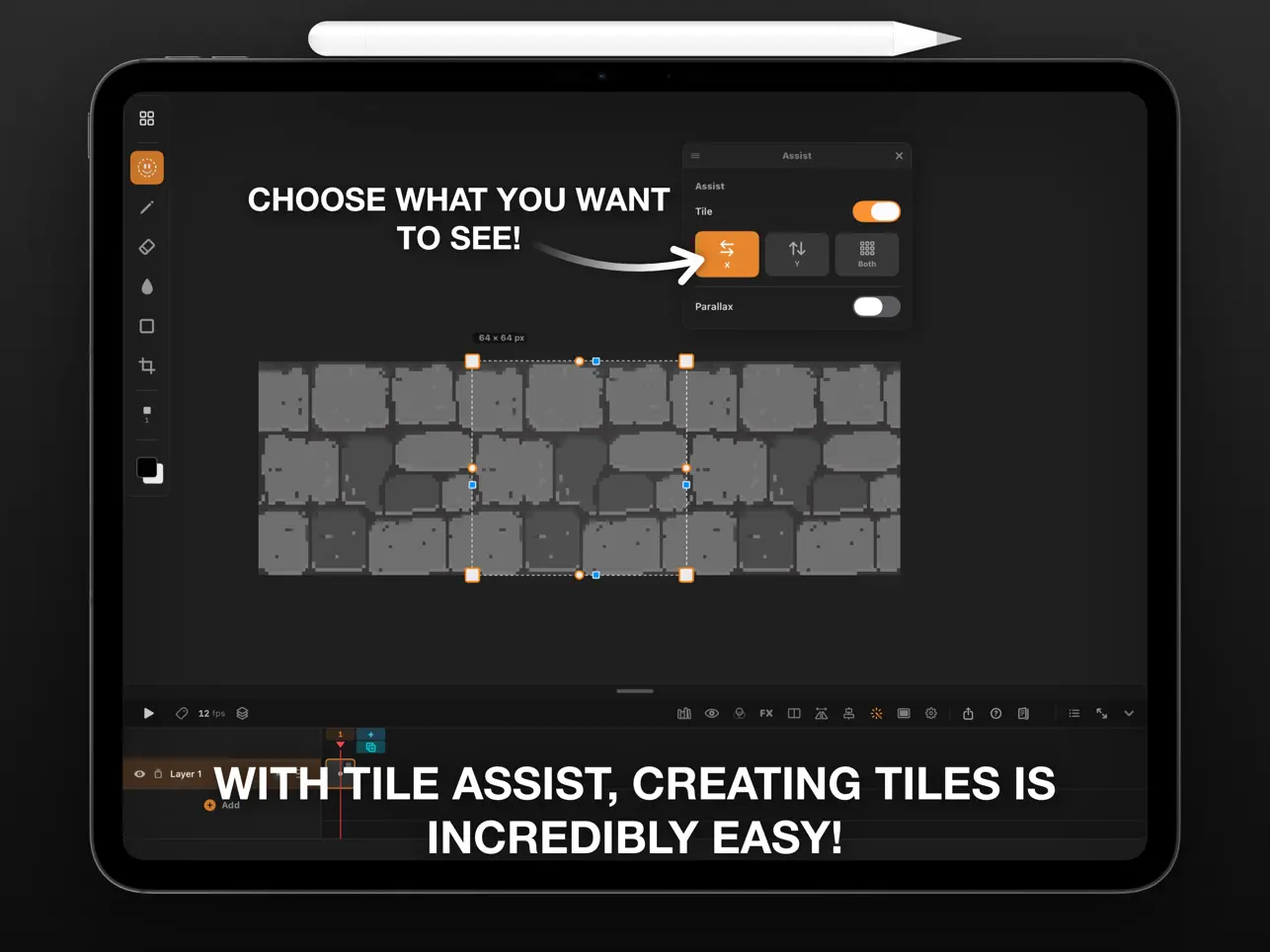
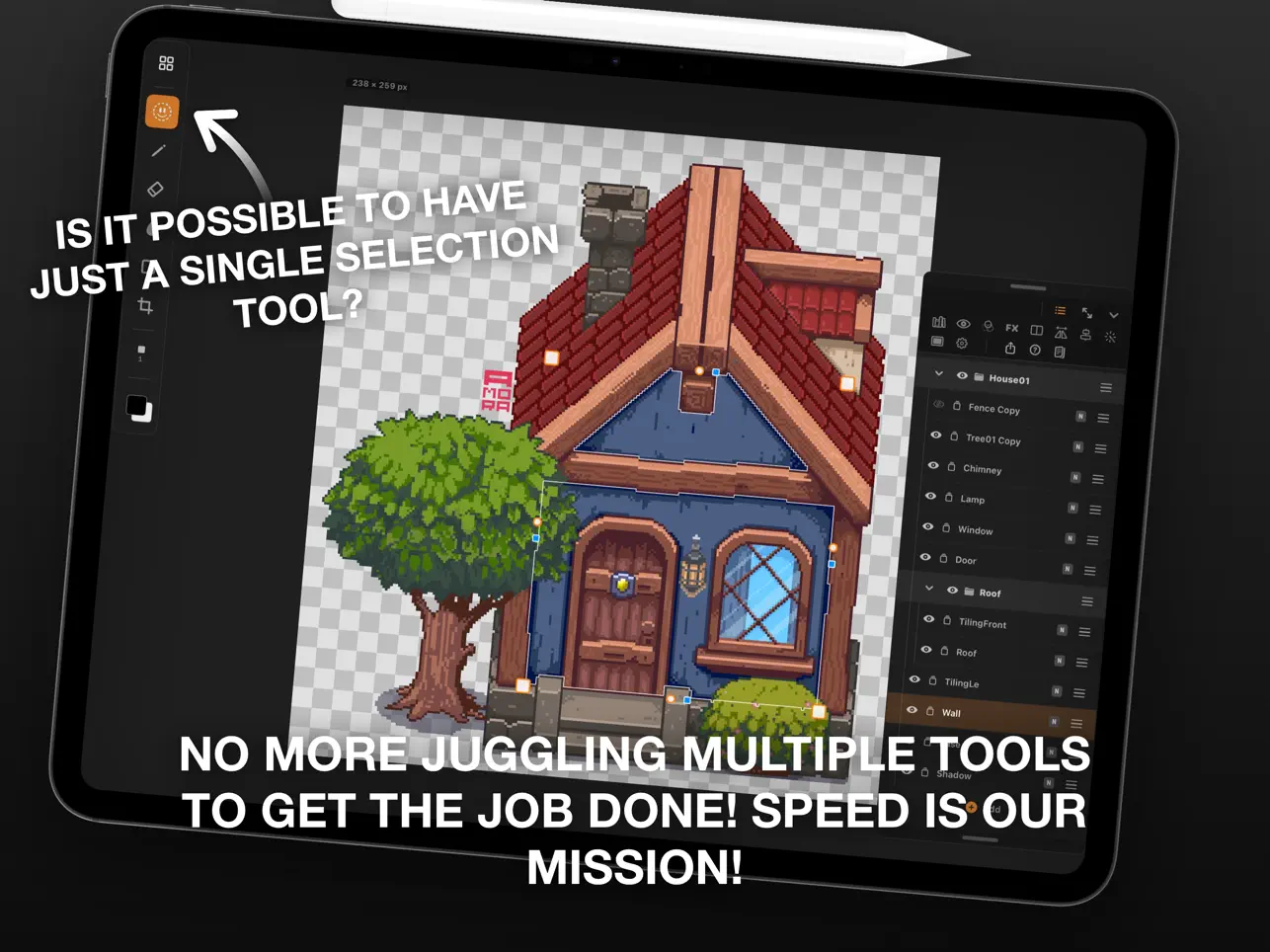
Color Picker? One tap anywhere on the screen. Quick Shape? Hold your stroke, just like Procreate—but made for pixel art. Layers, frames, onion skinning, blending modes, fill, symmetry, and everything you'd expect from a professional desktop editor, now on your iPad.
Works with your workflow.
Import projects from Aseprite and other popular pixel art apps. Keep creating with the tools you already love.
Compatible with the best.
Designed to work alongside the industry's leading pixel art software, making it easy to move between devices and applications.
Your art. Your library.
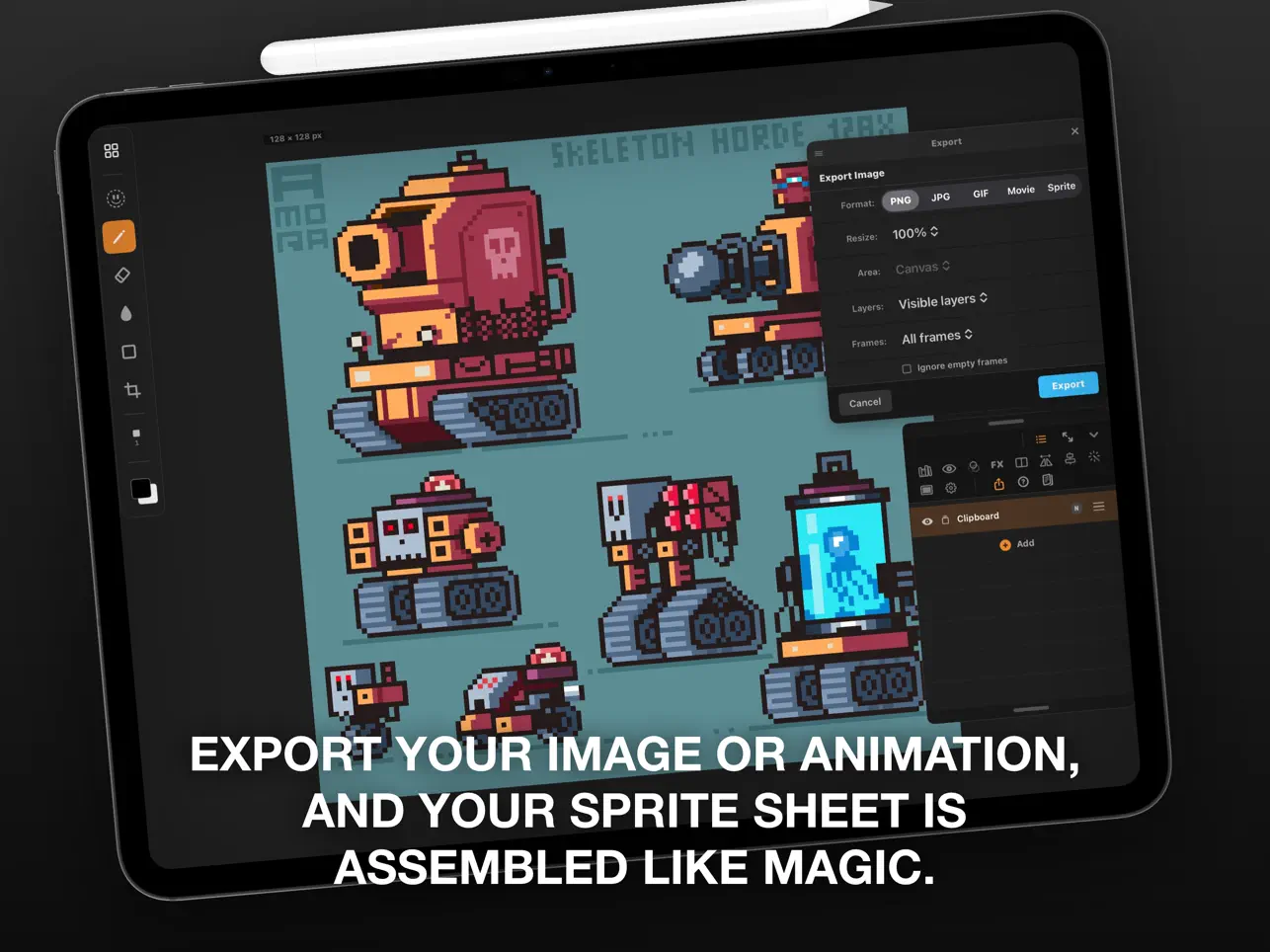
Browse hundreds of CC0 sprites with no attribution required, or build your own personal asset library and reuse your creations in any project.
Buy it once. Own it forever.
No subscriptions. No in-app purchases. Just the complete app.
Made by a pixel artist, for pixel artists.
Now go create something amazing.
**Launch pricing — limited time.**
Quoi de neuf dans la dernière version ?
What's New: PixelArt by Amora 1.3
New shapes and Shape Controls:
New iso stairs tool: draw the base, raise the height and sculpt pixel perfect steps with the new handle
Iso ellipse now extrudes into a lying cylinder
Cube gets its center edge plus stackable divisions
Rounded corners on rectangles and diamonds, height extrusion on every shape
9-slice scale on selections (Unity Sliced style): stretch a sprite without breaking its corners
Brushes:
Brush tip, FX and Shading are now independent axes that combine freely
New Spray brush, Aseprite style, works with shading too
Pressure now drives the shading size
Glow became its own FX section: crossing strokes stack light
Shading locks one tone per stroke for clean, deliberate shades
Colors mode keeps your palette saved between sessions
Workflow:
Time-lapse recording: capture your whole session and export it as a 30s to 5min video
Double tap on empty space selects every object on the layer
Global bucket mode: replace a color everywhere with one tap
Delete in the three finger menu, respecting the selection mask
Tap to seek on the size slider
Fully updated in-app help, now covering every tool
Maximum effort!